Own Your Own AI Site in 5 Minutes - Build a Profitable White Label Studio from Scratch

A completely branded white label AI site - chat, image generation, music, and video all included

Let me ask you a question: If one day you could have an AI website as powerful as studio.acedata.cloud — with chat, image generation, music creation, and video production — but it carries your brand, your domain, and your pricing, where every penny spent by users is related to you, would you be willing to spend 5 minutes to set it up?

This is not a hypothetical scenario. This is the white label (sub-site) feature of Studio, and it can be done right now. And when I say "5 minutes," I’m not exaggerating — no coding, no server rentals, no payment integrations, and no need to connect to any models.

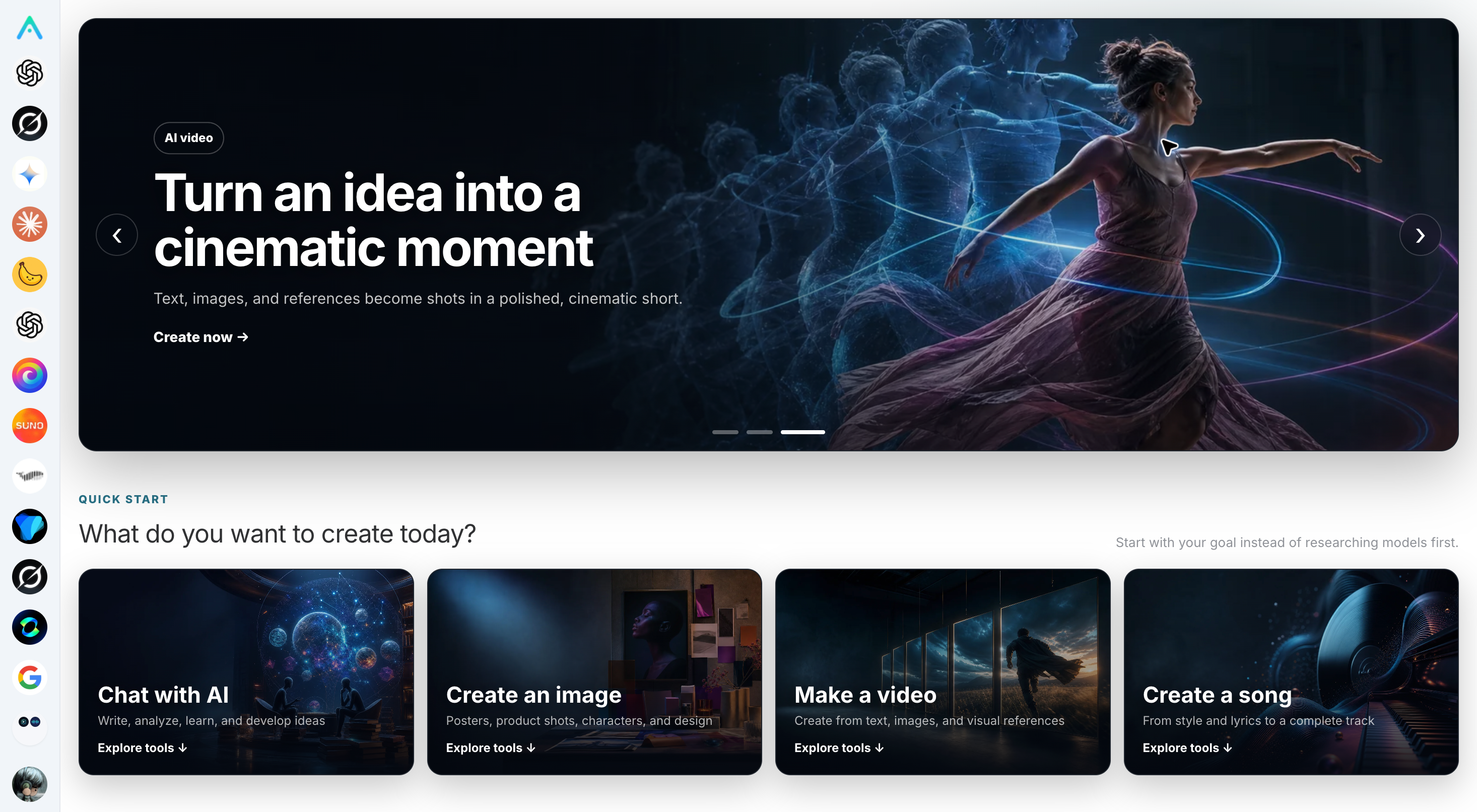
AI capabilities integrated into Studio: chat, image generation, music creation, and video all on one webpage

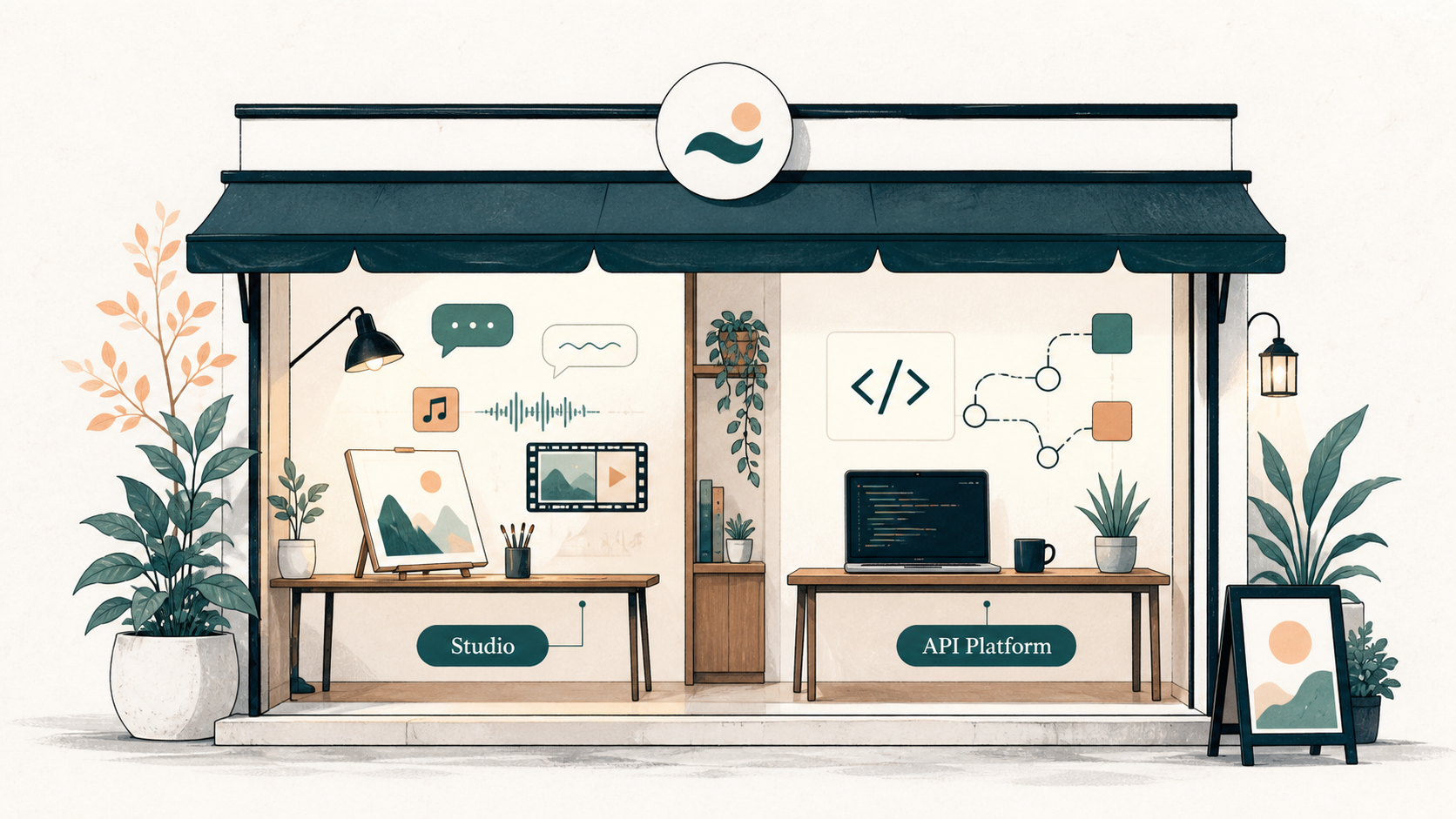
Your white label site comes with this entire set of capabilities — all inherited from the main Studio site; you just need to decide "which ones to enable and at what price."

This article is the first in the white label series, and I will first help you understand the whole thing: what it is, why it’s worth doing, and how to get it up and running. The following articles will guide you step by step through each aspect.


First, Clarify: What Exactly is a White Label Site

In one sentence: It does not require you to redeploy a website; instead, it allows the main site to dynamically load "your configuration" based on the accessed domain.

   yourname.studio.acedata.cloud ──► Studio Main Site
   (or your own domain)            + your branding/pricing/function configuration ──► Shared platform models, computing power, ledger

There’s a particularly nice aspect to this design: When the main site upgrades, your site automatically upgrades. When we release new models, fix bugs, or add new features, you don’t have to do anything; your users will be able to use them the next day. You will never find yourself stuck in the quagmire of "pulling code, rebuilding, and not being able to run" like those who fork open-source code and deploy it themselves.

What you own is a layer of your own assets:

  • An independent subdomain (like acme.studio.acedata.cloud), or simply bind your own domain;
  • Your logo, site name, theme color, and customer service contact information;
  • You decide which AI capabilities to enable or disable;
  • You set how much more to charge on top of the official price;
  • All users registered on your site belong to you.

And the heavy and expensive components — dozens of model integrations, GPU computing power, payment channels, risk control, points ledger, multilingual support — continue to be handled by the platform.


Who is Suitable for This

I have seen several types of people who use it very smoothly:

  • Agents/Distributors wanting to create AI SaaS: They don’t want to reinvent the wheel from scratch and prefer to have a ready-made product to sell;
  • Service companies: They want to provide clients with a "dedicated entry point" to appear professional, rather than just sending a link to someone else's site;
  • ISVs creating vertical industry solutions: They want to customize a clean version that retains only the necessary capabilities for a specific industry (education, e-commerce, self-media);
  • Content creators with traffic: Instead of repeatedly promoting others' products, they prefer to direct traffic to their own site and build their own user base.

If you belong to one of these categories, this path is likely easier than you think.


How It Helps You Make Money

First, let’s clarify a point that is often confused: The revenue from the white label site operates on a unified "distribution commission" from the platform, not by letting you "profit from the price difference." The "markup" you can adjust on the sub-site serves to raise the transaction amount, and your commission rate is applied to this transaction amount — so the higher the markup, the more money you earn from the same commission rate. When the same cake gets bigger, and you cut it at the same ratio, your piece naturally becomes larger.

Breaking it down into two statements makes it clear:

First layer — Markup, determines "how big the cake is." The platform prices this order at the official rate, and you can set a markup percentage on the sub-site; what users actually see and pay is the transaction amount after the markup. There is a cap on the markup range (up to several times the official price), but it does not go directly into your pocket — it merely raises the calculation base for the subsequent commission.

Second layer — Distribution commission, determines "how big a piece you get." Users registered on your site will be linked to you (based on the default ownership configuration of the site, which will be discussed in a later article). Every transaction they make will return a commission to you based on the platform's actual distribution tier percentage. This percentage is the real source of revenue and the only profit engine for the white label.

The commission percentage follows a 13-tier ladder: it is determined by the cumulative spending of all your customers, starting at 10%, and increases as you go up, and it only goes up, never down. (The specific tiers and how to calculate "if you were invited by someone else" in a two-tier split will be explained in detail in "What to Sell and at What Price.")

So the correct revenue formula is:

Your commission ≈ Transaction amount after markup × Your current tier's commission percentage

Markup increases the left side of the equation, and the tier increases the right side percentage — both pushing upwards, maximizing your share.

Regarding the price increase, let me say a few words about the current situation: the price increase can either set a uniform ratio for the entire site or support setting it individually for each service. A unified site-wide approach is the easiest starting point, and you can refine it by adjusting individual services later. The pitfalls and ideas around pricing, I will explain thoroughly in "What to Sell, How Much to Sell."


How to Get Started (Each step has a dedicated article later)

First, here’s a panoramic view to give you an idea. The real details of getting started are broken down in the following articles:

The white label control center in the Studio settings popup: Site Settings, Price, Capabilities, Auth, Custom Domain, Distribution listed one by one

The image above is the place you need to find—after logging into Studio, click the gear icon in the lower right corner to open the settings popup. This is the entire control center for the white label, with a navigation bar on the left: General / API Key / Memory / Site Settings / Price / SEO / Distribution / Capabilities / Auth / Custom Domain / About. To configure a site that belongs to you, you mainly need to use the Site Settings, Capabilities, Price, Auth, Custom Domain, and Distribution sections.

  1. Build a Site: Log into Studio → Settings, and in a few seconds, you will have access to yourprefix.studio.acedata.cloud. → See "Building a Site: From 0 to Launch" for details.
  2. Change Branding: Upload Logo, Favicon, change site name, theme color, and customer service. → See "Custom Branding: Make It Look Completely Yours" for details.
  3. Bind Domain (optional but strongly recommended): CNAME your own domain, and the platform will automatically issue an HTTPS certificate. → See "Binding Your Own Domain" for details.
  4. Select Capabilities + Pricing: Choose the AI services you want to sell and set your price increase. → See "What to Sell, How Much to Sell" for details.
  5. Hide Platform Traces: Replace Logo/name/icon/theme color/domain, even the SMS signature can be changed to yours. → See "One-Click to Hide Platform Traces" for details.
  6. Make Customers Yours: Configure default ownership to ensure that visitors are registered under your name after signing up. → See "Ensuring Every Visitor Belongs to You" for details.

A small limitation to mention upfront: each account can currently create a maximum of 5 sub-sites. This is sufficient for most people—if you really want to scale, doing one well is much better than having five mediocre ones.


About "Completely Trace-Free," I Want to Be Honest with You

I know what you are thinking: Is it possible to make users feel that this is not Ace Data Cloud?

The good news is that most customizable areas can now be customized: Logo, site name, icon, theme color, your own domain (CNAME + automatic HTTPS is now fully supported), and even the SMS signature for phone number login can be changed to yours. Users will hardly notice the underlying platform during normal browsing, chatting, generating, and ordering processes.

But I must be honest: it is not yet 100% trace-free. There are still these two boundaries:

  • The login process still goes through the auth.acedata.cloud domain (the brand and login method can be changed, but the domain field at that moment has not been changed);
  • The API domain and CDN resource domain for developers are still the platform's and cannot be changed to your own.

I am telling you this honestly because I do not want you to make promises to clients with an expectation of "completely trace-free," only to be slapped in the face by some corner. The current situation is: it feels enough like your own site, but it is not seamless yet. We are continuously working on this, and it will become cleaner over time.


You Can Start Now

After saying all this, it’s time to take action.

Open studio.acedata.cloud, log in using any method, and click the gear icon in the lower right corner to access settings—all configurations for the white label are in this popup.

Starting from the next article "Building a Site: From 0 to Launch," I will guide you to get it truly up and running.

I have always believed that the best position in this wave of AI is not to stand on the shore watching, but to hold something of your own. The white label is that lowest threshold, yet truly belongs to you "own thing."

In 5 minutes, get it built. The rest, we will take step by step.