
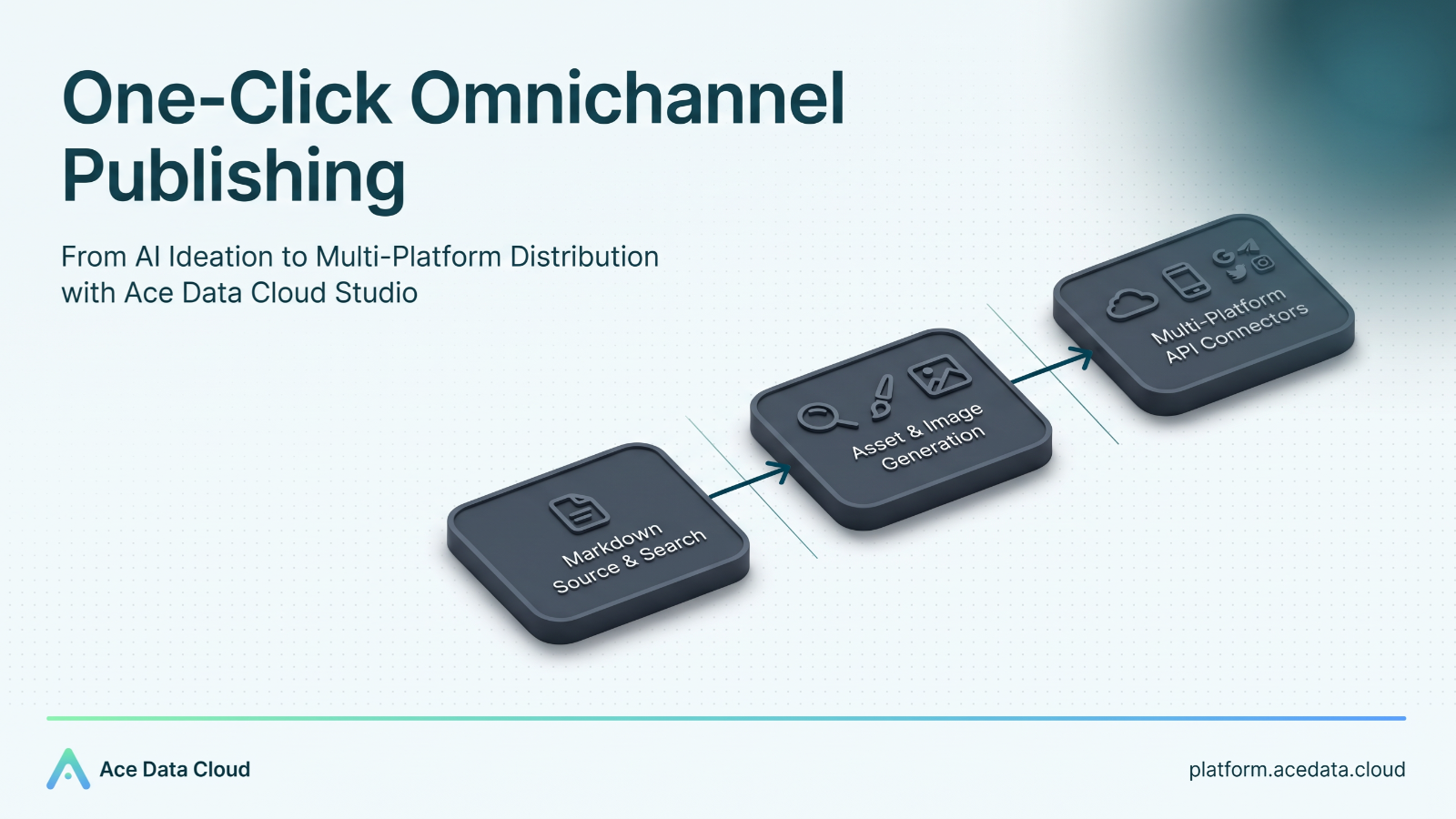
As a developer, nothing is more exciting than finally seeing your open-source project welcome a major version update and get pushed to GitHub after staying up for several nights!
But after the excitement, the real torture has only just begun: writing a technical release blog and distributing it across the entire web.
¶ The Pain of Releases in the Past: 30 Minutes Writing, Two Hours Publishing
My release routine used to basically look like this:
- First, struggle to write a technical release summary in a local Markdown editor.
- Open Google and Juejin, manually search around to check the current state of competitors for comparison, wasting time and effort.
- Find that the article is all text and too dull? Then open an image generation tool to fiddle with Prompts for illustrations and save them locally.
- The most painful distribution stage arrives: open Juejin, CSDN, personal Blogger, the WeChat Official Account backend, respectively...
- Manually copy, paste, readjust formatting, upload images, and troubleshoot layout misalignment one by one. And when the WeChat Official Account formatting engine still does not recognize standard Markdown syntax, there is no choice but to patch it up again.
Writing code is already brain-burning enough, who wants to waste their life on “copy-paste magic” and cross-platform migration?
This time, I decided to be completely lazy—directly using Studio under Ace Data Cloud to turn the whole process of “researching materials, writing, generating images, and one-click publishing across multiple platforms” into something that can be done in one sentence!
¶ Meet This Powerful Tool: Ace Data Cloud Studio and the Connector Ecosystem
Simply put, Ace Data Cloud's Studio is not only a conversation platform that aggregates cutting-edge AI models; its most powerful feature is that it natively connects to massive tool capabilities:
- Top-tier large model matrix: Freely choose core models such as GPT-6 Astra and Claude 5.5.
- Real-time web search (SERP): Say goodbye to large model hallucinations and search industry competitors and the latest documentation online in real time.
- AI visual creation: Seamlessly call the latest image generation models to directly customize high-definition illustrations based on the article topic and technical tone.
- All-platform connectors (Connectors): Bind accounts such as WeChat Official Accounts, Juejin, CSDN, Blogger, and GitHub through connectors, allowing AI to directly operate the publishing backends on your behalf.
Before getting started, you only need to configure the connectors for the platforms you need to distribute to in the backend. If you still have not figured out connectors, you can first check the official guide:
👉 Click to view the connector usage and configuration guide
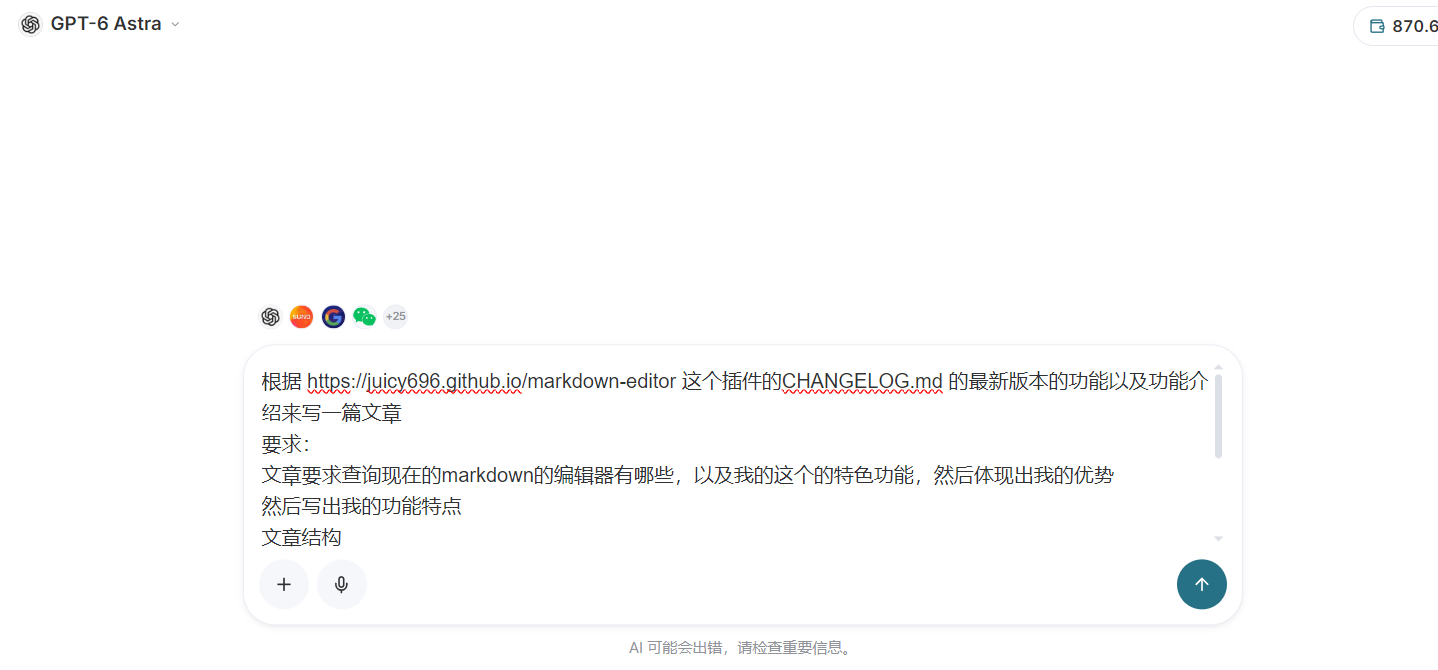
After configuration, directly open Ace Data Cloud Studio. The workspace interface is very clean and straightforward; enter the topic and requirements you need to create:
¶ Hands-on Practice: One-Sentence Requirements, Let AI Handle the Entire Release Workflow
After entering Studio, I directly threw the open-source project link and requirements at it all at once:
根据 https://juicy696.github.io/markdown-editor 这个插件的 CHANGELOG.md 的最新版本的功能以及功能介绍来写一篇文章。

要求:
1. 文章要求查询现在的 Markdown 编辑器有哪些,分析我的特色功能并体现其特色和优势;
2. 详细介绍我的功能特点;
3. 文章结构:
   - 先了解这个行业并写行业痛点与解决方式;
   - 引用实际案例;
   - 生成并插入至少 2 张科技感渐变背景的配图;
4. 针对掘金与 CSDN 的读者习惯撰写,语气接地气、专业,去除 AI 味;
5. 审核通过后,直接通过连接器帮我推送到掘金、微信公众号和 Blogger 等平台!
Breaking down this task, manual operation would require juggling several tools:
- Crawling online open-source documentation: Read the official website and
CHANGELOG.md, and accurately extract the updates; - Web-wide competitor research: Search online for existing mainstream editors (such as Editor.md, Toast UI, VDitor, etc.) and output comparisons;
- Visual design: Instantly generate 2 illustrations and a cover image according to the technology-oriented requirements;
- Customized polishing: Remove the stiff AI tone and align with the style of Juejin and technical communities;
- Multi-platform distribution execution: Directly call the API / plugins of each platform to automatically publish articles.
But in Studio, all of this is completed end-to-end within a single conversation, with no need to repeatedly jump back and forth between more than a dozen browser tabs!
¶ How Did AI Help Me Deconstruct the Project?
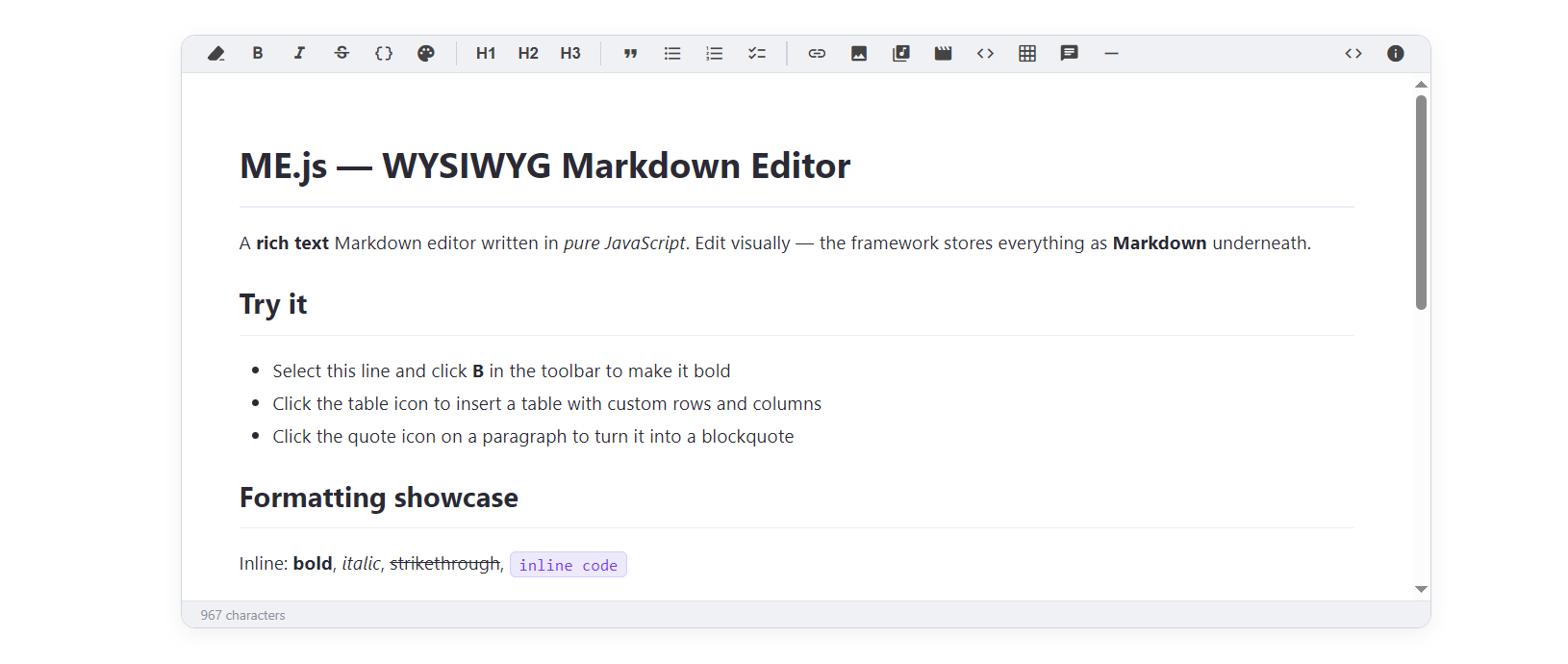
After waiting briefly, Studio not only completed the organization of the article outline and content, but also distilled the core advantages of my project—ME.js (Markdown Editor)—to the fullest:
¶ Why Was ME.js Created? What Does It Solve?
Markdown editors on the market today are severely polarized: they either heavily depend on bloated frontend frameworks (with packages easily reaching several megabytes), or they are traditional “write syntax on the left, preview in two columns on the right” tools, which have an extremely high barrier for business users unfamiliar with Markdown.
And ME.js takes the path of extreme lightweight design:
- True zero dependency and single file: The core source code is under 60 KB, with no need for complex
npm buildprocesses; introduce one<script>and it can run immediately. - Pure “what you see is what you get”: When editing, the page looks as intuitive as Word. You can select text to make it bold, change its color, or insert tables, while the underlying storage and synchronized output remain clean, standardized Markdown syntax.
- Native support for multiple frameworks: It not only supports pure native Vanilla JS, but also provides officially packaged Vue 3 (
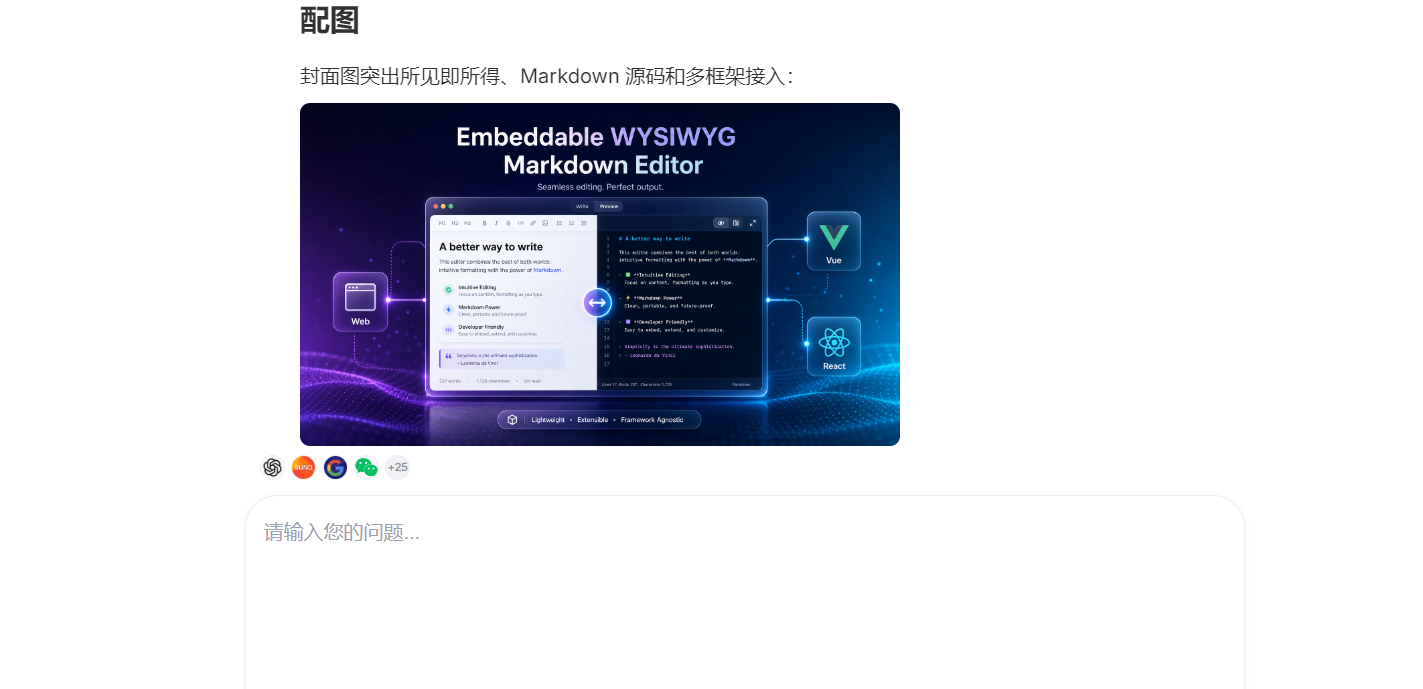
me-vue.js) and React 18 (me-react.js) standalone single-file versions, withv-modelavailable out of the box. - Complete rich media support: Directly paste screenshots from the clipboard to upload them or convert them to Base64; it also supports direct audio/video embedding and one-click table customization. For these features, Studio not only wrote a highly down-to-earth release recommendation article, but also automatically generated high-definition illustrations and a cover image with a strong technological feel:
¶ The Ultimate Move: One-Click Push, Simultaneous Publishing Across All Platforms!
After the content and illustrations are ready, the real magic moment arrives—tell Studio: “Everything is correct, start publishing.”
Through the previously configured connectors, AI begins automatically running the publishing workflows for each platform in the background:
¶ 1. Publish to Juejin
Studio automatically adapted to Juejin’s formatting standards, included the generated cover image, and added tags:
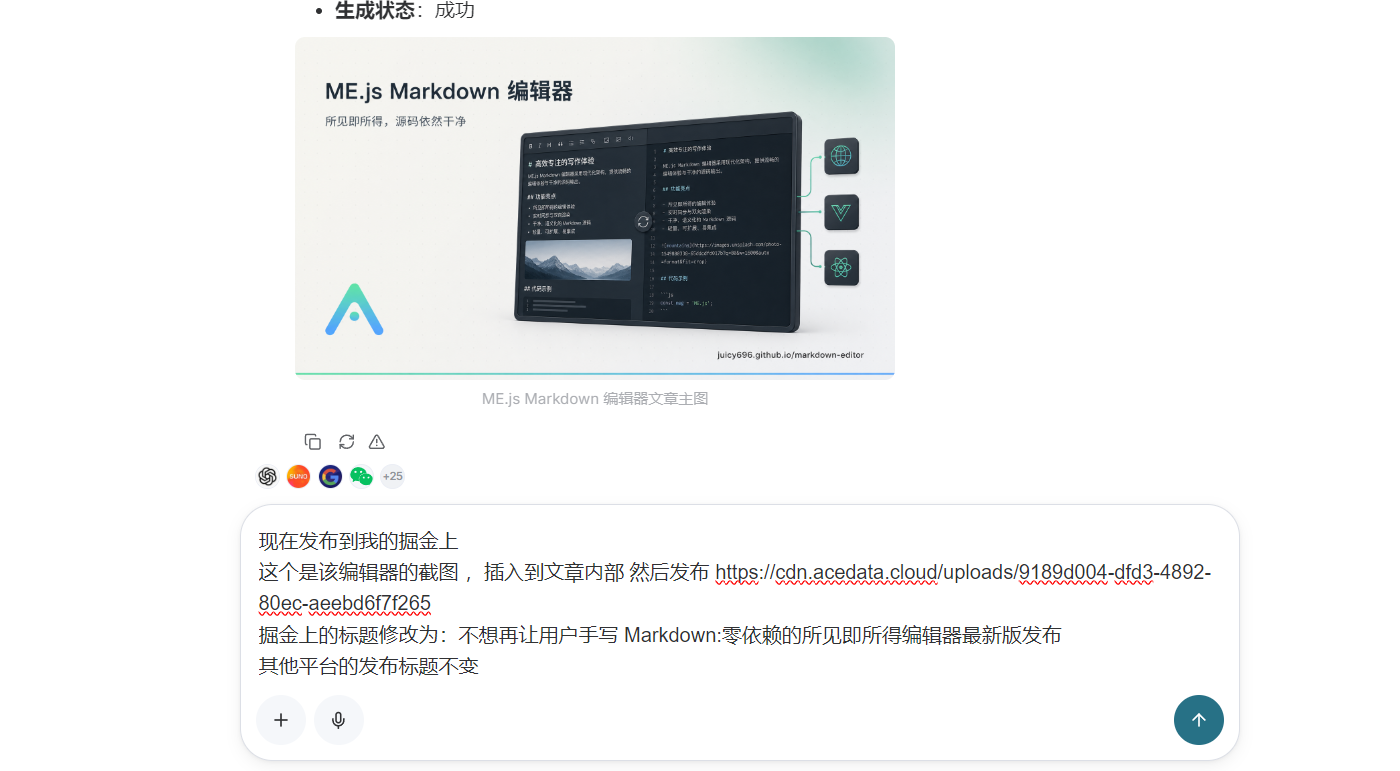
A few seconds later, it indicates that publishing was successful:

Direct online experience:
👉 Juejin: No Longer Want Users to Write Markdown Manually: The Latest Release of a Zero-Dependency WYSIWYG Editor
¶ 2. Publish to WeChat Official Accounts
Formatting for WeChat Official Accounts is usually the most troublesome, but the connector directly pushed the neatly formatted draft with text and images to the Official Account backend:
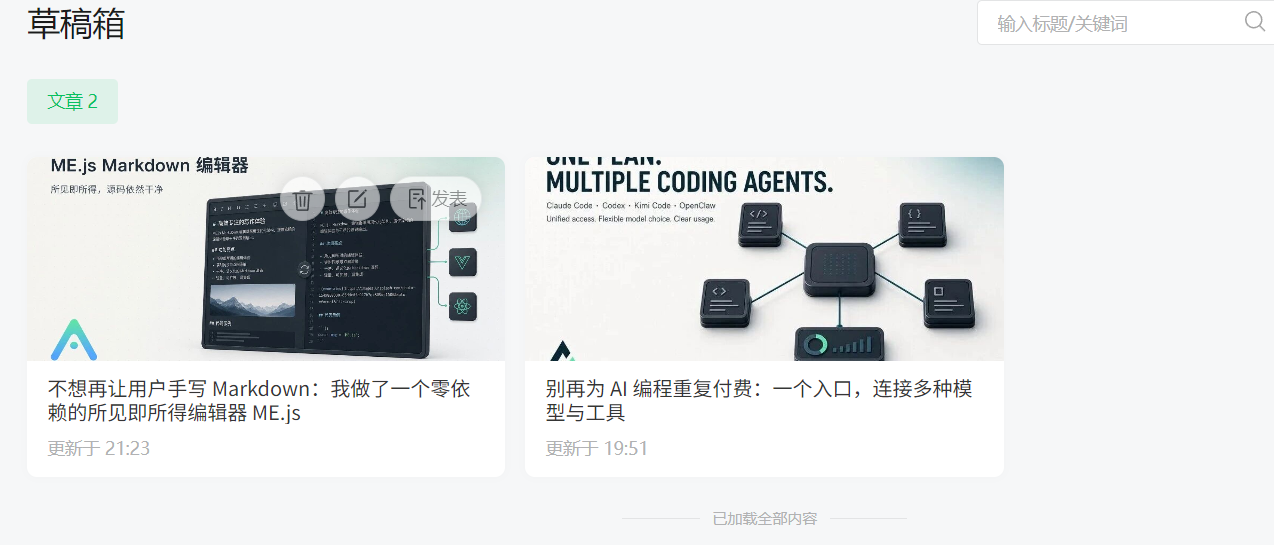
¶ 3. Synchronization to Overseas and Technical Blogs
For Google Blogger, I also had the model quickly create an authentic English translation and publish it to Blogger with one click; as for CSDN, because there is a daily posting frequency limit, you can also directly keep it as a draft or set delayed synchronization.
¶ Summary: Let Developers’ Energy Return to Creation and Technology Itself
From “reading the GitHub repository” to “researching competing products, writing blog posts, and creating illustrations,” and finally “one-click distribution across the entire web,” the entire process took me less than 15 minutes. By the time I took a sip of coffee, all the release promotion was done.
If you are also someone who frequently needs to publish technical articles, maintain open-source projects, or operate content across multiple platforms, I strongly recommend trying this combination of Ace Data Cloud Studio + connectors to completely free your hands from repetitive mechanical formatting and cross-platform content transfer!
¶ Related Resource Guide
- Connector configuration guide: Ace Data Cloud Connectors Tutorial
- Online workspace experience: Ace Data Cloud Studio
- Online experience for the open-source project: ME.js Markdown Editor Official Website and Documentation
- This hands-on publishing case: Direct Link to the Juejin Article