
gpt-image-2 Application Scenarios: From Product Images to Content Covers
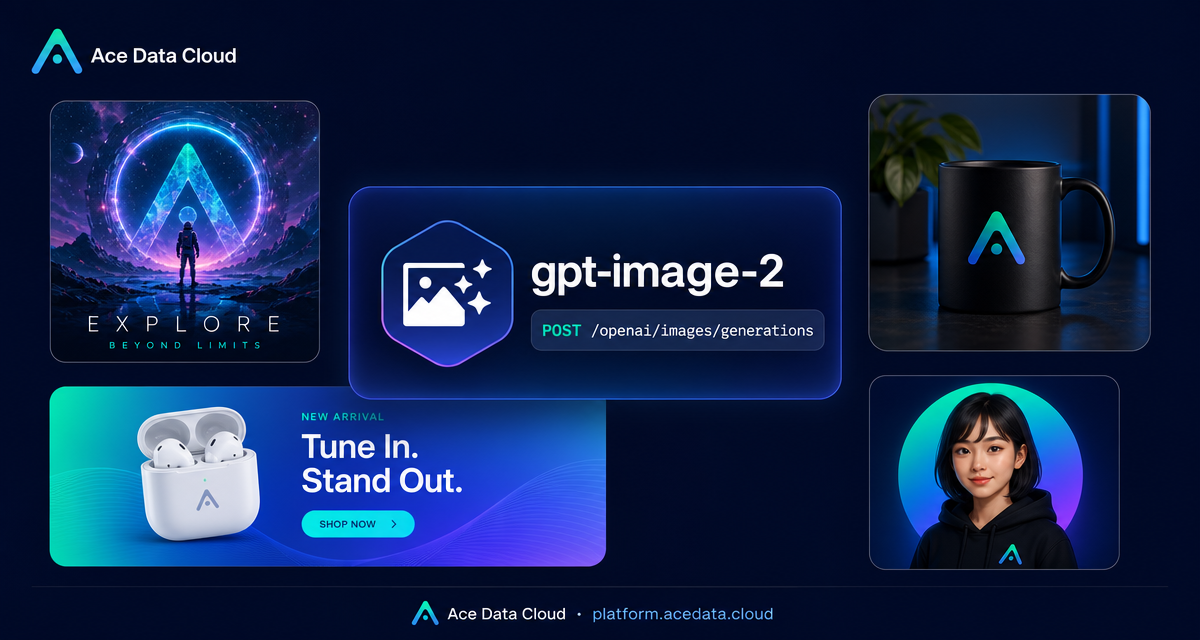
gpt-image-2 can be used for product images, posters, avatars, and content covers. The following are testable application directions, not income or delivery quality commitments. Generation quality, time consumption, commercial viability, and customer acceptance will vary with input, output, and applicable terms; text, branding, copyright, size, and content compliance should be manually checked before delivery.
¶ Two Usage Entry Points
- Studio Image Tool: No coding required, directly input prompts and select sizes;
- gpt-image-2 API Documentation: Suitable for batch processes or integration into your own products.
Common sizes: 1024x1024 (square), 1536x1024 (landscape), 1024x1536 (portrait). The specific support range is subject to the current page and API documentation.
¶ I. E-commerce Product Images
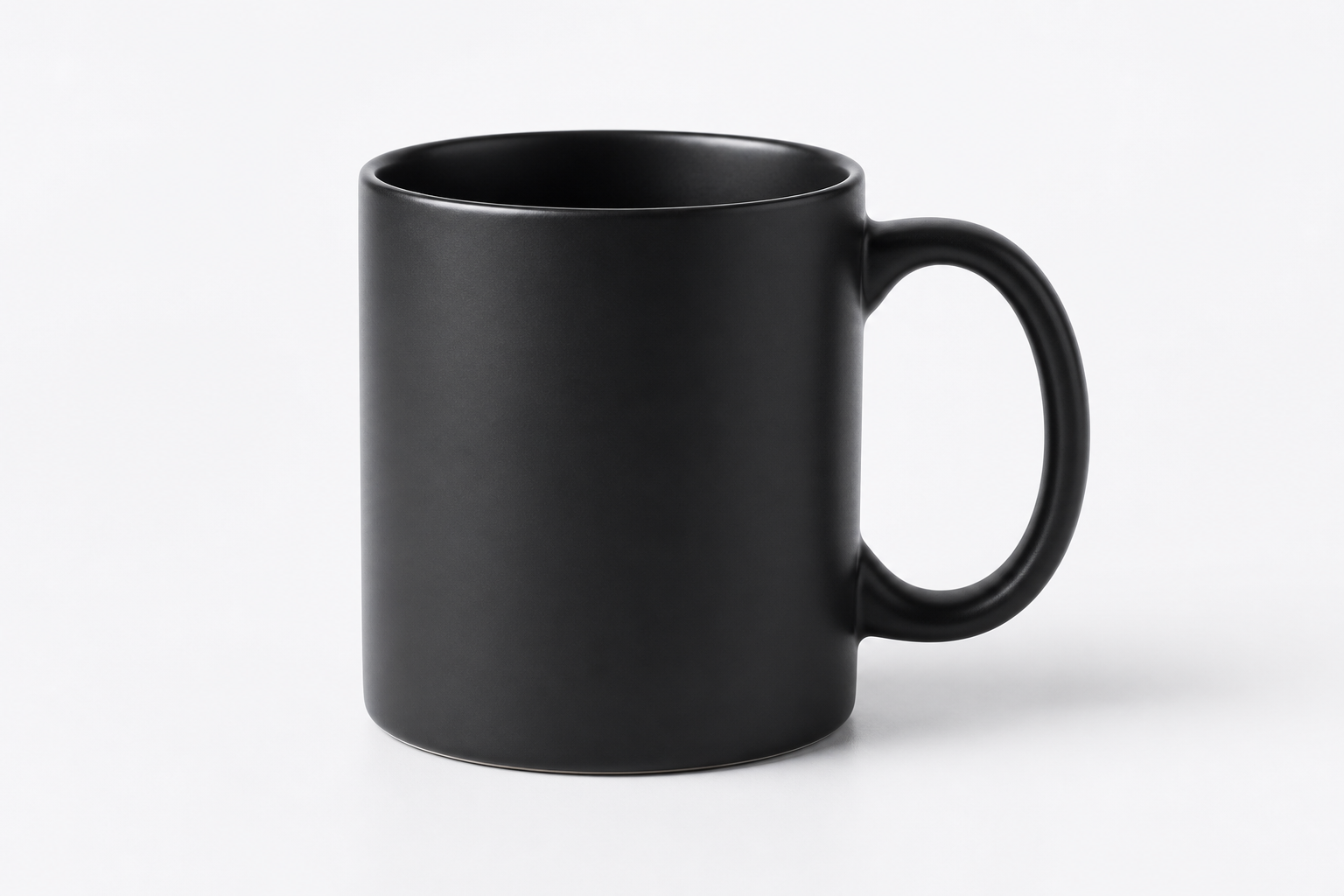
You can first generate white background or scene images, and then manually verify the product appearance, proportions, materials, and brand elements.
Professional e-commerce product photo: a matte black ceramic coffee mug on a clean bright studio backdrop with soft shadow, minimal props, catalog composition, no text, no watermark.
If the real product appearance must be maintained, the original product image should be uploaded using an editing process, rather than letting the model redraw it from scratch.
¶ II. Event and Marketing Posters
Let the model generate a blank background image, and then add the final text in a design tool, which is usually more controllable than directly generating long text.
A modern minimalist event poster for an AI technology meetup, deep blue and cyan gradient, clean layout with a headline area, no real text.
Resolution, bleed, color, and font licensing need to be checked separately before printing.

¶ III. Community and Content Banners
Suitable for generating uniform style landscape images for community announcements, articles, and events. First determine brand colors, blank space locations, and the platform used, then select sizes.
A social media banner for an online AI workshop, restrained blue gradient, space for a headline, modern flat illustration, no watermark.
¶ IV. Avatars and IP Images
Style proposals or series sketches can be generated. When character consistency is needed, reference images should be retained and facial features, clothing, and brand details should be checked one by one.
A friendly cartoon avatar of a developer wearing a hoodie, flat vector style, soft lighting, circular gradient background, no text.
¶ V. Article Header Images and Video Covers
Can be used for cover background images for content on public accounts, Bilibili, YouTube, etc. Covers do not automatically increase open rates; effectiveness depends on topic selection, titles, audience, platform recommendations, and overall design.
A clean editorial cover image for a technical article about AI automation, minimal illustration, soft gradient, professional, no text, 16:9.
¶ VI. Multilingual and Regional Versions
You can use editing features to try changing backgrounds, layouts, and text areas, but do not replace real market research with regional stereotypes. The final text should be checked by someone familiar with the target language.
¶ VII. Co-branded Images with Brand Elements
When it is necessary to retain the logo, upload the official logo file as a reference and request to maintain its shape and position in the prompt. The model may still alter brand elements, and a comparison with the original file must be done item by item before release.
¶ VIII. Scheduled Generation of Material Drafts
You can generate candidate covers on a schedule in Studio's scheduled tasks, but the results still need manual review. First, read the Scheduled Task Content Workflow, confirm quotas, models, MCP, and review processes, and do not publicly release unverified images.
¶ Service Fees and Platform Commissions Should Be Separate
If you design and deliver images for clients, the fees paid to you by clients are your own business income, and costs, pricing, taxes, refunds, and delivery responsibilities are your own, not part of the platform commission.
If clients generate valid orders that meet current rules through promotional links or white-label platforms, those orders may participate in distribution settlement. Specific rules can be found in the Promotion Methods and Commission Rules; white-label operations start from the White-label Platform Overview.
¶ Start Now
First, test a scenario in the Studio Image Tool, recording prompts, sizes, time consumption, and parts that need manual modification. After confirming the process is repeatable, decide whether to use it for content marketing, customer service, or integration into your own products.