MiniMax MCP
Generate MiniMax-H3 videos (768P/2K) through MCP; after submission, query the final status and video URL by task ID.

Generate videos from text, images, or audio guidance.
This is only a basic call example. See the full docs for more parameters and advanced usage.
View DocsGenerate 4–15 second videos from text, up to 9 reference images, or up to 3 reference audio clips with a single REST API. Unified asynchronous tasks, callbacks, billing, and CDN delivery integrate directly into your content product.
No action or multiple paths required; the API automatically determines the generation mode based on the content assets.
Generate short videos directly from descriptions of scenes, actions, camera shots, and styles.
Control the opening and ending visuals with first_frame and last_frame.
Combine reference images, videos, and audio to guide subjects, actions, sound, and rhythm.
Receive a task ID immediately, then get the final CDN video through polling or callback_url.
curl -X POST 'https://api.acedata.cloud/minimax/videos' \
  -H 'Authorization: Bearer YOUR_API_KEY' \
  -H 'Content-Type: application/json' \
  -d '{
    "model": "MiniMax-H3",
    "content": [{
      "type": "text",
      "text": "A red fox running through a snowy forest at dawn, cinematic tracking shot"
    }],
    "resolution": "2K",
    "ratio": "16:9",
    "duration": 5
}'Parameters directly express creative intent, while the platform handles long-running task execution, result storage, and precise billing.
All modes must provide text; images, videos, and audio indicate their purpose through their corresponding types and roles.
The creation API is always asynchronous and returns a task_id immediately upon success.
Retrieve the Ace Data Cloud CDN video from task.content.url via /minimax/tasks or a callback.
Three real API samples cover product activation, character storytelling, and audio-visual reference workflows.

Create commercial shorts from product visuals and shot descriptions, ideal for product showcases, launch assets, and social media ads.
MiniMax-H3 · 16:9 · First-frame image-to-video
Use multiple proprietary reference images to improve consistency in characters, clothing, props, and scene styles, ideal for continuous shots and serialized content.
MiniMax-H3 · 16:9 · Multi-image reference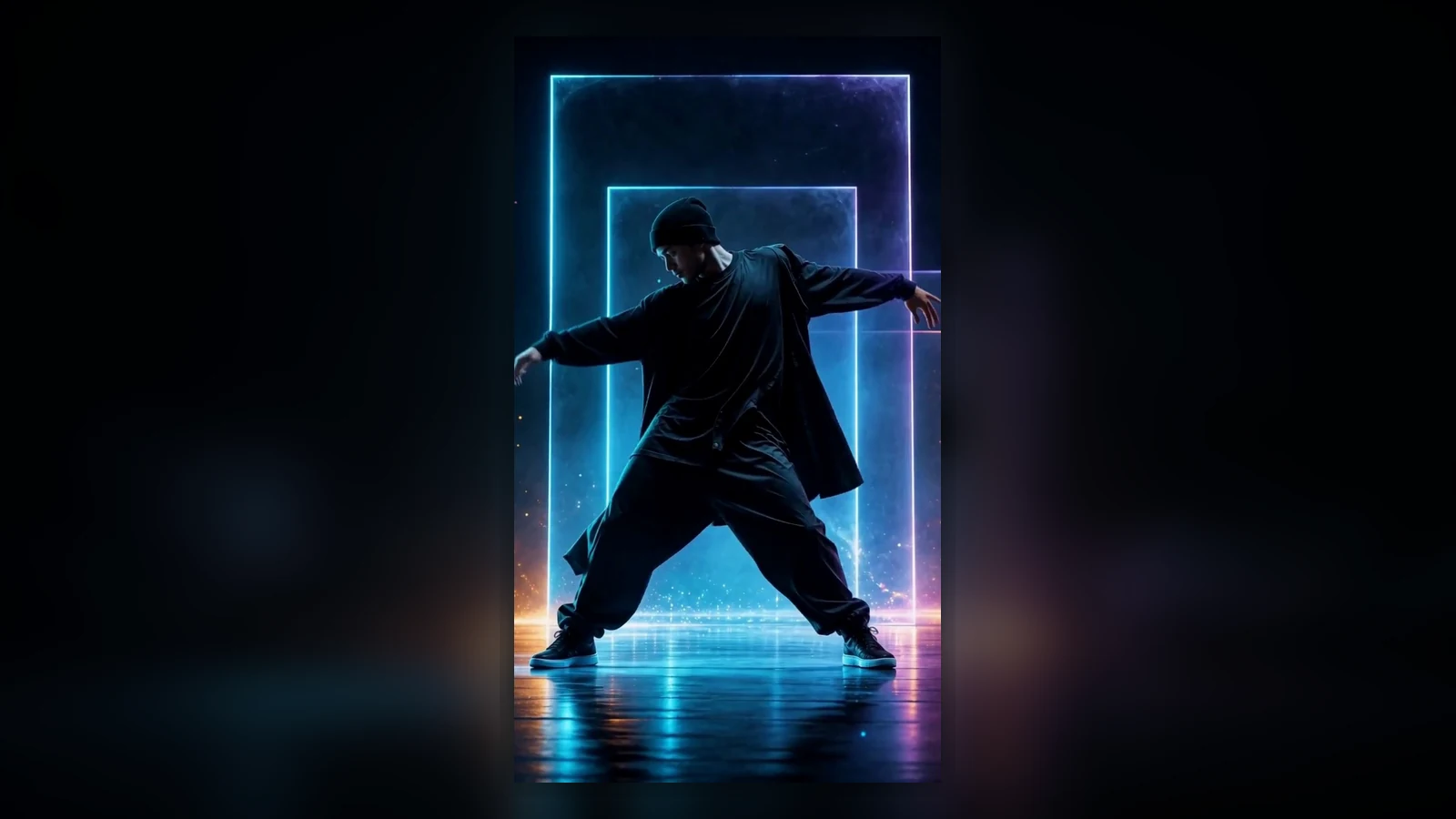
Combine proprietary motion video and audio references to guide dance movements, camera motion, and visual rhythm, ideal for vertical content creation.
MiniMax-H3 · 9:16 · Video and audio referenceReuse Ace Data Cloud's unified authentication and task system without building a separate media pipeline.
Create an application in the console and obtain a unified Bearer Token.
Choose the duration and aspect ratio, then add text, image, or audio assets.
Poll the task or receive a callback, then integrate the CDN video into your product workflow.
Consolidate task execution, error semantics, usage records, and file delivery into a stable contract.
| Capability | Ace Data Cloud MiniMax H3 | Some Others |
|---|---|---|
| Multimodal input | Unified entry point for text, images, video, and audio | Multiple APIs to assemble yourself |
| Long-running tasks | Polling and Webhook | Need to build your own task queue |
| Result files | Automatically stored on the platform CDN | Inconsistent link lifecycles |
| Failure billing | No charge for failures | Need to reconcile bills yourself |
The model is fixed as MiniMax-H3, and the mode is automatically inferred from the official V2 multimodal content array.
Pass text content only to generate visuals directly from ideas, scripts, and shot descriptions.
Use the first frame or the first and last frames to control the video's opening and ending visuals.
Combine reference images, video, and audio to control the subject, motion, sound, and rhythm.
Create asynchronous tasks and retrieve results through task queries or callbacks.
Billed by video seconds, with charges only for successful tasks.
Key notes on modes, assets, duration, and task execution.
No. When content only has text, it is text-to-video; first_frame / last_frame are image-to-video; reference_* are multimodal reference-to-video. All modes require non-empty text.
Resolution is required, with support for 768P and 2K; supported ratios include adaptive, 21:9, 16:9, 4:3, 1:1, 3:4, and 9:16; duration is an integer from 4–15 seconds.
The creation API is always asynchronous and immediately returns task_id; use /minimax/tasks to query it. Upon success, get the video from task.content.url, or provide callback_url.
No. Only tasks that successfully complete and return video results are billed based on the final duration.
Combine other video capabilities based on model style and workflow needs.
One Token, one generation endpoint, one task system—start building multimodal video experiences.
Generate videos with Minimax multimodal video models using synchronous waits, asynchronous tasks, or completion callbacks.
Retrieve one or multiple Minimax video tasks with processing status, final videos, and standard task metadata.
Minimax Prompt Enhancement generation with asynchronous task delivery.
Minimax Video Regeneration generation with asynchronous task delivery.
We offer various credit packages. The more you purchase, the higher the discount you receive.
up to46% OFFNo Pricing Information
Generate MiniMax-H3 videos (768P/2K) through MCP; after submission, query the final status and video URL by task ID.
Configuration Method
Connect the current service in Claude Code:
mcpServers service entry below into .mcp.json in the project root directory, retaining the existing configuration.ACEDATACLOUD_API_TOKEN in the terminal: use export ACEDATACLOUD_API_TOKEN='YOUR_API_TOKEN' on macOS/Linux, and $env:ACEDATACLOUD_API_TOKEN = 'YOUR_API_TOKEN' in Windows PowerShell; replace YOUR_API_TOKEN with your AceDataCloud API Token.claude in the same terminal where this variable has been set; new terminals or desktop-launched clients must also be able to read this variable./mcp to confirm that the service is connected and the tools have been loaded; when using the project configuration for the first time, check and approve the service as prompted.export ACEDATACLOUD_API_TOKEN='YOUR_API_TOKEN'
claude mcp add --scope user --transport http 'minimax-mcp' 'https://minimax.mcp.acedata.cloud/mcp' --header 'Authorization: Bearer ${ACEDATACLOUD_API_TOKEN}'
Provide AI Agent with MiniMax H3 text-to-video, multi-image references, audio guidance, and task polling instructions.
Install the current Skill to Claude Code. Project-level configurations are shared across the repository, while user-level configurations apply to all projects on this machine.
npx skills add acedatacloud/skills --skill 'minimax-video' -a 'claude-code' --yes