
The Second Income Source for Independent Developers: Turn Every Line of Code You Write into a Distribution Channel
As an independent developer, you may have experienced this dilemma: strong technical skills, but limited monetization paths—freelancing, product development, or working for someone else, just these few options.
Here is a path that many developers have yet to realize: use your coding skills for distribution.
This doesn't mean handing out flyers or forming groups to sell products, but rather—every tool, open-source project, or demo you create can become a distribution channel. When users integrate the API of Ace Data Cloud through your project and start consuming, you can continuously earn commissions. The chain is naturally established, requiring no "sales" actions.
¶ 1. Unique Advantages of Developers in Distribution
Your product itself is the best promotion. Ordinary promotions require writing copy, creating posters, and mass sending. But you—users use your tool → the tool calls the Ace Data Cloud API → users register and recharge → you earn commissions. The entire process requires no shouting.
Open-source projects = an entry point that runs continuously. A GitHub project with stars has people viewing the README, cloning, and trying it out every day. As long as your invitation link guides registration in the README, every trial user could become a user under your name.
Technical barriers = a moat. Non-developers can only squeeze into writing articles, posting, and making videos. You can create things that others cannot: SDKs, CLIs, editor plugins, Bots—these are channels that only developers can build.
¶ 2. Confirm the Commission Rules First
Commissions only come from valid orders that meet the current rules. Levels, ratios, invitation attribution, confirmation periods, and withdrawal conditions are subject to the promotion methods and commission rules and the current display in the distribution backend; refunds, risk control, order status, and existing invitation relationships may all affect the final result.
¶ 3. Seven Specific Project Directions
¶ Direction One: Python / Node.js SDK Packaging
Wrap the API into a user-friendly SDK and publish it to PyPI / npm:
from acedatacloud import Client

client = Client(api_key="your-key")
resp = client.chat.completions.create(
    model="gpt-4o",
    messages=[{"role": "user", "content": "Hello"}]
)
image = client.images.generate(prompt="a beautiful sunset")
In the README, write "Get API Key → Register at Ace Data Cloud", and attach your invitation link. Users need a Key to use the SDK, naturally converting.
¶ Direction Two: CLI Command Line Tools
Developers thrive on command lines:
$ suno-cli generate --prompt "a rock song about programming" --style rock
$ mj-cli imagine --prompt "cyberpunk cityscape" --ar 16:9
$ luma-cli generate --prompt "a cat playing piano" --duration 5s
There are several open-source CLIs available on the platform (Suno CLI, Luma CLI, Sora CLI, Veo CLI, etc.), which you can fork for secondary development or create an integrated version.
¶ Direction Three: Editor / Browser Plugins
Create a plugin for VS Code or Chrome that calls the AI API: right-click on selected code for "Explain / Refactor / Complete", translate and summarize selected text, preview generated images by inputting prompts. Users install the plugin → configure API Key → register → become your users. The natural exposure in the plugin store is significant.
¶ Direction Four: Telegram / Discord Bot
Create a feature-rich AI Bot: /chat for conversation, /image for image generation, /music for music generation, /video for video generation. The Bot runs in groups → users try it out → guide deep users to register their accounts; when promotion is needed, guide registration through a dedicated link and record attribution in the backend.
¶ Direction Five: Open-source AI Application Templates
Create a one-click deployable template: AI wallpaper generator, AI business card maker, AI music workstation, AI short video workshop… quickly built with Next.js / Vue / React. The key is to guide users with your link during the registration process.
¶ Direction Six: Operate a White-label Platform
If you have validated your audience, you can choose a white-label Studio or white-label API Platform through the white-label platform overview, or operate both simultaneously. White-label uses Site configuration, requiring no front-end forking; customer attribution, channel pricing, and revenue still follow current rules and backend records.
¶ Direction Seven: First Create a Compelling Project Cover / Demo Image
Whether there is a decent banner at the top of the README directly determines whether others are willing to read further. Don’t search through image libraries—use gpt-image-2 to generate it. Online interface: studio.acedata.cloud/openai-image
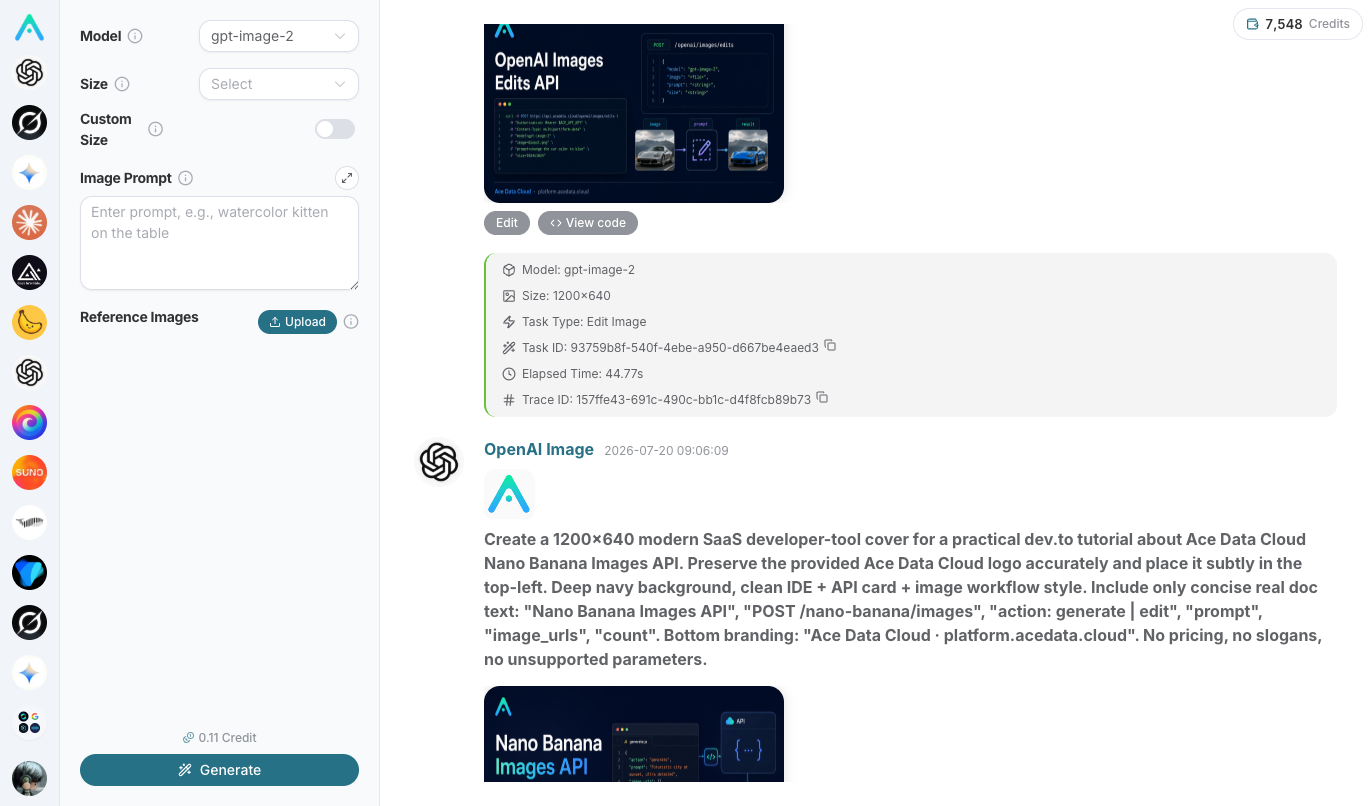
The command line can also accomplish this in one line, and this code can be included in your tutorial:
curl -X POST https://api.acedata.cloud/openai/images/generations \
  -H "Authorization: Bearer $ACEDATACLOUD_API_KEY" \
  -H "Content-Type: application/json" \
  -d '{"model":"gpt-image-2","prompt":"GitHub project README banner, dark tech style, CLI tool theme","size":"1536x1024"}'
¶ 4. Publish the Project + Let AI Help You Write Promotional Content
Once the project is completed, publish it in these places: Hacker News / Reddit / Product Hunt, Zhihu / V2EX, Twitter / X.
Writing promotional posts can also be handed over to AI. Studio supports connecting your Zhihu, Juejin, Xiaohongshu accounts, allowing AI to help you draft, add images, and publish. Entry: Studio input box → "Add Content (+)" → "Connect", open studio.acedata.cloud/console/connectors:
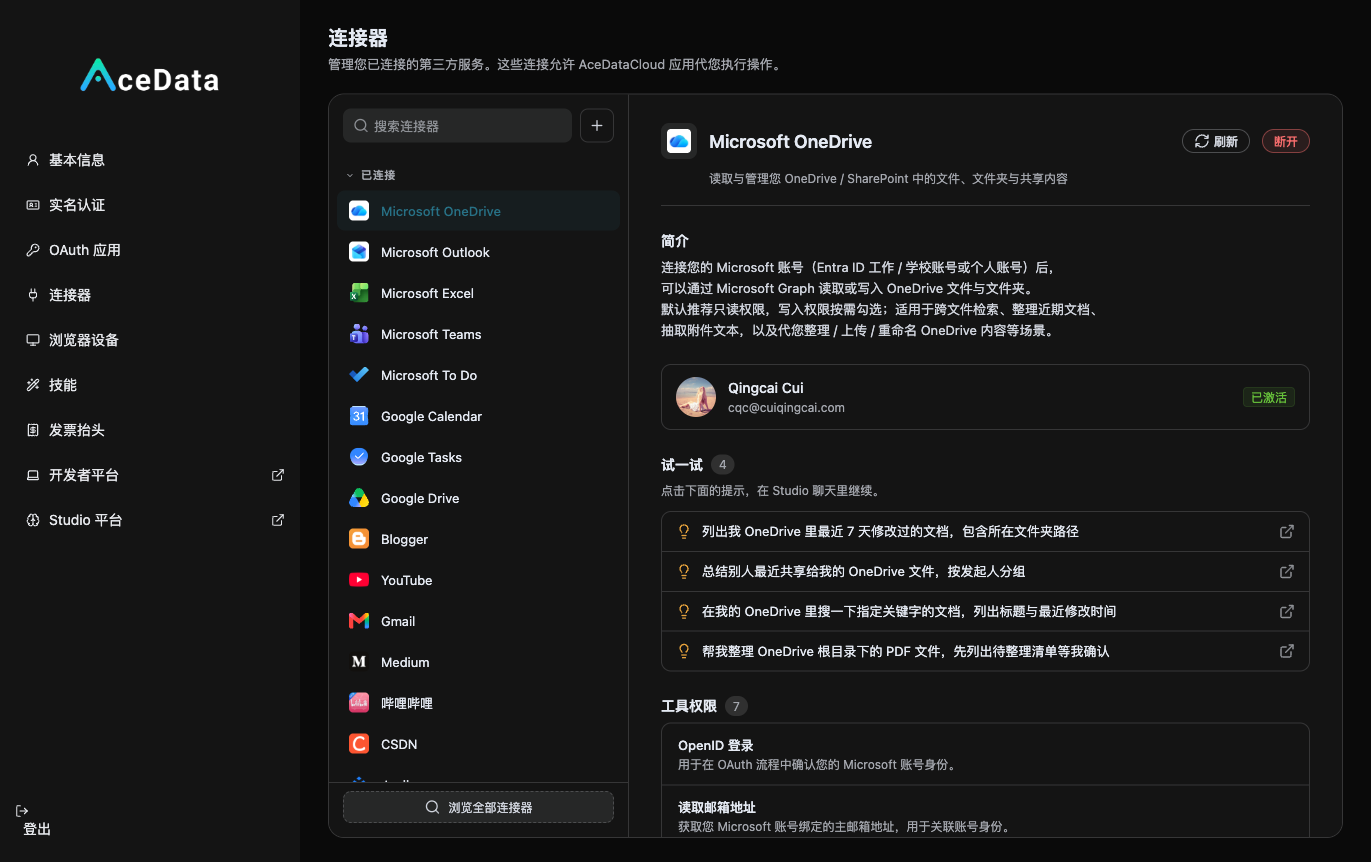
Once connected, you can run a complete process in Studio like "Write a project introduction → gpt-image-2 for images → Publish to Juejin / Zhihu" (publishing will require your confirmation). For more automation, you can use scheduled tasks studio.acedata.cloud/chatgpt/scheduled to have AI regularly post updates on new versions—remember to add the skills used to the allowed_skills whitelist, or it will report skill_not_active.
¶ 5. Practical Suggestions
- Use your most familiar tech stack, don't learn a new framework just for distribution.
- First solve a problem you genuinely encounter—where you find it inconvenient when using the AI API, turn it into a tool, that's the best topic.
- README determines conversion: clearly explain the purpose at the beginning, include GIFs/screenshots, have clear installation steps, and place the "Get API Key" guidance prominently (naturally embed the invitation link).
- Continuous maintenance: active projects are much more useful than abandoned ones, update regularly, respond to issues, and accept PRs.
- Multi-channel distribution: one exposure may bring a batch of stars and registered users.
¶ Six, Start Taking Action
- Go to the Distribution Console to get the invitation link.
- Choose a direction and start
git inittoday. - Create an MVP → Release → Iterate → Watch the commission grow.
Every line of code you write can be an entry point for continuous commission generation.
👉 Start: platform.acedata.cloud
👉 Need help: Customer Service