
Publish Technical Blogs on Hashnode: A Modern Blogging Platform for Global Developers
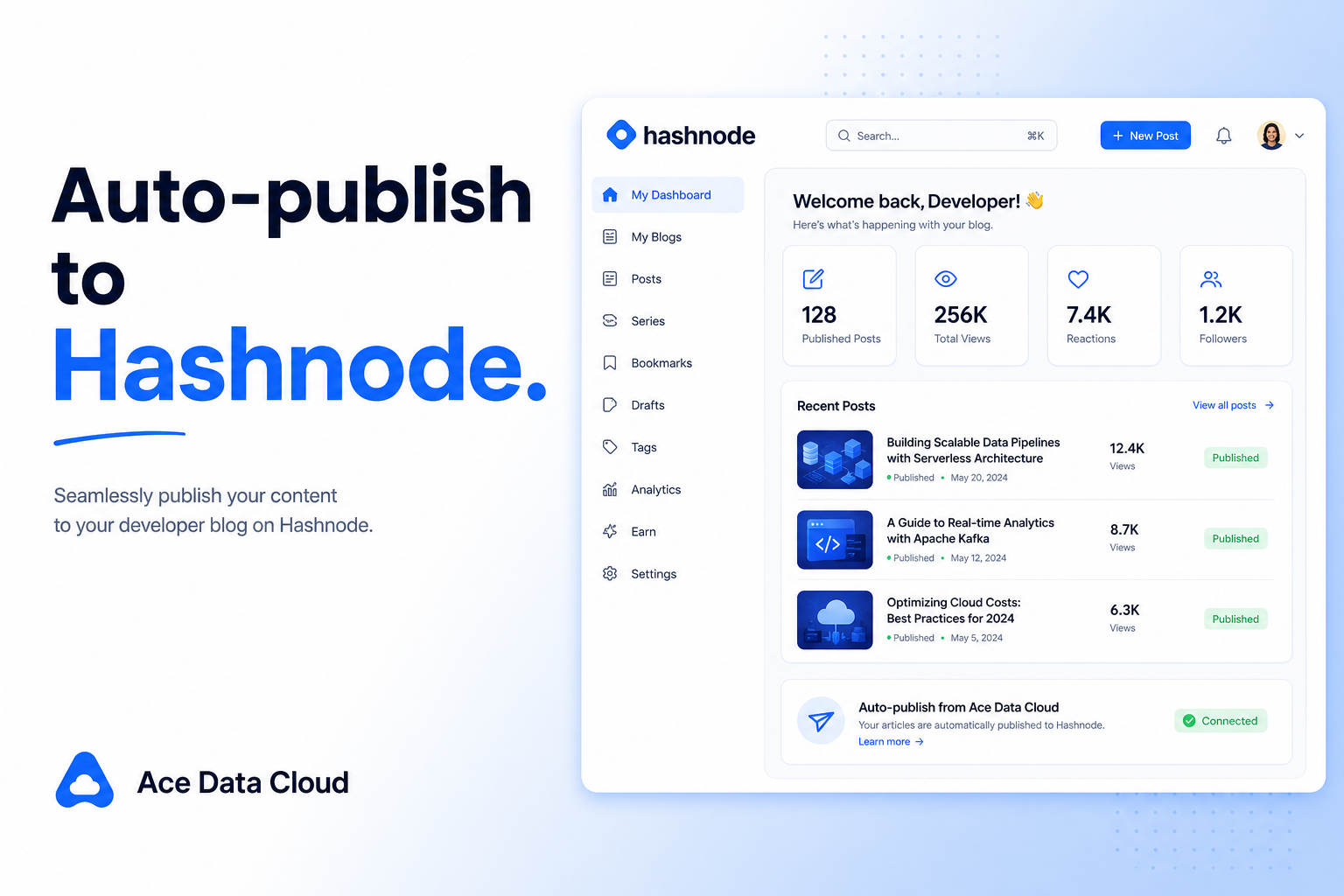
Hashnode is a popular technical blogging platform among developers in recent years—modern interface, SEO friendly, active community, and supports binding your own domain name. For those promoting API Platform to global developers or operating a white-label API Platform, it is another English technical territory worth exploring besides Medium and Dev.to.
This article teaches you how to connect to Hashnode, allowing AI to write English technical blogs in your name, save drafts, or publish.
¶ What This Connector Can Do (Truthfully)
- Authorization Method: Use the ACE extension to authorize your logged-in Hashnode session as prompted on the connection page. Available capabilities depend on account permissions and the current policies of the target platform.
- Can Read: List your publications (blogs).
- Can Post: Create and save drafts, or directly publish articles; supports cover images (also serves as OG images), subtitles, tags; the body uses Markdown, inline images and links are standard Markdown.
- Publishing is a write operation on your real blog, and you will need to confirm (if unsure, save a draft first).
¶ Step by Step: Connect → Let AI Post → Check Feedback
¶ 1. Connect Your Hashnode Account
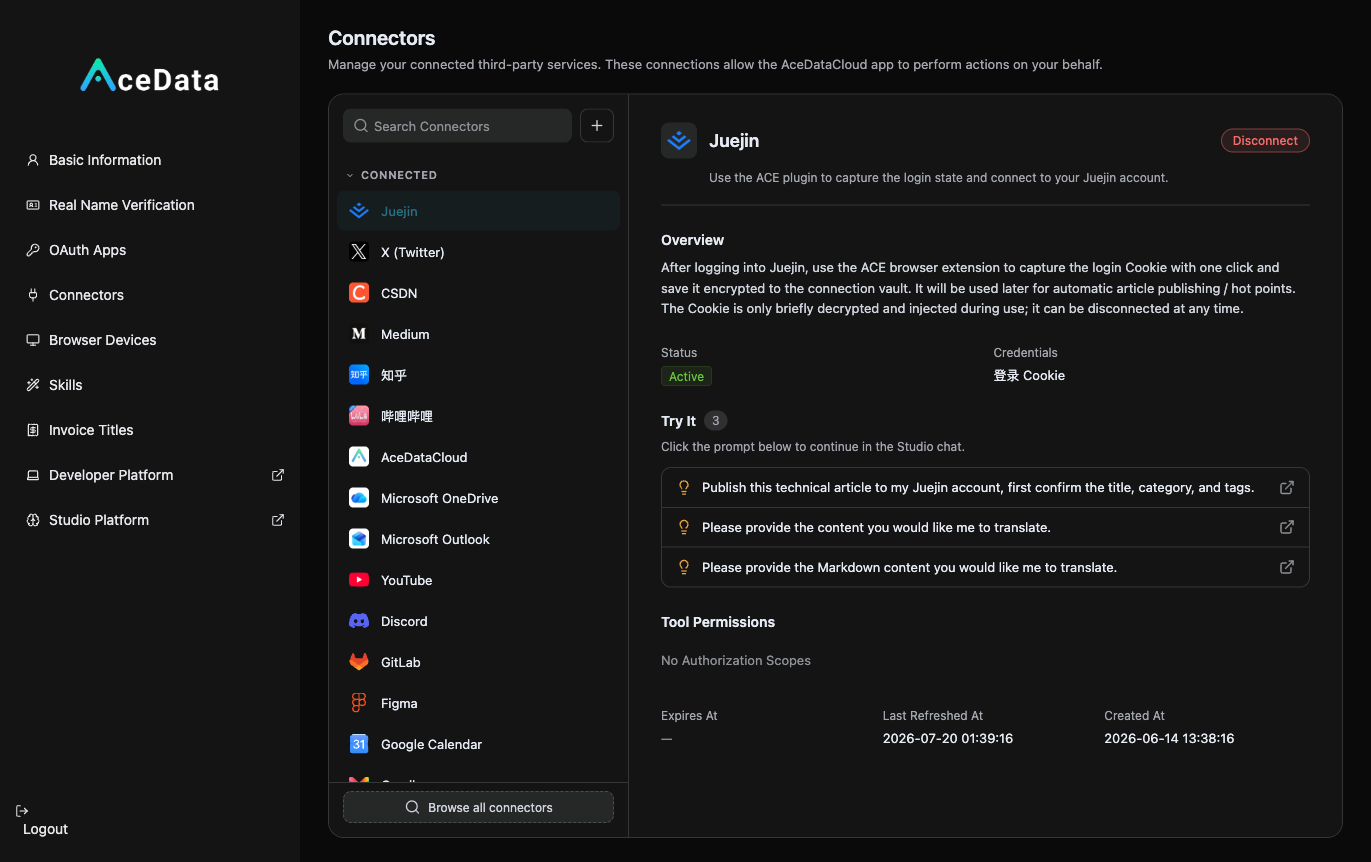
Open https://studio.acedata.cloud/console/connectors, find hashnode, and use the ACE extension to capture a Cookie while logged into hashnode.com, changing the status to Active.
¶ 2. Let AI Write English Technical Blogs + Add Cover + Publish
In the Studio, say:
"Write a Hashnode post: 'Deep dive: building a text-to-image feature with the gpt-image-2 API', Markdown, with runnable code, choose a searchable title, add
ai,apistags, and naturally include my invitation link at the end, save the draft for my confirmation first."
If you want to add a cover, let AI generate a horizontal image using gpt-image-2: POST https://api.acedata.cloud/openai/images/generations, body {"model":"gpt-image-2","prompt":"...","size":"1536x1024"}, authenticate using the platform API Key, and use the image URL as --cover.
¶ 3. Check Feedback Later
Go to the Hashnode backend to see reads and interactions, and continue working on the deep topics that perform well.
¶ Don't Forget to Embed Your Referral Link (This is the Source of Income)
Naturally place your exclusive invitation link copied from the referral backend within the content. For invitation attribution, levels, ratios, confirmation periods, and withdrawal conditions, see Promotion Methods and Commission Rules; only valid orders that meet current rules may generate commissions.
¶ Content Suggestions (What Hashnode Prefers)
- In-depth technical tutorials are most popular: Readers are serious developers, "How I built X" and "Deep dive into Y" perform well.
- SEO Friendly: Hashnode articles are well-optimized for SEO, choose searchable titles and keywords to capture long-tail search traffic.
- Bind a Domain to Build a Personal Blog: Supports custom domain names, allowing you to manage your own technical blog front.
- Code + Images: Markdown formatting, runnable code, and clear covers are standard.
¶ Honest Reminders
- Publishing is affected by Hashnode account permissions, review, and authorization validity; if it fails, return to the connection management page to check and reauthorize.
- Content quality is a priority; the community values originality and depth; targeting global developers, using English with a technical focus works best.
- Confirm content and formatting before publishing; if unsure, save a draft first.
¶ Automate It
After manually running through the process, you can refer to the Scheduled Task Content Workflow to attempt generating drafts or calling the publish Skill on a schedule. Execution is influenced by account status, authorization, balance, review, and target platform policies, requiring continuous checks on the operation history.
Hashnode + Medium + Dev.to, by deploying all three, you can occupy the mainstream territory of English technical blogging. Let AI help you write once and distribute across multiple platforms, guiding interested developers to your services, and then evaluate the effectiveness based on backend data.