
Posting Blogs on CSDN: Spreading AI Content to China's Largest Tech Community
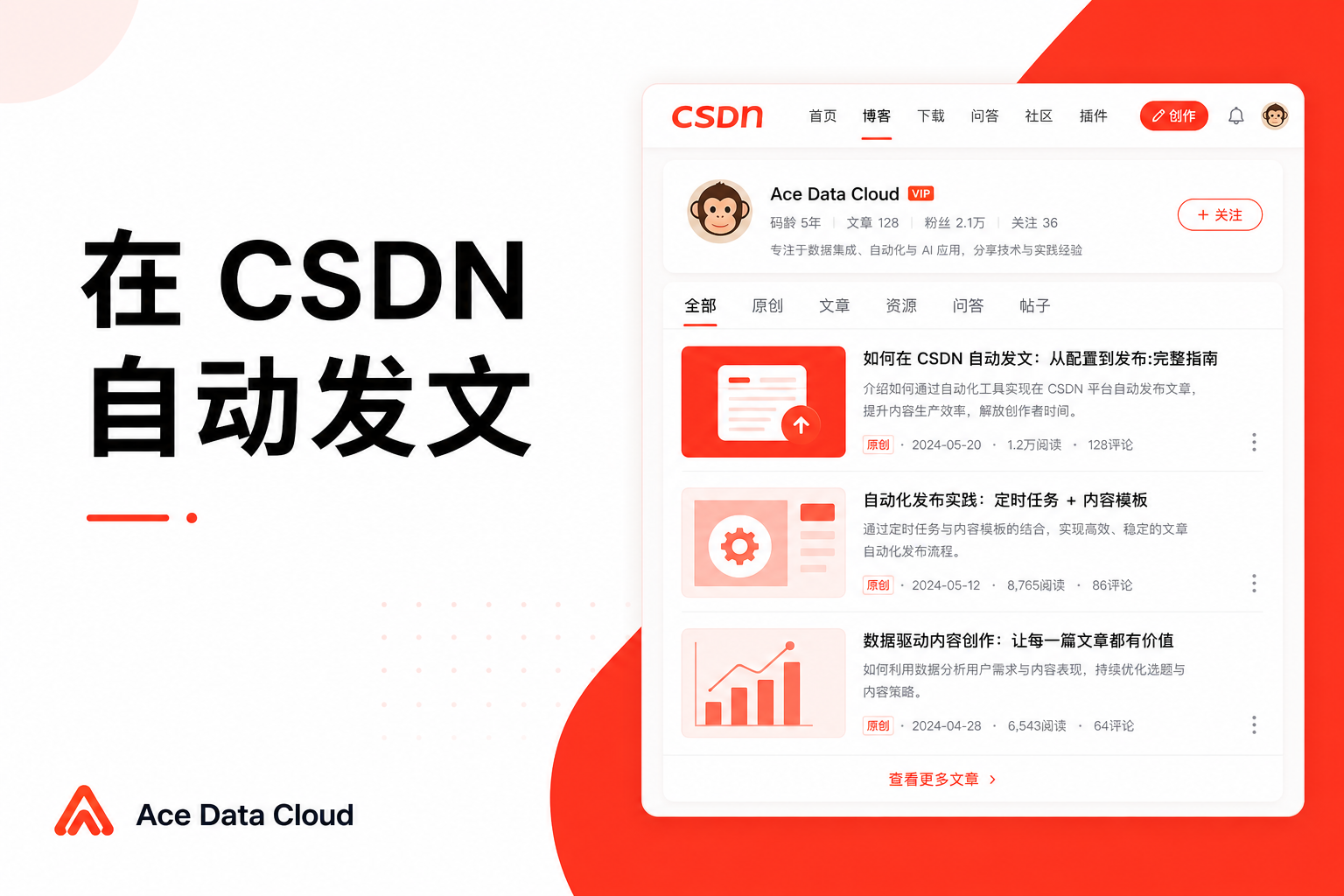
CSDN is an unavoidable place for Chinese developers—many programmers search here for "how to solve errors," "how to use a certain library," and "how to call a certain API." If you promote API Platform, manage a white-label API Platform, or integrate APIs into your own products, CSDN is a great channel to accurately reach the tech crowd and capture search long tail.
This article teaches you how to connect to CSDN, allowing AI to write technical blogs in your name, upload images directly, and review reading data.
¶ What This Connector Can Do (Truthfully)
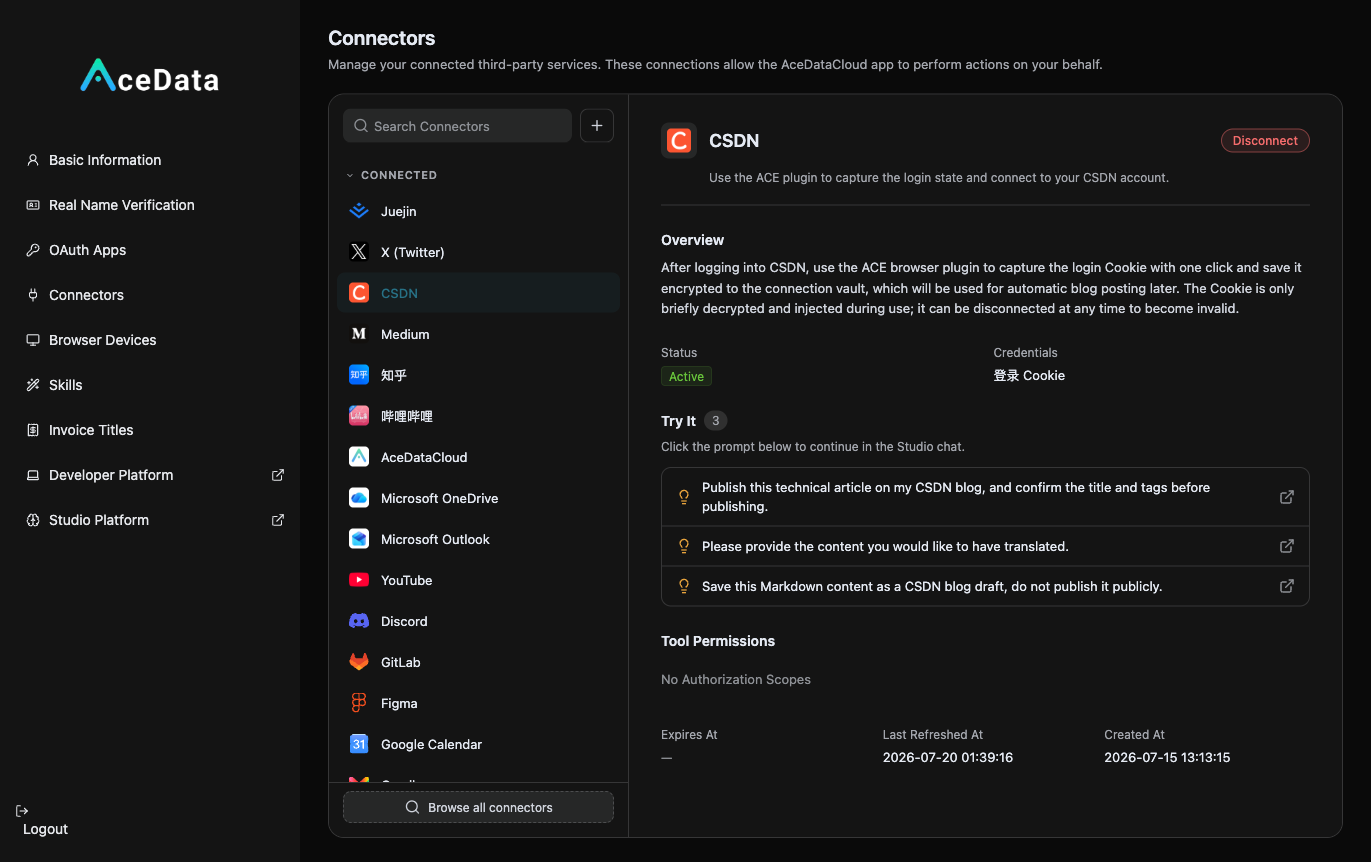
- Authorization Method: Login Cookie (BYOC)—log into your CSDN using your browser, capture the login status once with the ACE extension, and encrypt it into the connection database.
- Can Read: List your published articles, along with reading/likes/comments counts; you can also view statistics for individual articles.
- Can Post: Publish a new blog post, which you will confirm before publishing. Usability is affected by account permissions, credential validity, and target platform risk control.
- Supports Images: You can add step screenshots, effect images, and architecture diagrams to the text; check if images display completely before publishing.
- Publishing is a write operation from your real account, and you will be asked to confirm before posting.
¶ Step by Step: Connect → Let AI Post → View Data
¶ 1. Connect Your CSDN Account
Open https://studio.acedata.cloud/console/connectors, find csdn, and use the ACE extension to capture a Cookie under the csdn.net login state, changing the status to Active.
¶ 2. Let AI Write Technical Tutorials + Images + Publish
In the Studio, say:
"Help me write a CSDN technical blog: 'A Complete Tutorial on Generating E-commerce Main Images with gpt-image-2 API,' with runnable curl code and step screenshots in the body, naturally including my service entry and invitation link at the end, along with a flowchart, and then publish it to CSDN (please confirm with me first, it can be saved as a draft)."
To include images, let AI generate them using gpt-image-2: POST https://api.acedata.cloud/openai/images/generations, body {"model":"gpt-image-2","prompt":"...","size":"1024x1024"}, using your platform API Key for authentication. The generated images can be added to the article via the CSDN connector, and check the display effect before publishing.
¶ 3. Review Data Later
Ask AI to "list the reading, likes, and comments counts of my CSDN articles," to identify successful topics to continue working on.
¶ Don't Forget to Embed Your Referral Link (This is the Source of Income)
Naturally place your exclusive invitation link copied from the distribution backend within the content. For details on invitation attribution, levels, ratios, confirmation periods, and withdrawal conditions, refer to the promotion methods and commission rules; only valid orders that meet current rules may generate commissions.
¶ Content Suggestions (What Works on CSDN)
- Title with Specific Technical Terms + Action: "How to Solve XX Error," "Example of Calling XX API," "Comparing XX and YY"—these are the terms developers search for.
- Code Must Be Runnable. CSDN users are most frustrated with code that doesn't work when copied; provide copyable, runnable code blocks for higher retention.
- Images Illustrate the Process. Step-by-step installation, configuration, and result screenshots lead to higher completion rates.
- Naturally Include an Exit at the End: "Complete API documentation and free quota are here," directing technical readers to your service.
¶ Honest Reminders
- Publishing is subject to CSDN account permissions and risk control; if it fails, first return to the connection management page to check the authorization status, and reconnect if necessary.
- Do not plagiarize or simply pile links; CSDN can identify low-quality/plagiarized content; only original, problem-solving technical writing has long-tail value.
- If unsure, save as a draft first, verify the code and formatting on the platform before making it public.
¶ Automate It
After manually running through the process, you can refer to the scheduled task content workflow to try generating drafts or calling the publishing Skill on a schedule. Execution is affected by account, authorization, balance, review, and target platform policies, requiring continuous checks on the operation history.
CSDN's traffic is very "real"—those who come in are often carrying specific questions and may need your services. Publish your first technical tutorial, guide them to your service, and observe real registrations and valid orders based on backend data.