

The music is complete, and the singer’s image has also been determined. The next step: how can the person in the footage sing this song?
For creators who continuously publish music content, filming or generating all footage from scratch every time is not always the most suitable route. Another approach is to retain existing performance footage, leave lip-sync adaptation to a dedicated processing step, and then complete new works through editing.
Ace Data Cloud Kling Lip Sync is designed precisely for this step: combining qualifying short videos and audio to generate new lip-synced clips. Its value is not “generating infinitely long videos in one go,” but making asset reuse, cost estimation, and programmatic processing easier to organize.
This article is a production plan based on publicly available integration documentation, not a tested case study. The costs in the article are examples calculated according to the documented unit prices and do not include filming, basic video generation, audio processing, storage, editing, or regeneration costs. Capabilities and prices are subject to the service description at the time of actual use. The cover image and illustrations in the main text are all AI-generated concept images or workflow diagrams, not tested outputs from Kling Lip Sync or screenshots of the product interface.
¶ I. Start with a Performance Video, Rather Than Starting from Scratch Every Time
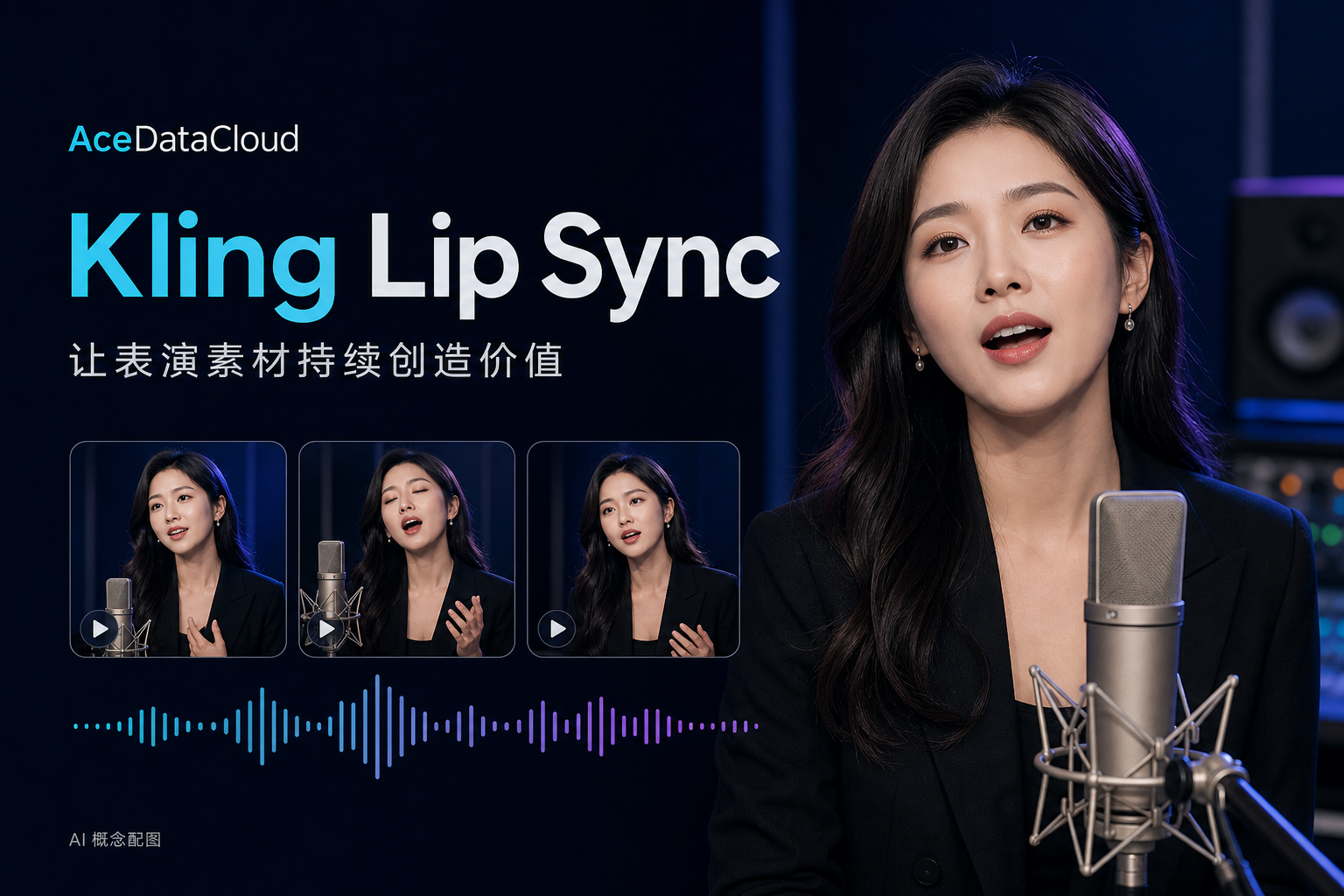
Imagine that you are operating an original music star IP: the character’s styling, recording studio environment, and performance style have already been determined, and you hope to continuously release chorus clips, short videos, and music videos for different songs.
The production workflow can be divided into two layers:
- Performance asset layer: Prepare the character, clothing, camera shots, and body movements.
- Lip-sync adaptation layer: Process the corresponding footage based on the vocal clip for each song.
In this way, performance assets that are already satisfactory may have the opportunity to be used in subsequent works, without having to recreate the base footage every time. Whether they are suitable for reuse still needs to be verified through test clips for the degree of match between expressions, movements, and the song’s emotion.
Kling’s official Lip Sync guide explicitly includes the use of uploaded dubbing or singing audio, so this route is not only applicable to talking videos but can also be used for singing clips.
¶ II. Four Practical Advantages of Ace Data Cloud
¶ 1. Two Video Input Methods, Convenient for Connecting Existing Asset Workflows
Ace Data Cloud’s integration supports two input paths:
| Input method | Applicable assets | Main constraints |
|---|---|---|
video_id |
Previously generated Kling videos | Generated within the past 30 days, 5 seconds or 10 seconds |
video_url |
Publicly accessible external videos | MP4 / MOV, 2–10 seconds, no more than 100 MB; 720p / 1080p, side length 720–1920 pixels |
Choose either video_id or video_url; they cannot be passed at the same time. The external video entry provides an integration path for qualifying live-action footage, but this does not mean that any filmed content can achieve the same results; it is recommended to first validate clear, front-facing footage of a single person.
If there is only a character image, you can also first use an image-to-video workflow to prepare a base clip, and then perform lip-sync processing. Base footage generation is an independent step and should be budgeted separately.
¶ 2. One-Step Integration, Reducing Integration Steps for Common Tasks
Ace Data Cloud provides POST /kling/lip-sync, which submits video and driving audio through audio2video mode. In scenarios with existing songs, there is no need to first convert them into text, nor is there a need to resynthesize singing solely for lip-sync processing.
What needs to be distinguished is: this is a convenient one-step integration provided by Ace Data Cloud for common scenarios, not a field-by-field mirror of Kling’s official multi-step “face recognition → Advanced Lip Sync” API, nor is it Avatar 2.0.
When integrating, use the parameters and duration limits of this API, and do not directly apply the feature descriptions of other products.
¶ 3. Fixed Billing for Successful Calls, Making Budgets More Intuitive
The current integration documentation indicates that each successful Kling Lip Sync call consumes a fixed 2.45 Credits; 4xx requests that fail parameter validation are not billed, and task queries are free.
For projects that already have base videos, you can first estimate the number of clips:
Lip-sync budget = Number of successful processing runs × 2.45 Credits
| Total processed duration | Assumption: 10 seconds per clip, approved in one attempt | Lip-sync consumption |
|---|---|---|
| 30 seconds | 3 runs | 7.35 Credits |
| 60 seconds | 6 runs | 14.70 Credits |
| 180 seconds | 18 runs | 44.10 Credits |
| 300 seconds | 30 runs | 73.50 Credits |
The above is an arithmetic estimate based on the documented unit price and does not mean that the long videos above can be generated in a single run. If the content is divided into more short segments by musical phrase, or if multiple candidates are generated for the same segment, consumption will also increase. When a task succeeds but the result does not meet creative requirements, regenerating it may still incur additional costs.
The cost advantage of asset reuse comes from reducing the need to repeatedly produce base footage, rather than claiming that all tasks are cheaper than on other platforms.
The actual monetary cost of Credits depends on the purchased plan and settlement terms and cannot be directly equated with credits on other platforms.
¶ 4. Asynchronous Tasks and Callbacks, Convenient for Organizing Batch Processing
The API supports async: true or callback_url. After asynchronous submission, it returns a task ID, which can be queried through /kling/tasks, or you can wait for the callback result.
For development teams, this can be used to build a workflow of “clip queueing → task submission → status recording → result collection → manual acceptance.” But asynchronous does not mean unlimited concurrency; rate-limit requirements should still be followed. When a task is still being processed, the original task should continue to be queried instead of blindly submitting it repeatedly.

Figure 1|Asynchronous processing architecture diagram (AI-generated): continue querying the original task while it is processing, collect results and perform manual acceptance after success; asynchronous does not mean unlimited concurrency.
¶ III. Recommended Production Workflow for One Song

Figure 2|Music video production workflow diagram (AI-generated): short clips are processed separately, then formed into a complete work through post-production editing; this does not mean the API generates a long video in a single request.
¶ 1. Prepare Original Footage Suitable for Singing
It is recommended to build a small footage library rather than repeatedly looping the same 10-second video:
- Verse: natural, restrained half-body performance.
- Chorus: performance with stronger emotion and moderate body rhythm.
- Interlude: breathing, looking into the distance, or wide stage shots.
- Backup: close-ups in the same styling and different shot sizes.
When shooting, try to keep the mouth visible, and do not let microphones or pop filters block the lips. Start with fixed camera positions, stable lighting, and front-facing single-person shots, then gradually test more complex shots. The documentation likewise recommends clear, front-facing, single-person input.
¶ 2. Prepare the Driving Audio
When a complete song is already available, it is recommended to prioritize testing clean lead vocals and retain the original complete MP3 as the final audio track. Do not change the speed or original timeline position of the separated vocals.
The API supports MP3, WAV, M4A, and AAC. Files must not exceed 5 MB, and audio duration should not exceed the corresponding video length. Song trimming should be completed before submission; the parameter table for this API does not contain start and end time selection fields for an entire song.
¶ 3. Match Video and Audio by Musical Phrase
Clips can be managed according to the following structure:
Clip number | Song start time | Song end time | Original video | Driving vocals | Task ID | Output video
Prioritize splitting at breaths, pauses, or shot changes, and avoid cutting a sustained note into two segments merely to fill 10 seconds. If reusing footage, use the unprocessed original video each time whenever possible, rather than repeatedly processing the lip-synced output from the previous round.
¶ 4. Call the API and Check the Results
The following is an illustrative request example. YOUR_PUBLIC_VIDEO_URL and YOUR_PUBLIC_AUDIO_URL are placeholders and must be replaced with real, accessible asset links that meet the constraints; the example is not an executed task.
curl -X POST 'https://api.acedata.cloud/kling/lip-sync' \
  -H "authorization: Bearer ${API_KEY}" \
  -H 'content-type: application/json' \
  -d '{
    "mode": "audio2video",
    "video_url": "YOUR_PUBLIC_VIDEO_URL",
    "audio_type": "url",
    "audio_url": "YOUR_PUBLIC_AUDIO_URL",
    "async": true
  }'
After obtaining the task ID, query the same task according to the documentation:
curl -X POST 'https://api.acedata.cloud/kling/tasks' \
  -H "authorization: Bearer ${API_KEY}" \
  -H 'content-type: application/json' \
  -d '{"action":"retrieve","id":"YOUR_TASK_ID"}'
During acceptance, focus on lyric articulation, sustained notes, silent segments, facial stability, and the image around the microphone. Do not directly equate a successful API response with a final publishable result.
¶ 5. Return to the Original Song Timeline and Edit the Complete Work
Multiple calls produce independent clips, not an automatically extended one-take video. Place the results back at their corresponding positions in the original song, unify frame rates and resolutions, and then use one continuous complete song as the final audio track.
Actual output duration should be checked; do not assume every segment is exactly equal to its preset duration. The response example in the integration documentation includes duration values such as 4.966 seconds.
For transitions between lip-sync clips, close-ups, half-body shots, and wide stage shots can be alternated. Shots where the mouth cannot be seen do not need to all undergo lip-sync processing mechanically.
¶ IV. Understand the Boundaries First to Apply the Advantages in the Right Place
- Not a long-video extender: The current external video input is 2–10 seconds per request; long works require segmented processing and editing.
- Not a face-swapping or full character-training API: If another virtual star image is needed, the corresponding base asset production should be completed first.
- Does not guarantee rearrangement of body performance: Whether movements and expressions match the song still requires creators to select the footage.
- Does not guarantee automatic continuity between clips: Repeated identical movements and jumps in beginning and ending poses need to be resolved through the footage library and editing.
- Documented capabilities do not equal passing real-world asset tests: Real filmed people, complex occlusions, fast lyrics, and high sustained notes are all recommended to be tested first with samples. The above duration and API scope are based on the current integration documentation; the filming, storyboarding, and acceptance sections are production recommendations.
Before using real-person portraits, recordings, and songs, obtain the relevant authorization and comply with the publishing platform's labeling requirements for synthetic content. Material links should have a sufficiently long task access validity period, but should not expose private storage credentials or embed API keys on the frontend.
¶ V. Validate Your Production Workflow with a 30-Second Test Clip
It is recommended that the first round include only three test segments:
- Prepare a 10-second performance clip with the mouth unobstructed.
- Select three vocal segments of corresponding length: one each for regular lyrics, faster lyrics, and sustained notes.
- Submit them for processing separately, and compare lip sync, performance matching, and facial stability.
- Place the results on the original song timeline to verify editing and audio-video synchronization.
- After confirming that they pass, expand the asset library, submit in batches, and produce the full MV.
The practical value of Ace Data Cloud Kling Lip Sync is that it enables creators to add new lip-sync versions based on existing materials, while allowing development teams to organize this step through clear APIs, billing, and task mechanisms.
From a short clip to a reusable production workflow, validating first and expanding afterward makes it easier to control project risks than redoing the entire performance from the beginning.
To learn about parameters, input specifications, and integration methods, please refer to the Kling Lip Sync Integration Guide, and manage integration credentials through the Ace Data Cloud Console.
Product note: This article introduces the Kling Lip Sync integration wrapper provided by Ace Data Cloud. Kling is a product and trademark of its respective rights holder, and this article does not imply any official partnership or endorsement between the parties. Pricing and capabilities are subject to the service description at the time of actual invocation.