
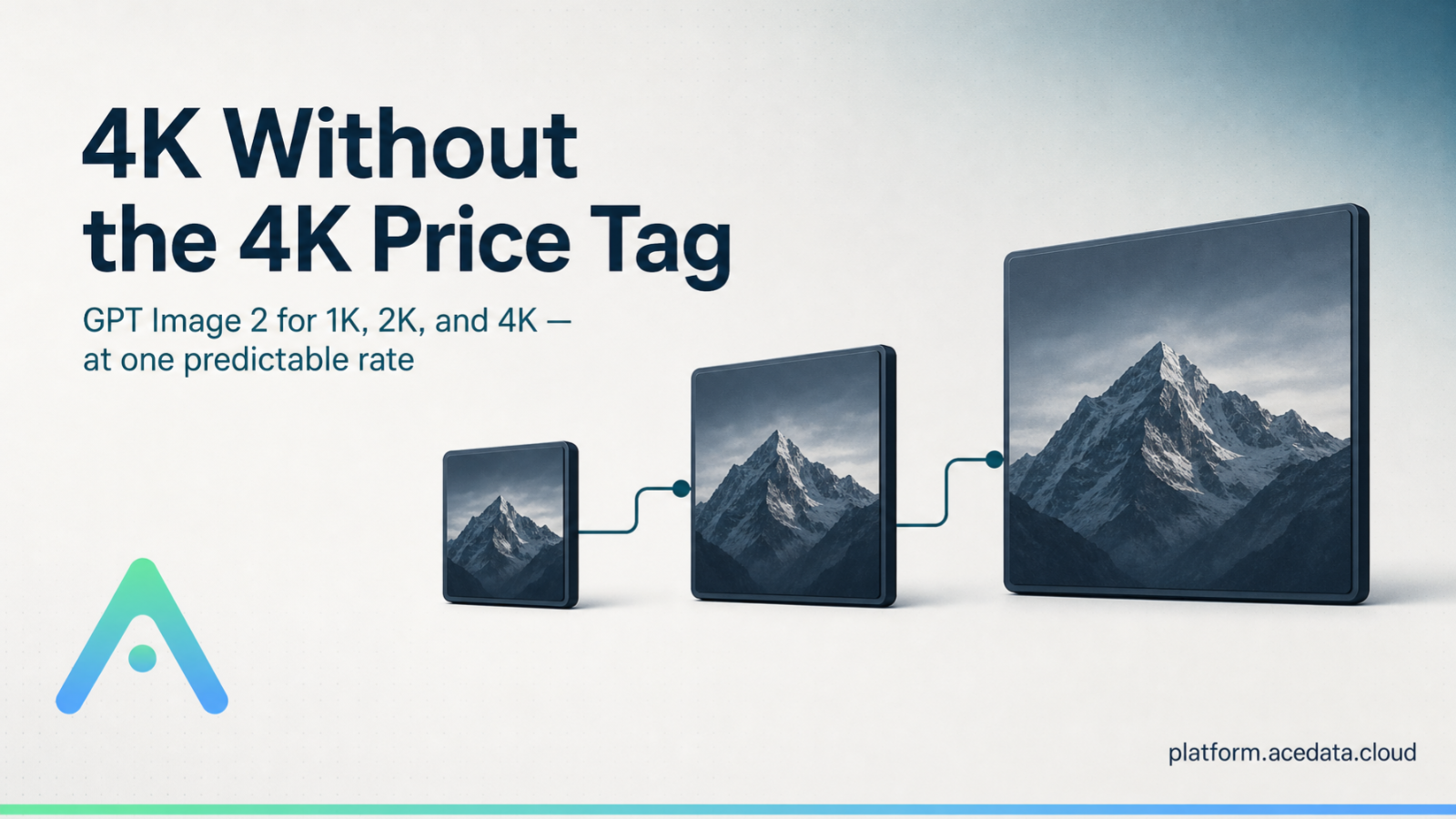

If a 4K image costs only a few cents, would you still generate at 1K first and then pay to upscale it?
Most people who have worked on AI image projects have run into the same set of pitfalls: the first image looks good at first glance, but the text is wrong upon closer inspection; the composition is better in the second image, but the character has changed again; after finally picking one that can be used, they discover the resolution is insufficient when running ads, creating product detail pages, or displaying it on a large screen.
So they keep regenerating, filling in images, upscaling, and fixing text. What really consumes the budget is often not “generating the first image,” but that endless series of rework afterward.
This is also the most practical pain point in AI image production today: the results are getting stronger and stronger, but costs are not intuitive enough; sizes are getting larger and larger, and budgets are becoming harder to calculate accordingly.
Ace Data Cloud did something very straightforward for GPT Image 2: it turned complex Token bills into a fixed price that can be understood at a glance.
The GPT Image 2 standard channel charges by successfully generated image, at 0.11 Credits per image. Based on the highest publicly available top-up package, it can be as low as approximately ¥0.07/image; 1K, 2K, and 4K are priced the same.
It is not a “starting price for 4K,” nor is it “a few cents for low resolution, with high resolution charged separately.” As long as you use the standard channel, resolution is no longer a surcharge item.

¶ First, let’s clarify the two pricing methods
The official OpenAI API uses Token-based pricing for GPT Image 2. The typical single-image prices provided in the official documentation vary depending on quality and aspect ratio. For example:
| Official quality tier | 1024×1024 | 1536×1024 / 1024×1536 |
|---|---|---|
| Low | $0.006 | $0.005 |
| Medium | $0.053 | $0.041 |
| High | $0.211 | $0.165 |
The advantages of the official channel are that it is native and stable, making it suitable for projects with clear requirements for official routing. However, in batch production, teams also need to consider quality, size, input content, and final Token usage at the same time. When requirements change, budgets may change accordingly.
Ace Data Cloud’s gpt-image-2 standard channel is more like an “all-inclusive price”:
| Item | Ace Data Cloud GPT Image 2 Standard Channel |
|---|---|
| Pricing method | Fixed pricing per successfully generated image |
| Per-image consumption | 0.11 Credits |
| Lowest converted price | Approximately ¥0.07/image* |
| Supported sizes | 1K / 2K / 4K and compliant custom sizes |
| Resolution surcharge | None |
| Images per generation | 1–10 |
* “Approximately ¥0.07” is estimated based on the Credit unit price of the highest publicly available top-up package and an exchange rate of 1 USD ≈ 7.2 CNY. The actual conversion may vary depending on the exchange rate and top-up tier. Please refer to the real-time price in the console for the final price.
¶ This calculation becomes very clear when applied to 1,000 images
Taking 1536×1024 landscape images as an example, based on an estimate of 1 USD ≈ 7.2 CNY:
- OpenAI official Medium: approximately ¥0.30/image, approximately ¥295 for 1,000 images;
- OpenAI official High: approximately ¥1.19/image, approximately ¥1,188 for 1,000 images;
- Ace Data Cloud standard channel: as low as approximately ¥0.075/image, approximately ¥75 for 1,000 images.
Compared with the official High tier, you can save approximately ¥1,113 for 1,000 images, reducing costs by approximately 94%.
More importantly, this price does not require you to stay at 1K. When a project needs 2K product images, 4K banners, or large 9:16 vertical images, the standard channel will not charge another “clarity tax” just because the canvas becomes larger.
Of course, the full story should also be told: if you only need small images at Low quality, the official typical single-image price may be lower. Ace Data Cloud’s advantage is not to insist that every parameter is the cheapest, but to make the costs of medium-to-high-quality, large-size, and batch tasks lower, more stable, and easier to calculate in advance.

¶ The same price for 1K, 2K, and 4K changes more than just the bill
¶ 1. No need to sacrifice the workflow just to “save a little first”
A common approach in the past was to use small images for drafts first, then upscale after finalizing. The problem is that upscaling does not create details out of thin air: text edges, product textures, and character facial features may all require a second round of repair.
Now, you can generate directly at the final delivery size. If you are making 4K, start with 4K.
¶ 2. Batch projects can finally be budgeted per image
For e-commerce main images, ad assets, short-video covers, and game concept art, the biggest concern is not being expensive, but being impossible to calculate accurately.
Fixed pricing means you can estimate very directly: how much for 100 images, how much for 1,000 images, and how much should be reserved for failed retries. Product, design, and finance teams do not need to repeatedly reconcile accounts around Token tables.
¶ 3. One API covers more delivery scenarios
GPT Image 2 supports common 1:1, 4:3, 3:4, 16:9, and 9:16 ratios, as well as compliant custom widths and heights. Common 4K sizes include:
- 3840×2160: 4K landscape, suitable for large screens, banners, and video backgrounds;
- 2160×3840: 4K portrait, suitable for mobile posters and vertical content;
- 3264×2448 / 2448×3264: suitable for product and editorial images;
- 2880×2880: high-resolution square images. The width and height need to be multiples of 16, the longest side must not exceed 3840, the total pixel count must be between 655,360–8,294,400, and the aspect ratio must not exceed 3:1.
¶ Integration is not as complicated as imagined
After obtaining the Ace Data Cloud API Key, you can generate an image with a single request:
curl https://api.acedata.cloud/openai/images/generations \
  -H "Authorization: Bearer YOUR_API_KEY" \
  -H "Content-Type: application/json" \
  -d '{
    "model": "gpt-image-2",
    "prompt": "A cinematic futuristic city brand poster, in blue and purple tones, rich in detail, no text",
    "size": "3840x2160",
    "n": 1
  }'
After success, the image URL is in data[].url. For batch tasks, you can also pass in callback_url, allowing the service to actively call back after generation is complete, avoiding synchronous request timeouts.
If your project places more importance on the stability of official routing, you can also switch the model to gpt-image-2:official and continue using official Token billing. One interface, two cost strategies—just choose according to the project.

¶ One final sentence: 4K should be a production option, not a luxury option
AI images have already moved from “playing around with them occasionally” into real content production. At this stage, model capability is certainly important, but whether pricing is transparent, budgets are controllable, and interfaces are convenient for batch processing are equally important.
As low as approximately ¥0.07 per image, with the same price for 1K, 2K, and 4K.
This is not as simple as making an image a few cents cheaper, but rather allowing teams to skip the old workflow of “low resolution first, then upscale, then retouch,” and create directly from the final dimensions.
- View the GPT Image 2 / 2.5 integration guide
- View OpenAI's official image generation documentation and pricing
- Enter the Ace Data Cloud console
Pricing note: The RMB amounts in this article are estimated values provided for readability, calculated based on publicly available top-up tiers and sample exchange rates; service prices, exchange rates, and model rules may change, so please refer to the console and real-time documentation.