
Claude Code
AI Coding Agent
A powerful coding Agent that can interact with your codebase in the terminal or VS Code. Configure models and quotas centrally through AceData Cloud.
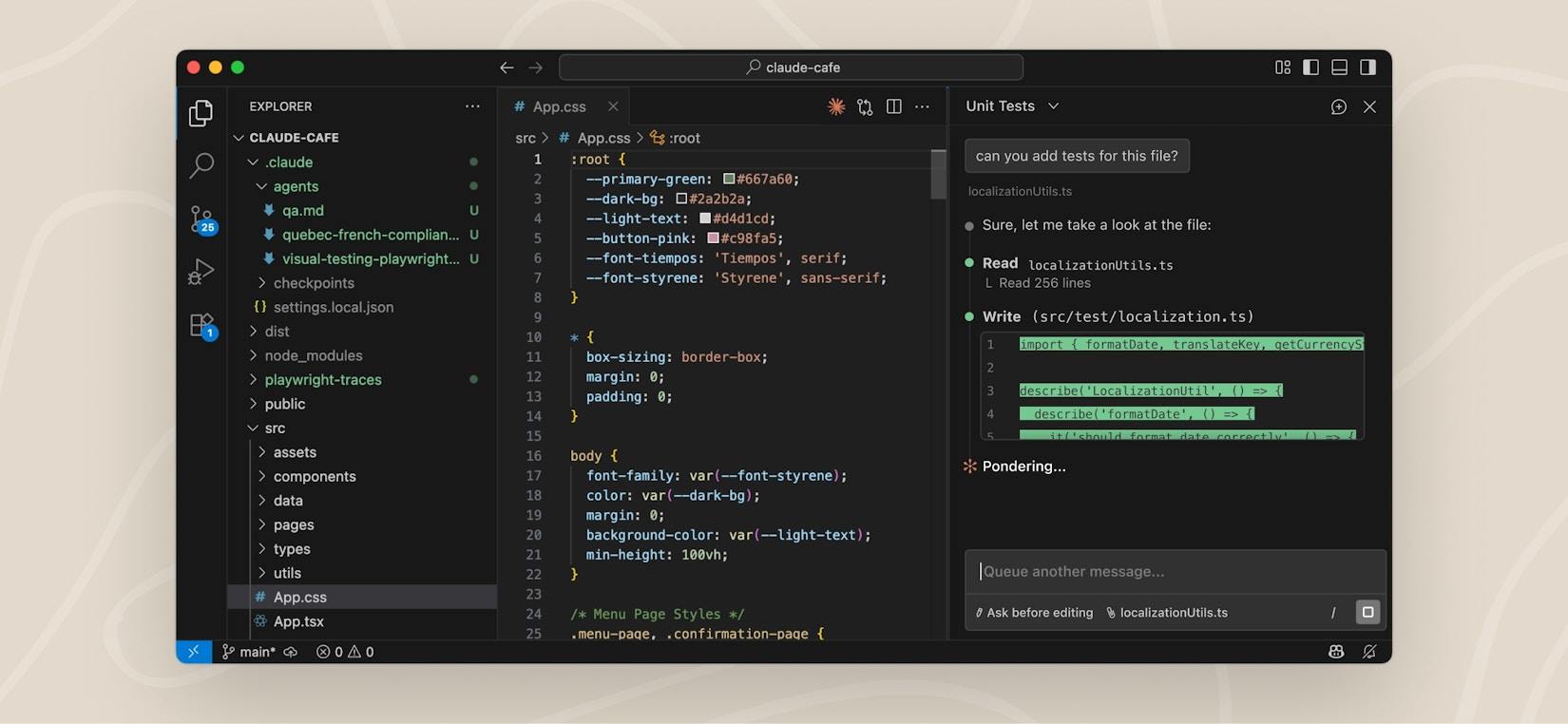
What is Claude Code?
Claude Code is an Agentic Coding tool launched by Anthropic, also known as one of the world's most powerful coding Agents. It is not a simple code completion tool, but a true programming agent—you only need to describe the functionality you want to implement in natural language, and Claude Code can understand the entire codebase, edit code across files, debug issues, and even automate the entire process from Issue to PR.
Ace Data Cloud provides a low-cost Claude API proxy service, allowing you to use Claude Code at less than half the official price. No fixed monthly subscription is required; pay by Token usage, with ample quota and no speed limits, available globally and ready to use out of the box.
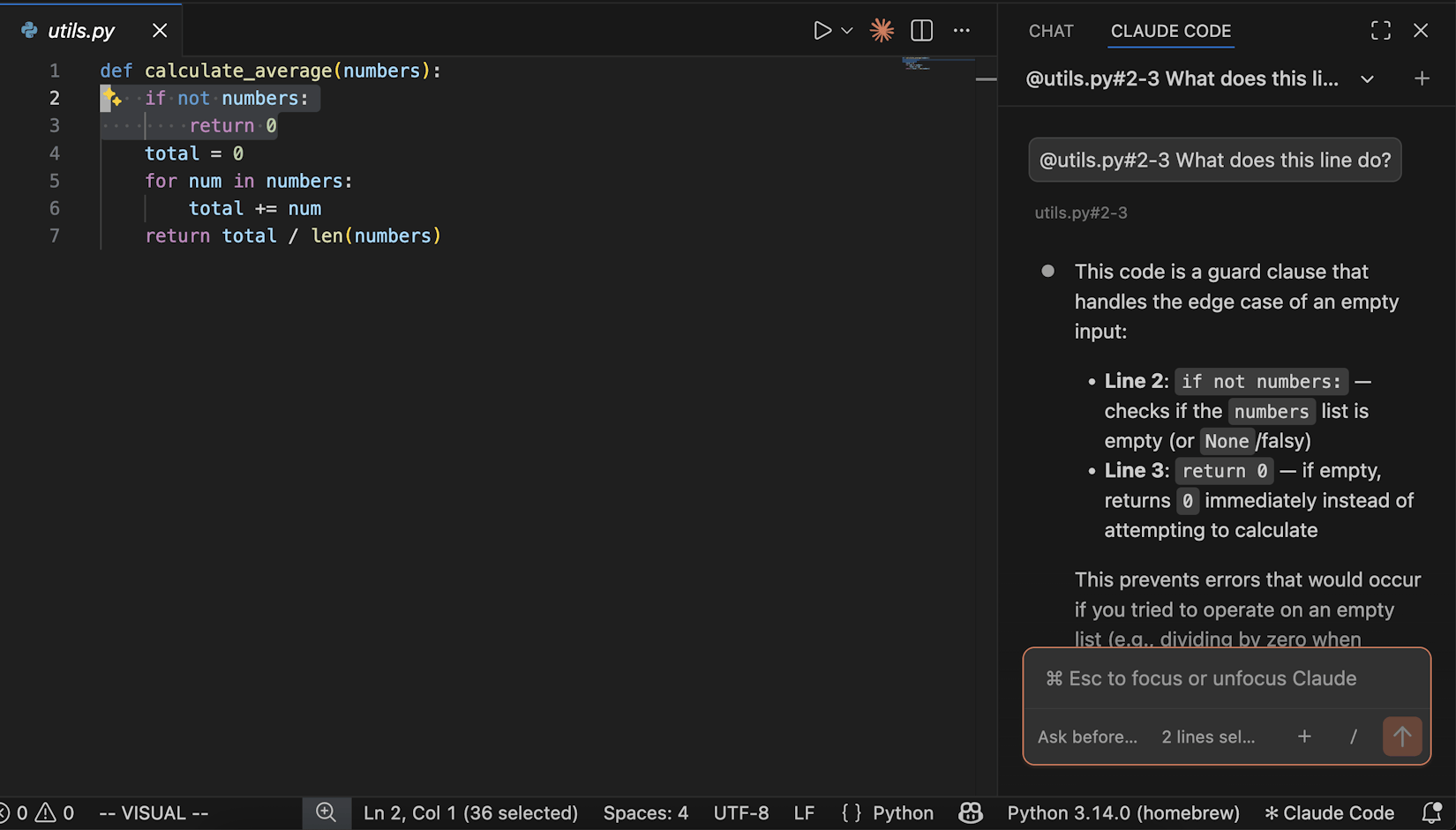
Claude Code's Core Capabilities
More than just code completion—it is an agent that can understand, edit, debug, and deliver code
Codebase Understanding
Automatically analyzes project structure and dependencies, with no need to manually select context files. Simply say "explain this codebase" to get a complete architectural overview.
Multi-File Editing
Makes precise edits across multiple files, rather than merely offering suggestions. Claude Code understands relationships between code to ensure the correctness and consistency of changes.
Debugging and Fixes
Describe a Bug or paste an error message, and Claude Code will identify the root cause and implement a fix. It can read logs, run tests, and iterate until the issue is resolved.
Issue to PR
Helps complete the full development workflow, from reading Issues and writing code to running tests and preparing PRs.
Tool Integration
Seamlessly integrates with Git, GitHub, GitLab, and your CLI toolchain. Follows the Unix philosophy, with high composability and scripting capabilities.
Extended Thinking
When facing complex architectural decisions, performance optimization, or security audits, Claude Code uses extended thinking capabilities for in-depth analysis and provides well-considered solutions.
{
  "env": {
    "ANTHROPIC_AUTH_TOKEN": "YOUR_ACE_DATA_CLOUD_TOKEN",
    "ANTHROPIC_BASE_URL": "https://api.acedata.cloud",
    "CLAUDE_CODE_AUTO_COMPACT_WINDOW": "850000"
  }
}
Complete setup in 3 minutes
Configure authentication, the proxy address, and the automatic compaction window to connect Claude Code to AceData Cloud.
Get an API Token
Register with Ace Data Cloud and obtain a Bearer Token
Configure the proxy address
Configure the env environment variables in ~/.claude/settings.json to point to the proxy
Start coding
Run the claude command to enjoy full functionality at a lower cost
Terminal and VS Code
Choose the appropriate guide to complete Claude Code setup
What Can Claude Code Do?
From everyday coding to large-scale refactoring—covering the entire software development lifecycle
Feature Development
Describe your requirements in natural language, and Claude Code automatically generates complete feature implementation code
Bug Fixes
Paste error logs or describe the issue to automatically identify the root cause and complete the fix
Code Review
Review PR code quality, security risks, and potential bugs, with recommendations for improvement
Code Refactoring
Large-scale renaming, module extraction, framework migration—safely refactor across files
Get Started in 3 Steps
From registration to using Claude Code, it takes less than 5 minutes
Register and Get a Token
Create a free account on Ace Data Cloud. Go to the Claude Messages service page and click Acquire to get a Bearer Token. Your first application includes free credits.
Configure the Proxy
Set authentication and the proxy address in env within ~/.claude/settings.json, and set CLAUDE_CODE_AUTO_COMPACT_WINDOW to the string 850000 to reserve compaction space for long sessions.
Start Coding
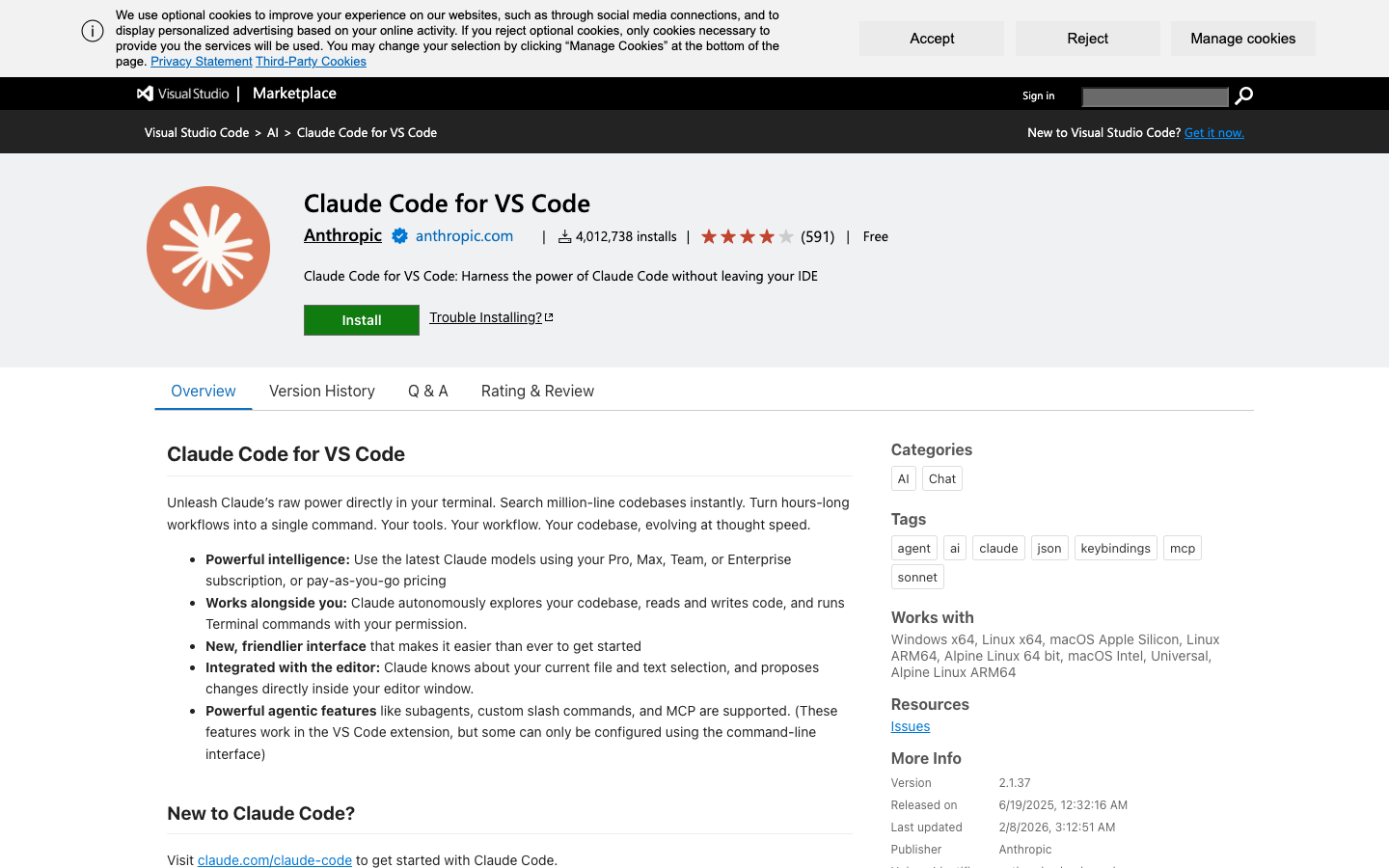
Run claude in the terminal, or use the extension in VS Code, and follow the relevant guide to complete setup.
Why Choose AceData Cloud?
Comprehensive advantages of AceData Cloud in pricing, quotas, and flexibility compared with official subscription plans
| Comparison | AceData Cloud | Official Subscription |
|---|---|---|
| Billing Method | By Token Usage | Fixed Monthly Fee $20-$200 |
| Usage Limits | ✓ Ample Concurrent Quota | Fixed Plan Quota |
| Starting Price | Less Than 50% of the Official Price | Starting at $20 / Month |
| Throttling After Limit | ✓ No Throttling | ✗ Stops When Used Up |
| Available Globally | ✓ | Service regions are subject to official availability |
| Registration Requirements | ✓ Ready to Use Instantly | ✗ Credit Card Required |
Claude Code Pricing
Transparent pay-as-you-go pricing. No subscription fees. No hidden charges. Pay only for actual Token usage.
Via the Claude API proxy, billed based on actual Token usage at less than half the official price
- ✓ Haiku Series: Lowest-cost starting option
- ✓ Sonnet Series: Best value option
- ✓ Opus Series: Flagship reasoning capabilities
- ✓ All 15 Claude models supported
- ✓ Free credits for first-time registration
- ✓ No monthly fees, no subscription
Dedicated solutions for high-volume teams
- ✓ Volume discounts based on usage
- ✓ Priority technical support
- ✓ Dedicated account manager
- ✓ Custom rate limits
- ✓ SLA guarantee
Frequently Asked Questions
Everything you need to know about using Claude Code through AceData Cloud
What is the relationship between Claude Code and the Claude API? ▾
Claude Code is an AI coding agent tool launched by Anthropic. Under the hood, it communicates with Claude models through the Claude API (Messages API). AceData Cloud provides a proxy service for the Claude API. Claude Code can use our service by configuring the proxy address and Token, with functionality fully identical to the official service.
What are the advantages of using AceData Cloud? ▾
Three major advantages: (1) Lower prices—billed by Token usage, at less than half the official price, with no need to pay a fixed monthly fee of $20-$200; (2) Ample quota—you will not encounter quota limit prompts like with official subscriptions, and frequent use is not throttled; (3) Available worldwide—no matter which region you are in, you can use it reliably with low latency.
Which Claude models are supported? ▾
Supports 15 Claude models, including the Haiku series (3, 3.5, 4.5), Sonnet series (3, 3.5, 3.7, 4, 4.5, 4.6), and Opus series (3, 4, 4.1, 4.5, 4.6). We will follow up as soon as Anthropic releases new models. Claude Code uses Sonnet series models by default, and you can also switch to other models in the settings.
How do I configure Claude Code to use AceData Cloud? ▾
Set ANTHROPIC_AUTH_TOKEN and ANTHROPIC_BASE_URL in env within ~/.claude/settings.json, and set CLAUDE_CODE_AUTO_COMPACT_WINDOW to the string 850000. This value only controls the trigger window for automatic compaction and does not change the model's context limit. For detailed steps, please see the configuration tutorials for each platform.
Which platforms are supported? ▾
Coding Plan currently provides two configuration options: the Claude Code terminal (CLI) and VS Code. Please select the corresponding guide from the configuration center.
How can I verify that the configuration has taken effect? ▾
After completing the configuration, open a terminal and run the claude command. If the conversation starts normally and you receive a response, the configuration has taken effect. You can also view API call records and usage statistics in the Ace Data Cloud console to confirm that requests have been sent through the proxy.
Can it be used globally? ▾
Yes. AceData Cloud provides globally available access nodes, allowing you to use Claude Code reliably with low latency regardless of your region. No VPN or overseas credit card is required; simply register to get started.
Can I run multiple Claude Code sessions at the same time? ▾
Yes. AceData Cloud's API supports concurrent calls, so you can run Claude Code simultaneously in multiple terminal windows and IDEs. Official monthly subscription plans may trigger limits during frequent use, but you will not encounter this issue through AceData Cloud.
Other AI Services
Explore our complete AI API suite, covering chat, images, video, music, and more
Claude API
Anthropic Claude full range of model APIs, supporting Chat Completion and Messages formats
Gemini API
Google Gemini full range of models, supporting multimodality and long context
Flux API
Black Forest Labs' top-tier text-to-image model
Suno API
AI music generation—create songs, instrumentals, and remixes via API
Get Started with Claude Code Now
Enjoy the world's most powerful coding agent at a lower cost through the AceData Cloud proxy. Pay as you go, no subscription fee, setup completed in 3 minutes.