
Claude Code + Luma MCP: Generate AI Videos from a Single Command in the Terminal
📘 Complete Guide: Use All 11 AceData Cloud MCPs in Claude Code →
You’ve finished writing a README in Claude Code and want to add a dynamic demo. Opening a browser to use video tools breaks your flow—connect to the Luma MCP Server and get it done directly in the terminal without leaving the command line.
¶ Get API Token
Before using Luma MCP Server, you need an AceData Cloud API Token:
- Open AceData Cloud Platform, supports login via GitHub, Google, WeChat, email, or phone number. Register to get free credits.
- After logging in, you can see your API Token on the homepage—click to copy.
- When credits run out, top up at Console → Recharge, supports Alipay, WeChat, Stripe.
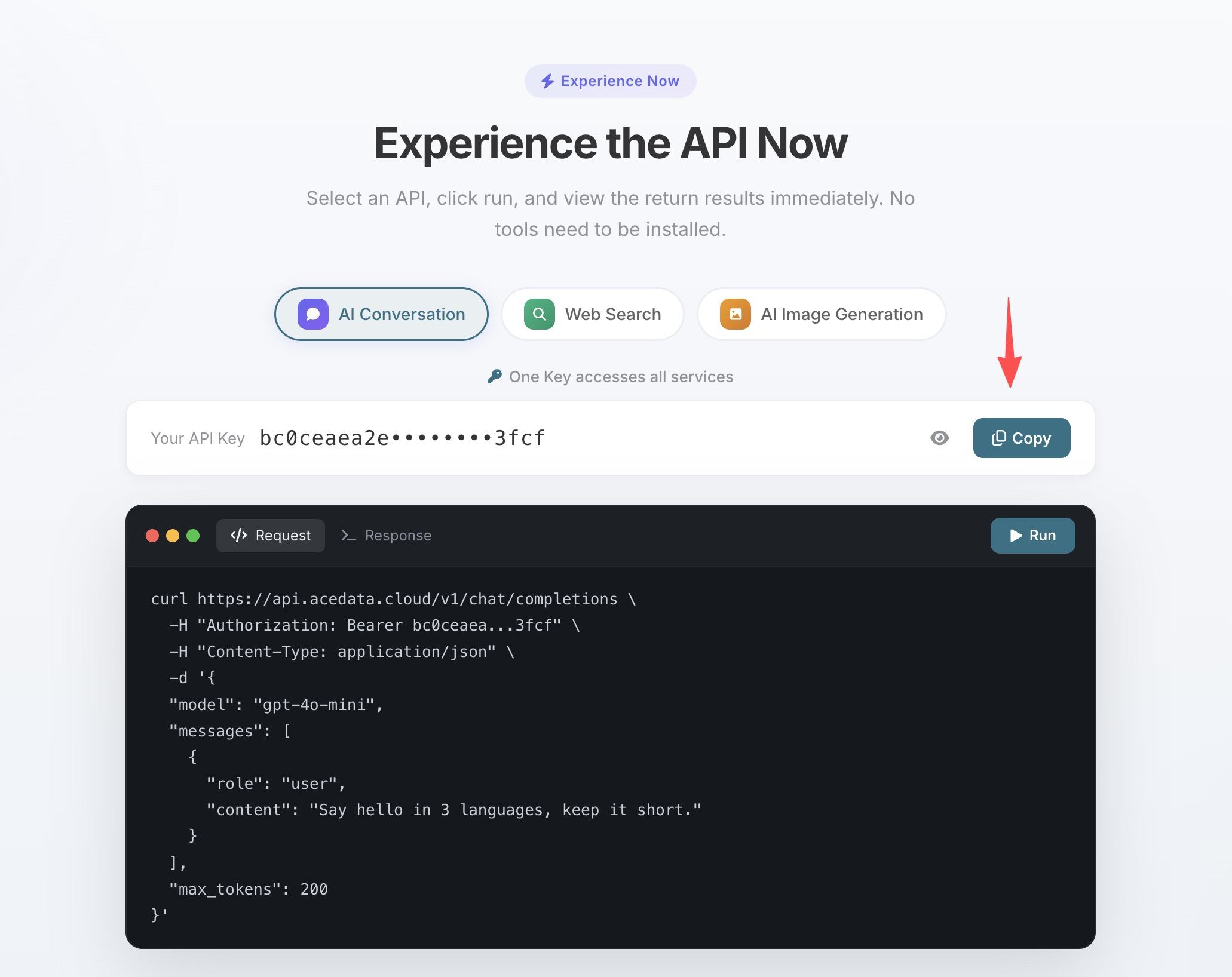
One Token works for all 11 MCP Servers; no need to apply separately for each service.
💡 Using claude.ai web or Claude Desktop? They support OAuth one-click authorization, no manual token input needed. See Claude + Luma MCP Illustrated Tutorial for details.
¶ Configure Claude Code
Run this command in the terminal, replacing 你的Token with the API Token you copied:
claude mcp add luma --transport http https://luma.mcp.acedata.cloud/mcp \
  -H "Authorization: Bearer 你的Token"
⚠️
-Hmust be uppercase. Lowercase-his--help, not a header parameter.
Without -s, the default scope is local, which only applies to the current directory when running commands. It’s recommended to explicitly specify scope:
| Scope | Command Parameter | Config File | Scope of Effect |
|---|---|---|---|
local (default) |
no -s or -s local |
~/.claude.json |
Only the current project directory where the command runs |
user |
-s user |
~/.claude.json |
Global effect, available in all projects |
project |
-s project |
.mcp.json in project root |
Current project, can be committed to git and shared with team |
💡 To share the same config with your team, add
-s project: the config is written to.mcp.jsonin the project root, which teammates can use after cloning from git. Do not commit real Tokens to public repos; use${ENV_VAR}placeholders plus environment variables.
Verify it’s working: run claude mcp list, you should see luma showing ✓ Connected.
¶ Practical Scenarios
After configuration, return to your Claude Code session and call Luma directly with natural language:
Create a promo video after finishing a project
Post it on Twitter or Product Hunt:
Generate a video: a laptop screen showing code, a steaming cup of coffee beside it, soft morning light
Animate design mockups
luma_generate_video_with_reference accepts images or videos as references to turn static screenshots into animated demos:
Generate a video using this UI screenshot as reference, adding subtle animations to the interface elements
Video too short? Continue
luma_extend_video continues from the end, keeping the style consistent:
Extend this video by 10 seconds, maintaining the same style
¶ Tool List
| Tool | Description |
|---|---|
| luma_generate_video | Text-to-video generation |
| luma_extend_video | Video extension |
| luma_generate_video_with_reference | Reference image/video based generation |