
SeeDream Image Generation API: Generate High-Resolution Images in One Call, with Real Examples and Costs
SeeDream is a text-to-image / image-to-image model from ByteDance's Doubao series, strong in high resolution and visual texture—generated images can reach 2K/4K, making it well suited for scenarios such as product images, posters, and commercial-grade still life that need to "look refined at a glance."
This article explains how to use the SeeDream API on Ace Data Cloud. The endpoint is POST https://api.acedata.cloud/seedream/images, and the documentation is at platform.acedata.cloud/documents/seedream-images. You can use it by getting a Token from the console, and the first application includes free credits.
¶ First, Look at Real Generated Images and Real Costs
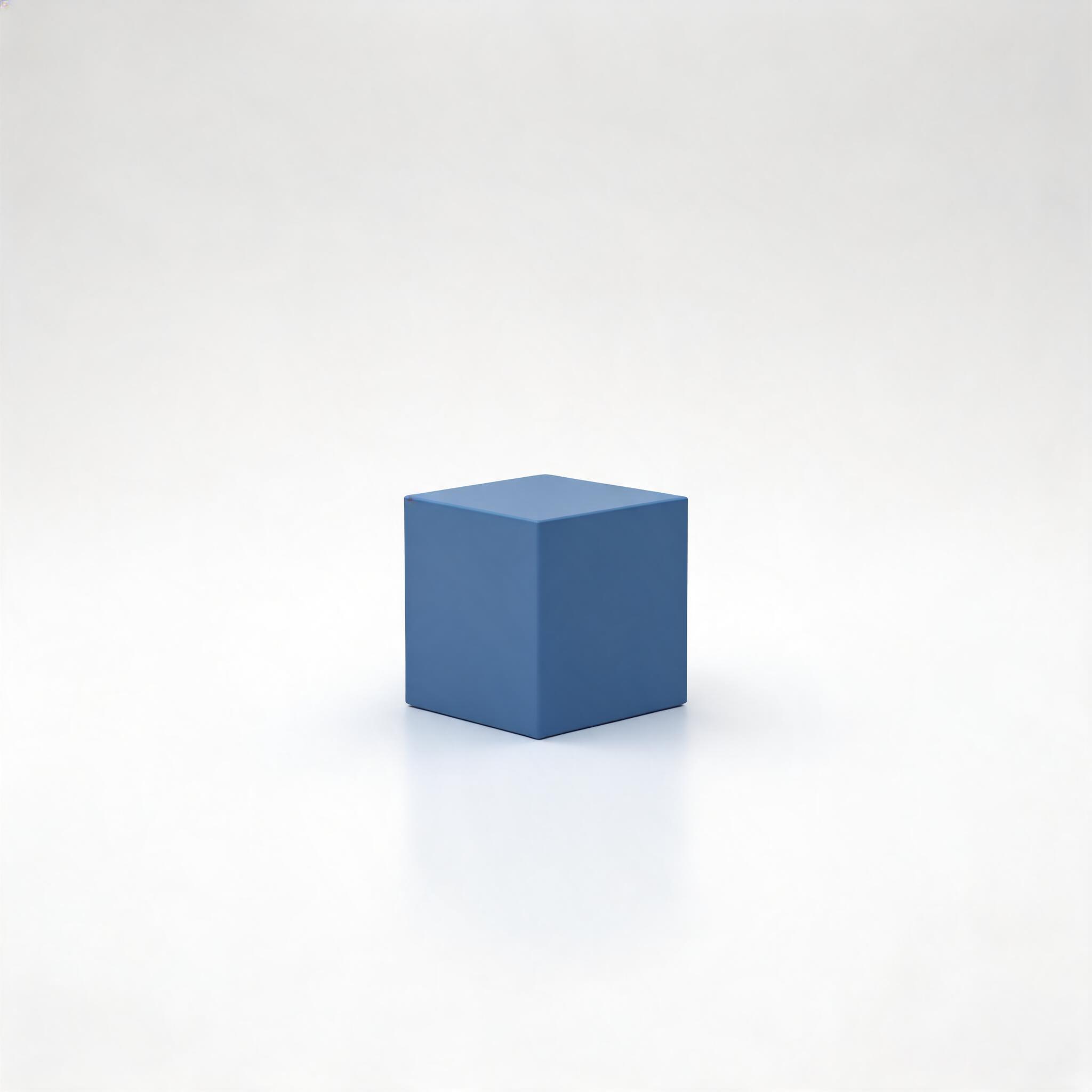
The image below is a minimalist studio shot generated with doubao-seedream-5-0-lite-260128. The actual cost recorded by the platform for this call was 0.3404 credits (list_amount 0.37), not an estimate, but the amount actually charged.
¶ Basic Usage: Text-to-Image
The simplest usage is action: generate + an English prompt:
curl -X POST 'https://api.acedata.cloud/seedream/images' \
  -H 'accept: application/json' \
  -H 'authorization: Bearer {token}' \
  -H 'content-type: application/json' \
  -d '{
    "action": "generate",
    "model": "doubao-seedream-5-0-lite-260128",
    "prompt": "A single matte blue cube centered on a clean white studio background, neutral lighting"
  }'
In the response, data[].image_url is the generated image, and size is the actual pixel size:
{
  "success": true,
  "task_id": "80ceeed1-17d4-4eb7-82e0-18b34290f36e",
  "trace_id": "96b7fdc8-0fc8-4e2e-82a9-83c0a82f0a08",
  "data": [
    {
      "prompt": "A single matte blue cube centered on a clean white studio background, neutral lighting",
      "size": "2048x2048",
      "image_url": "https://cdn.acedata.cloud/assets/examples/seedream/db93b46e-c302-4676-8a11-63f0ba638a27-1c6f66f6b7e8.jpg"
    }
  ]
}
Image generation takes a little time. If you do not want the request to wait, adding "async": true will immediately return a task_id, then poll /seedream/tasks:
curl -X POST 'https://api.acedata.cloud/seedream/tasks' \
  -H 'authorization: Bearer {token}' \
  -H 'content-type: application/json' \
  -d '{"id": "81246f86-05ff-4d7d-9553-1013e0c1cd32", "action": "retrieve"}'
¶ Image-to-Image: Change Materials, Switch Styles, and Unify Multiple Images
To make changes based on an existing image, simply pass image (URL or Base64, multiple images supported). For example, keep the model's pose unchanged and only change the clothing material from metal to transparent water:
{
  "model": "doubao-seedream-4-0-250828",
  "prompt": "Keep the model pose and the garment shape unchanged. Change the clothing material from silver metal to completely transparent water, showing skin details through the flow, refraction instead of reflection.",
  "image": ["https://.../source.png"]
}
¶ How to Choose Models and Sizes
model must use the full model string (using abbreviations such as doubao-seedream-5.0-lite will result in a 400 error). Some commonly used ones:
doubao-seedream-5-0-lite-260128(5.0 Lite, default, latest) — supports 2K/3K/4K, image groups, streaming, and web search;doubao-seedream-5-0-pro-260628(5.0 Pro, flagship single-image model) — generates only one image, has the highest image quality, and supports fusion of 1–10 input images;doubao-seedream-4-5-251128/doubao-seedream-4-0-250828— support single-image/multi-image input, image editing, and image groups.
There are two ways to specify size, and they cannot be mixed:
- Preset resolution (
size: "2K"/"4K", etc.; supported levels vary by model), with the aspect ratio described in natural language in the prompt; - Pixel values (such as
size: "2048x2048"), where total pixels and aspect ratio ranges vary by model.
Other commonly used options: response_format (url by default / b64_json), watermark (true by default, can be disabled for commercial use), and output_format (jpeg / png, supported only by the 5.0 series).
¶ What to Build with It
- E-commerce product images: Generate commercial-grade still life/scenario images with one prompt, replacing part of studio photography;
- Posters and covers: Use high resolution directly for print or large screens;
- Image groups/series: Use
sequential_image_generationto generate a set of related images with a unified style at once, making it convenient to create image collections for content accounts.
Among these use cases, "generating high-quality product images in bulk" is a link that can be monetized directly—this is exactly what many small merchants lack. Put the tool link you use on your profile page, and earn commissions through the Ace Data Cloud Monetization Affiliate Program when users registered through you make purchases; or package the above workflow into a small tool that lets merchants "enter a description and generate product images with one click." Your cost is the platform's usage-based charge (such as the 0.34 credits for the image above).
¶ Reference Links
- Documentation: https://platform.acedata.cloud/documents/seedream-images
- Endpoint:
POST https://api.acedata.cloud/seedream/images - Get a Token: https://platform.acedata.cloud/console/applications
First, use the free credits to generate an image and see the visual quality, then decide which model and size to integrate into your workflow.