
Post Notes on Xiaohongshu: Connect Local Browser for AI-Assisted Creation

Xiaohongshu is the center of "grass planting" culture—users search for "Is XX useful?", "XX recommendations", "XX tutorials", and then buy and use accordingly. For those creating C-end white label sites or AI tools aimed at the general public, the conversion intent on Xiaohongshu is very strong: people come here wanting to "find something good to try."
Connecting Xiaohongshu with a local browser requires your computer and browser to be online, and may require on-site confirmation, login, or verification codes.
¶ 1. Real Mechanism: Connect Your Local Browser (Key Point)
After connecting, the AI performs visible operations in your authorized local browser, closely resembling you completing tasks step by step in the browser.
Once connected, the AI can do the following through this local browser:
- Log in to Xiaohongshu;
- Search and view notes;
- Post image-text notes / video notes / long articles;
- Schedule posts.
Usage Boundaries: The local browser must be online, account permissions and target platform rules still apply; if verification codes, login expirations, audits, or risk controls occur, tasks will pause and wait for you to handle them.
Remember in one sentence: Xiaohongshu = Local Browser Driven. It is not suitable for "set it and forget it" pure unattended operation, but rather for you to manually trigger in front of your computer.
¶ 2. Step 1: Connect to Xiaohongshu (Local Browser)
- Open the browser on your computer and log in to Xiaohongshu (creation endpoint
https://creator.xiaohongshu.com), keeping the login status. - Open Studio:
https://studio.acedata.cloud - Click "Add Content (+)" in the bottom chat input box → select "Connect"
- Jump to the connection management page:
https://studio.acedata.cloud/console/connectors - Find Xiaohongshu / xiaohongshu, and follow the prompts to connect your local browser.
Key operations during and after the connection may require you to confirm/authorize locally—this is normal behavior for local browser driving, not a malfunction.
¶ 3. Step 2: Use gpt-image-2 to Create a Viral Cover
Xiaohongshu's titles and covers affect whether readers continue browsing, so the cover must be attractive. Make the cover first before posting:
curl -X POST https://api.acedata.cloud/openai/images/generations \
  -H "Authorization: Bearer $ACEDATACLOUD_API_KEY" \
  -H "Content-Type: application/json" \
  -d '{
    "model": "gpt-image-2",
    "prompt": "Xiaohongshu style vertical cover, bright and fresh, large title 'This AI tool is so useful', light background, cute hand-drawn feel, comfortable white space",
    "size": "1024x1536"
  }'
Note that size should be vertical 1024x1536, fitting Xiaohongshu's cover ratio.
If you don't want to write code, just use the online interface: https://studio.acedata.cloud/openai-image, a few clicks will generate the image.
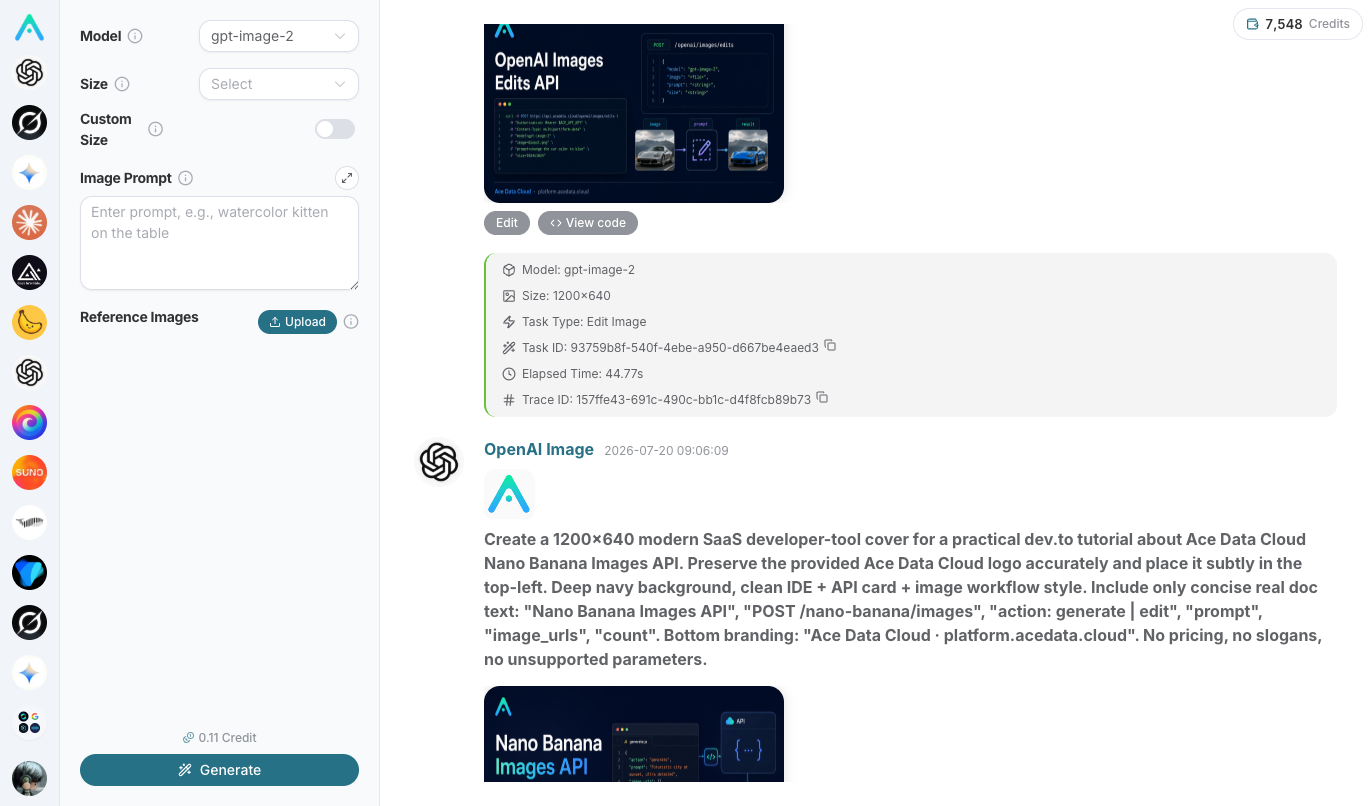
To create a "co-branded/logo" cover, use the image generation interface
POST https://api.acedata.cloud/openai/images/edits, passing multiple images to merge your logo and materials inimage[].
¶ 4. Step 3: Let AI Write Xiaohongshu Style Notes and Publish
Return to the Studio chat box (ensure your local Xiaohongshu browser is still open and logged in), and give the command. A prompt you can copy:
Help me write a Xiaohongshu image-text note, theme: "I found a free AI image generation tool".

Requirements:
1. The title should be "catchy", realistic + benefit point, within 20 words, can include 1-2 emojis.
2. The body should be conversational, first-person, like sharing with a friend, around 300 words, with emojis.
3. The ending should include 3-5 topic tags, such as #AI工具 #效率神器 #数字生活.
4. Naturally guide in the body: those who want to try can directly search the link in my homepage introduction
   (I will put https://platform.acedata.cloud/?inviter_id=<yourID> on my homepage).
5. Use the cover image I prepared, and publish it to my Xiaohongshu. If local confirmation is needed during the publishing process, prompt me.
During publishing, the AI will drive your local browser to operate step by step, just confirm key steps locally as prompted.
Long links are not convenient to place in Xiaohongshu's body, so put the invitation link in your homepage introduction or comment section, guiding in the notes to "check the homepage introduction" for the shortest conversion path.
¶ 5. Step 4: Search for Similar Viral Posts and Imitate Structure
Before posting, let AI help you scout:
Search for "AI tool recommendations" on Xiaohongshu, see what the titles and covers of the top notes look like,
summarize their common patterns (title structure, cover style, topic tags), and give me 3 directions to imitate.
Imitate structure, not content—learn the title formulas and cover styles of viral posts, and match them with your real experiences to be closer to your audience.
¶ 6. What Works on Xiaohongshu (Content Suggestions)
- Titles should be catchy: "I no longer need XX" or "This AI tool saved me XX" are the most effective with realism + benefit points.
- Conversational, first-person: Share like with friends, don’t write it like a manual. Use "I", "really", "sisters".
- Cover is the soul: Use gpt-image-2 to generate high-quality vertical covers for each post.
- Guide C-end: Xiaohongshu users rarely touch APIs—guide them to your white label site (usable right upon opening the webpage) or registration page for the shortest conversion path.
¶ 7. Honest Reminder (Avoid Pitfalls)
- It is not fully automated—you need to keep your local browser open and may need to confirm locally. Don't expect "set it and forget it." For more hassle-free unattended automation, use platforms like Juejin/Zhihu.
- It will stop when encountering CAPTCHA/sliders. This is a platform mechanism, not a malfunction; just handle it and you can continue.
- Xiaohongshu is extremely sensitive to hard ads; pure advertisements and obvious traffic diversion can easily lead to limited traffic or even account suspension. Use a genuine "sharing/planting" tone to make the guidance feel natural.
Xiaohongshu has a strong intent for traffic conversion and a high match rate for the C-end, making it worth the effort. Embrace its characteristics of "connecting to the local browser and requiring your presence for cooperation," and use authentic planting content + gpt-image-2 high-quality covers to guide those interested in trying AI to your white-label site. Log in today and publish your first note.