
Using GitHub for Technical Marketing: It's Not About "Publishing Articles," But Creating Content in the Developer's Arena
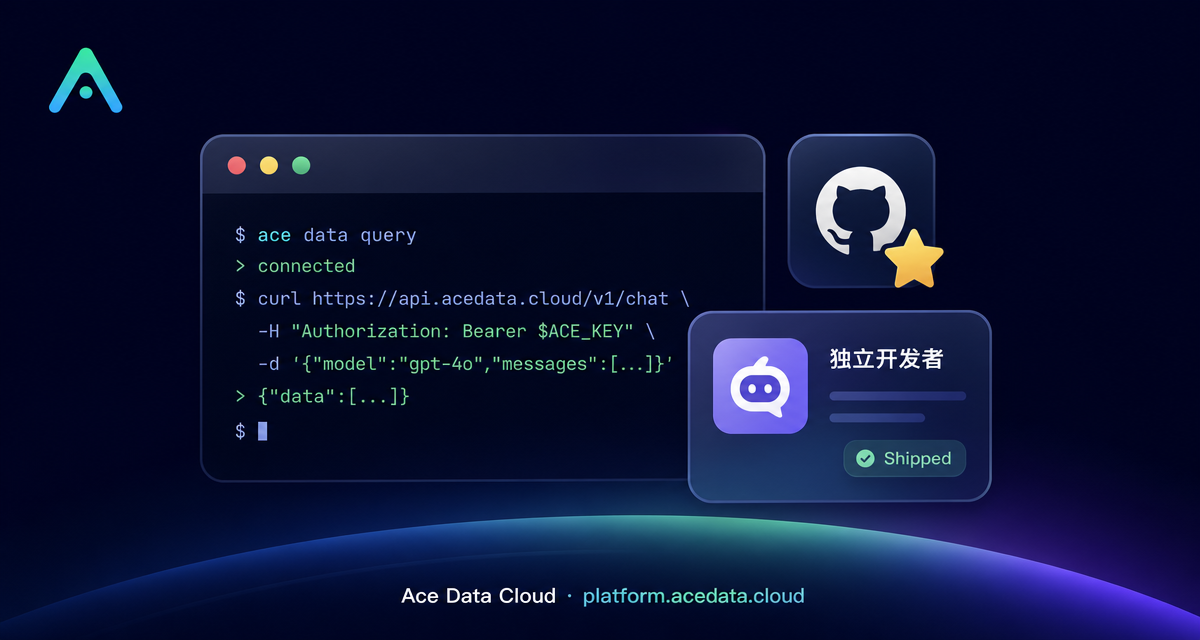
Let’s be clear: The GitHub connector is not for "publishing blog articles." It provides you with the ability to perform read and write operations on GitHub—viewing/creating/commenting on issues and PRs, searching code, viewing repositories, checking CI, creating Gists, releasing, etc., through the official gh CLI.
But don’t underestimate it. For those promoting API Platform, managing white-label API Platform, or developing developer tools, GitHub is the developer's arena—your potential customers are here every day. Creating content here is more precise than on any blogging platform.
¶ What This Connector Can Do (To Be Honest)
- Authorization Method: Official OAuth (one click to authorize, redirect to GitHub to confirm scopes like
repo/gist, etc.). - Capabilities: At its core is the official
ghCLI—gh issue/gh pr/gh repo/gh search/gh release/gh gist, andgh apifor direct REST/GraphQL calls. Both read and write operations are possible: create repositories/push files, create Gists, open or comment on Issues/PRs, release, search code. - It obtains write permissions for your GitHub account—just like you are operating GitHub, ensuring clarity and confirmation when pushing code or releasing.
It is not a "blog publishing" tool. If you want to publish long articles, use connectors like Zhihu / Medium / CSDN.
¶ Step-by-Step: Connect → Let AI Create Things → Drive Traffic
¶ 1. Connect Your GitHub Account
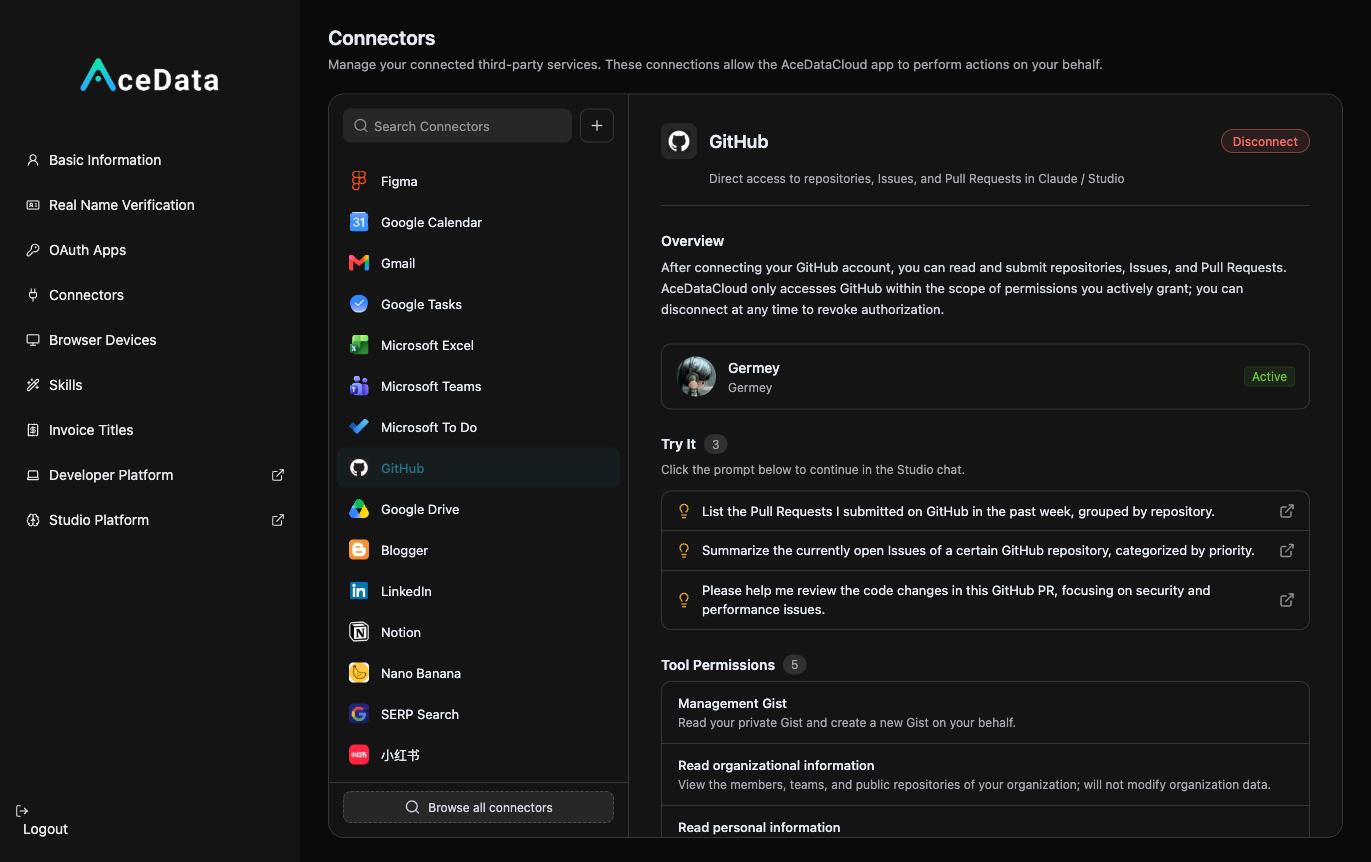
Open https://studio.acedata.cloud/console/connectors, find github, click to authorize, redirect to GitHub, confirm scopes, and return to see the status change to Active.
¶ 2. Let AI Help You Create "Useful Things"
In technical marketing on GitHub, the core is not about pushing ads, but establishing presence with useful things. In Studio, say:
"Help me create a
gpt-image-2-examplesrepository on GitHub, write a good README and a few runnable example scripts (curl / Python callingapi.acedata.cloud/openai/images/generations), explain in the README that it uses the acedata.cloud API, the free quota, and my invitation link, then push it (show me the diff for confirmation first)."
Several efficient angles:
- Create high-quality example repositories:
xxx-examples/awesome-xxx, naturally includingplatform.acedata.cloudand your invitation link in the README. Developers searching for solutions will find it. - Use Gist to share ready-to-use code snippets: Pair a Gist link with X / Juejin / Reddit, clean and trustworthy.
- Create a genuinely useful open-source tool: Wrap a CLI/script around your resale capabilities, with stars representing potential customers.
¶ 3. Turn the Repository into a Traffic Entry Point
Place your exclusive invitation link in the README / example comments: https://platform.acedata.cloud/?inviter_id=<your_userID>. When developers run the examples, they bring your API and services into their tech stack.
¶ How to Calculate Distribution
Naturally place your exclusive invitation link copied from the distribution backend in the content. For details on invitation attribution, levels, ratios, confirmation periods, and withdrawal conditions, refer to the Promotion Methods and Commission Rules; only valid orders that meet current rules may generate commissions.
¶ Important Reminder (Very Important)
- It is "GitHub read and write operations," not "blog publishing." Don’t treat it like Zhihu/Medium.
- It has write permissions for your repository—ensure clarity on what AI is about to do before confirming, especially when pushing code or releasing.
- GitHub is extremely averse to spam: Creating meaningless issues, spamming PRs, or piling up junk repositories can lead to account suspension. Only serious content here—creating genuinely useful repositories and code is the only sustainable approach.
¶ Mindset: On GitHub, "Useful" is the Best Marketing
On other platforms, you need to "write beautifully," but on GitHub, you need to "create something usable." A sample repository that can run with one click and truly solves problems will be starred, forked, and copied into developers' projects—when they copy, they bring your API and your services into their tech stack. This is the deepest and most sticky form of customer acquisition.