

“Give me a set of fruit images with transparent backgrounds.” This sentence sounds very clear, but at delivery it can easily turn into two different things.
Some people want one complete fruit image that can be placed on any color background. Some people want nine files: the apple goes into a product card, the banana goes into a pop-up, and the grapes go on an event page. Others mean something specific by “apple”: specifically the one already approved in last week’s poster, which cannot be replaced with one that looks similar.
All of these needs are called “transparent images,” but if you choose the wrong approach, the money saved on image generation can easily be spent later on cropping, rework, and reconfirmation.
¶ Direct generation: 0.55 Credits, get one truly transparent nine-grid image
We used GPT Image 1.5 to directly generate a nine-grid of fruits, set background: "transparent" in the request, and output PNG. This time we got one 1536 × 1024 image, with an actual cost of 0.55 Credits. After downloading, we checked the file: the background contains actual transparent pixels, not a white background, nor a checkerboard painted into the image. Whether the transparent background parameter is available depends on the specific model and calling channel.

Figure 1|A transparent nine-grid directly generated by GPT Image 1.5. All nine fruits are in the same file; the background color showing through on the webpage is not image content. View original transparent PNG
If what you need is one sticker collection, this step can be delivered as is. If you need nine separate images, and there is enough blank space between each fruit, you can also crop them by grid; there is no need to run another model just for layer separation. But what this API directly delivered is one image, not nine files. How large the cropped individual images can be also depends on how many pixels the fruits occupy in the full image.
By the way, regarding versions: we also passed the same transparent background parameter to gpt-image-2 in this call, and the API returned background=transparent is not supported for model gpt-image-2. Therefore, the image above is a successful result from GPT Image 1.5, not GPT Image 2. This error only indicates that the tested combination of model and channel is unavailable; it does not represent the support status of other GPT Image versions or channels.
¶ Separating from the original image: the extra Credits buy independent assets
For another route, we first used GPT Image 2 to create a nine-grid with a light gray background, then passed this image to Seedream 5.5. The layer separation returned one background image and nine individual transparent images. Each fruit has its own file, can be repositioned or resized separately, and can also be distributed for use across different pages.

Figure 2|The original light gray background image generated by GPT Image 2. This is another independently generated input, not Figure 1 with its background changed. View input original image · View the background image from the layer-separated output
| First Column | Second Column | Third Column |
|---|---|---|
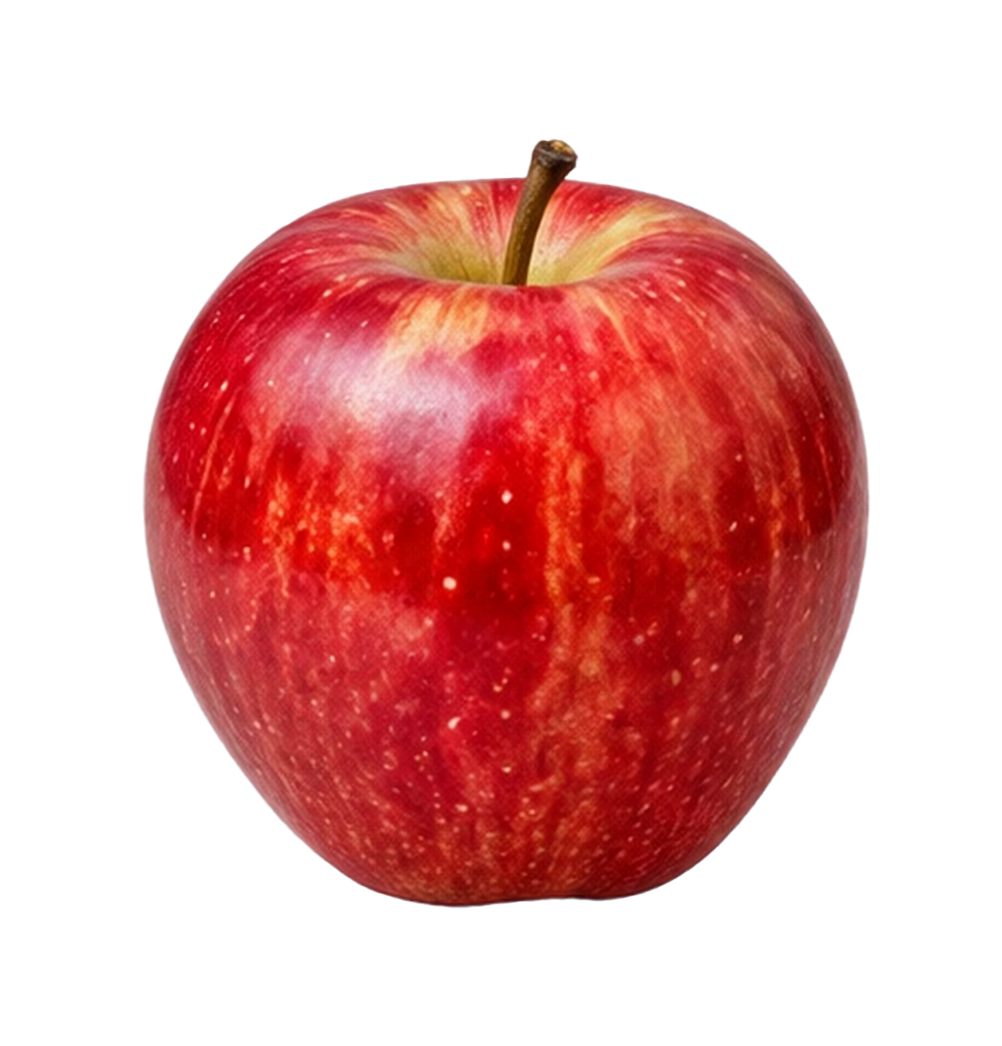 Apple PNG |
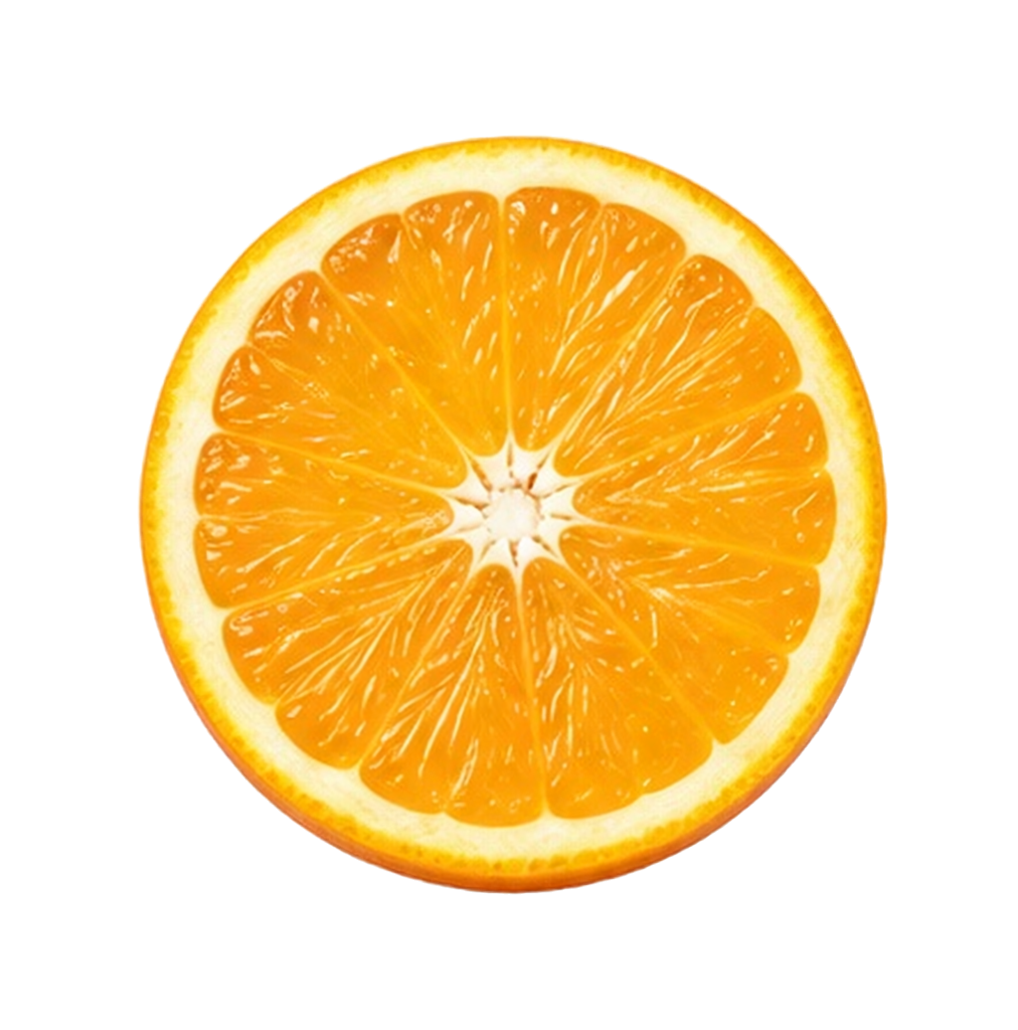 Orange PNG |
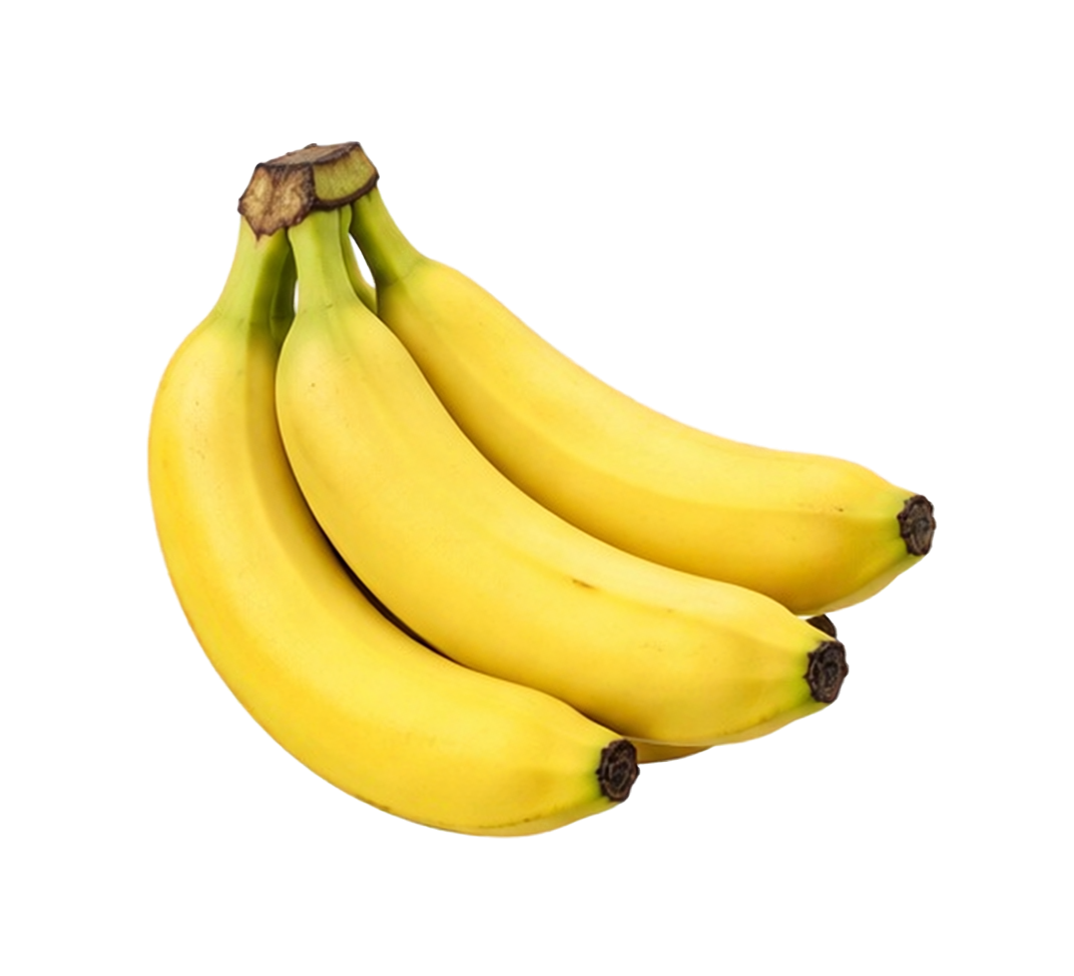 Banana PNG |
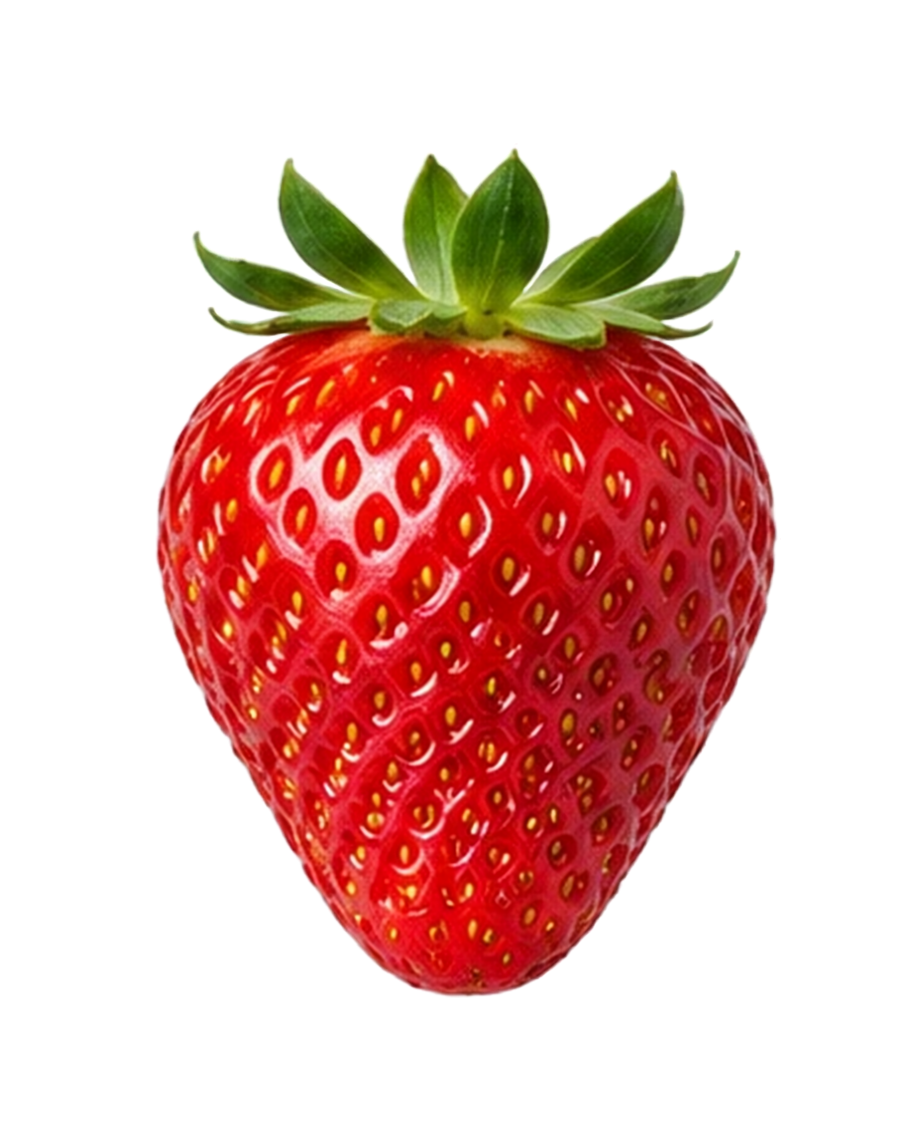 Strawberry PNG |
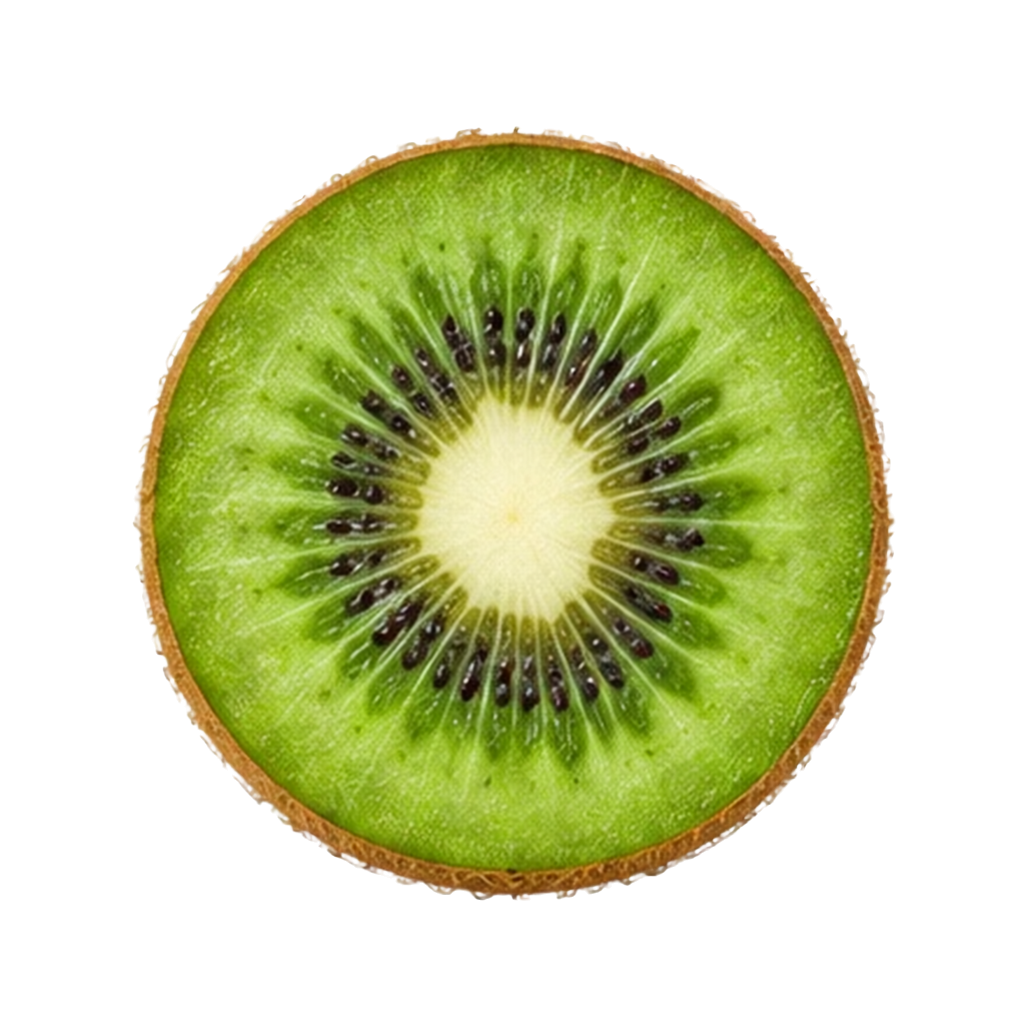 Kiwi PNG |
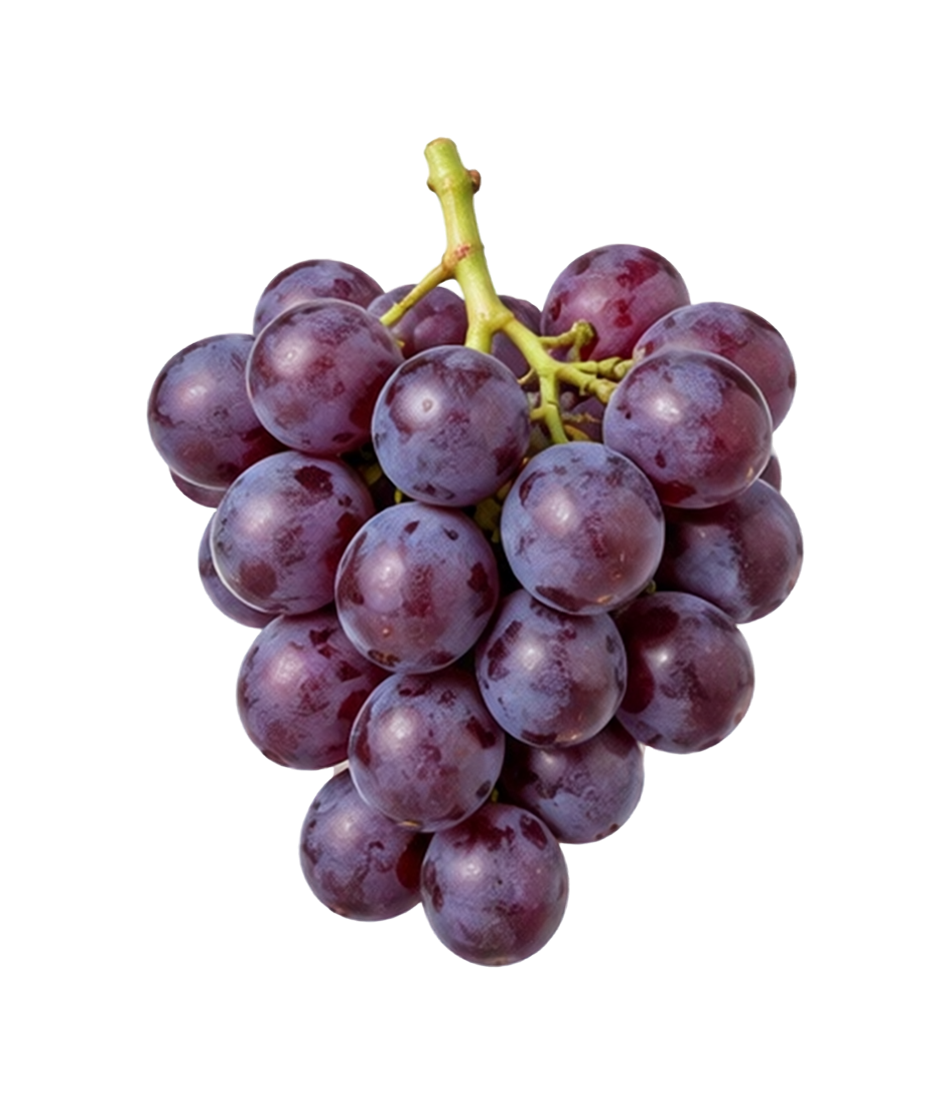 Grape PNG |
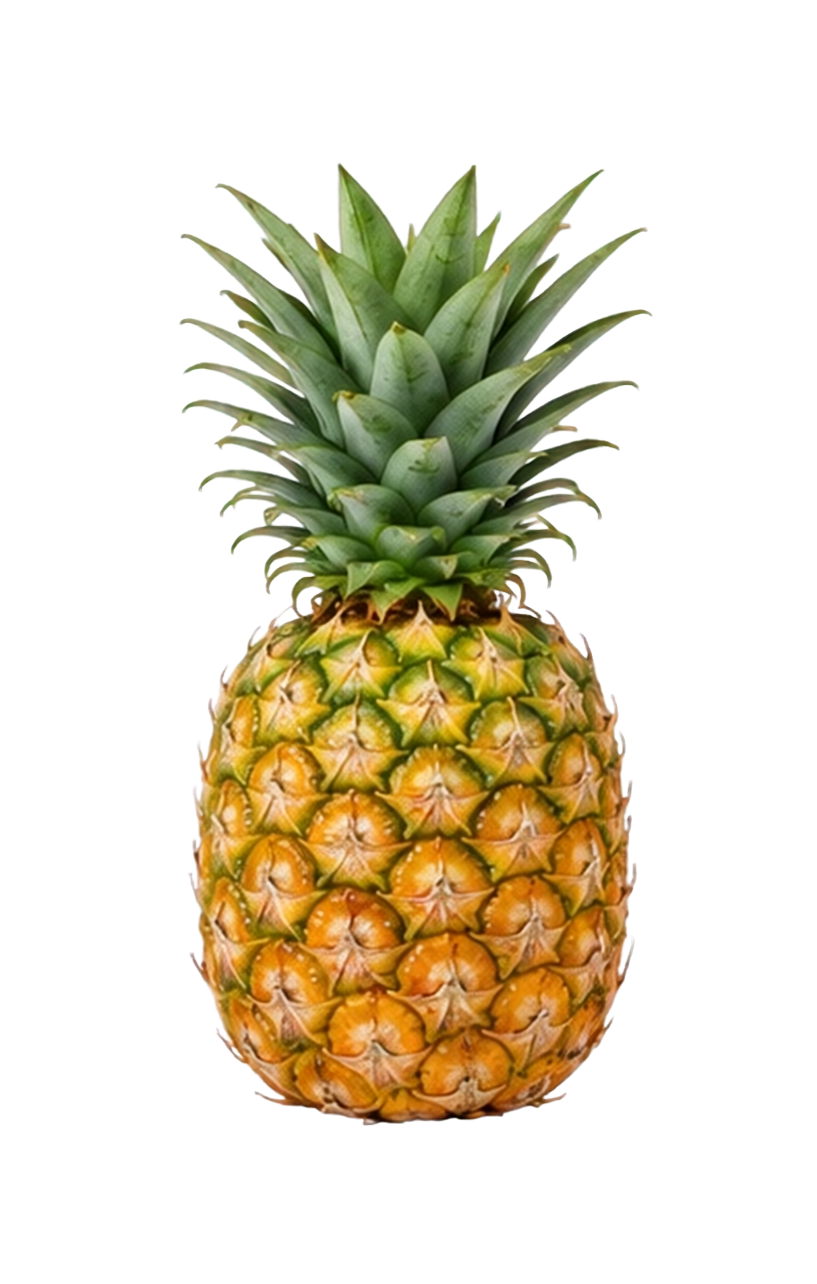 Pineapple PNG |
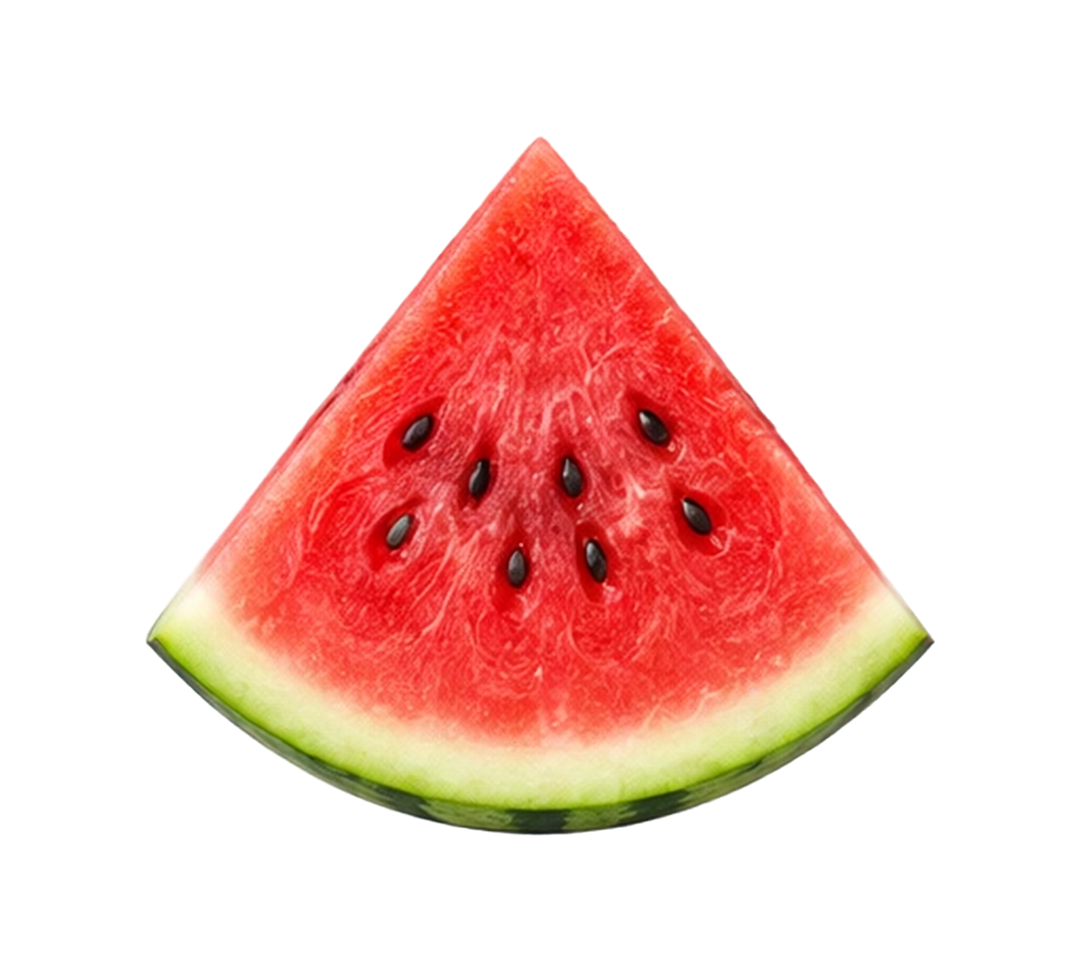 Watermelon PNG |
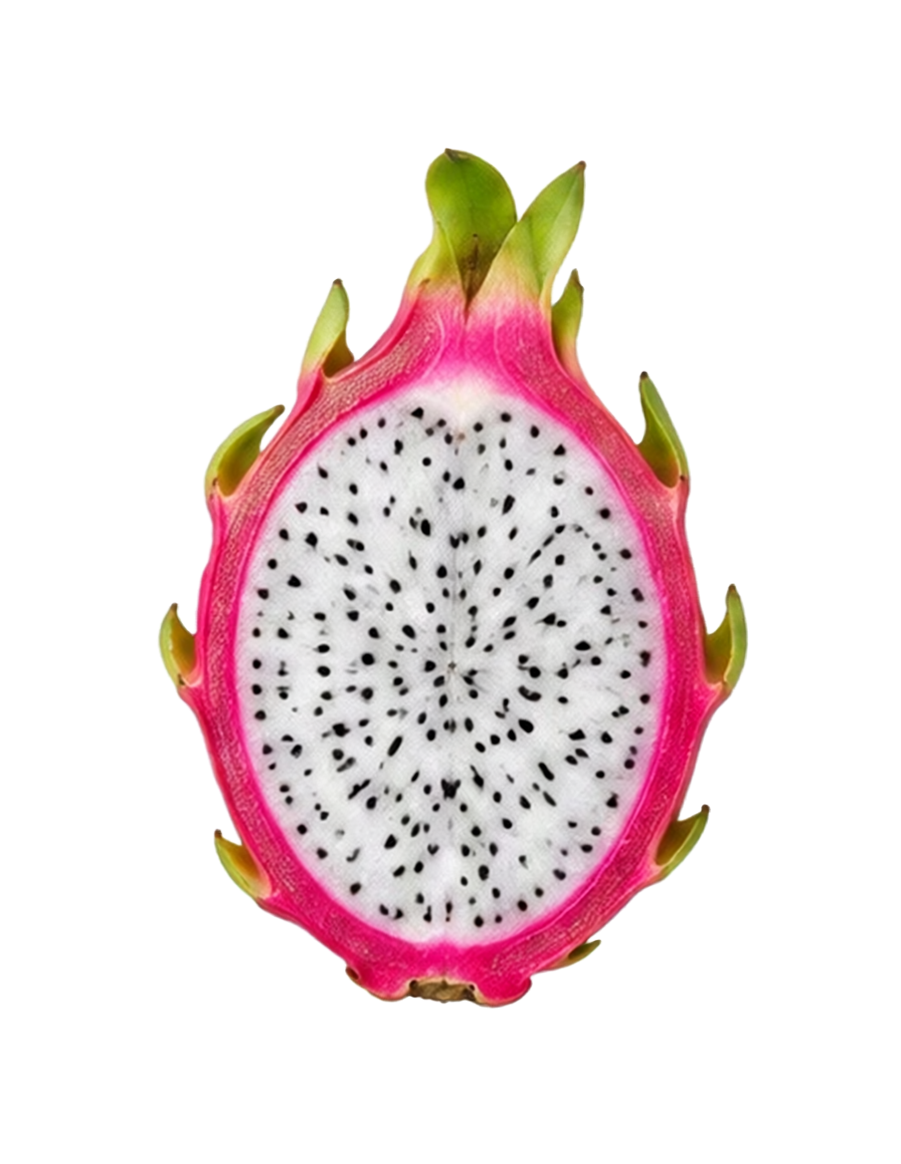 Dragon Fruit PNG |
Figure 3 | Nine independent transparent PNGs extracted from Figure 2 by Seedream 5.5. The table displays them in the fruit order of the input image; click the link in each cell to view the corresponding original output file.
We also used these nine individual images to regenerate a transparent nine-grid version. This step was to see whether the extracted assets could continue to be used for a new layout; it is not something that must be done for layering. The image below is a newly generated and arranged final image, not the nine PNGs simply stitched back together as they were.
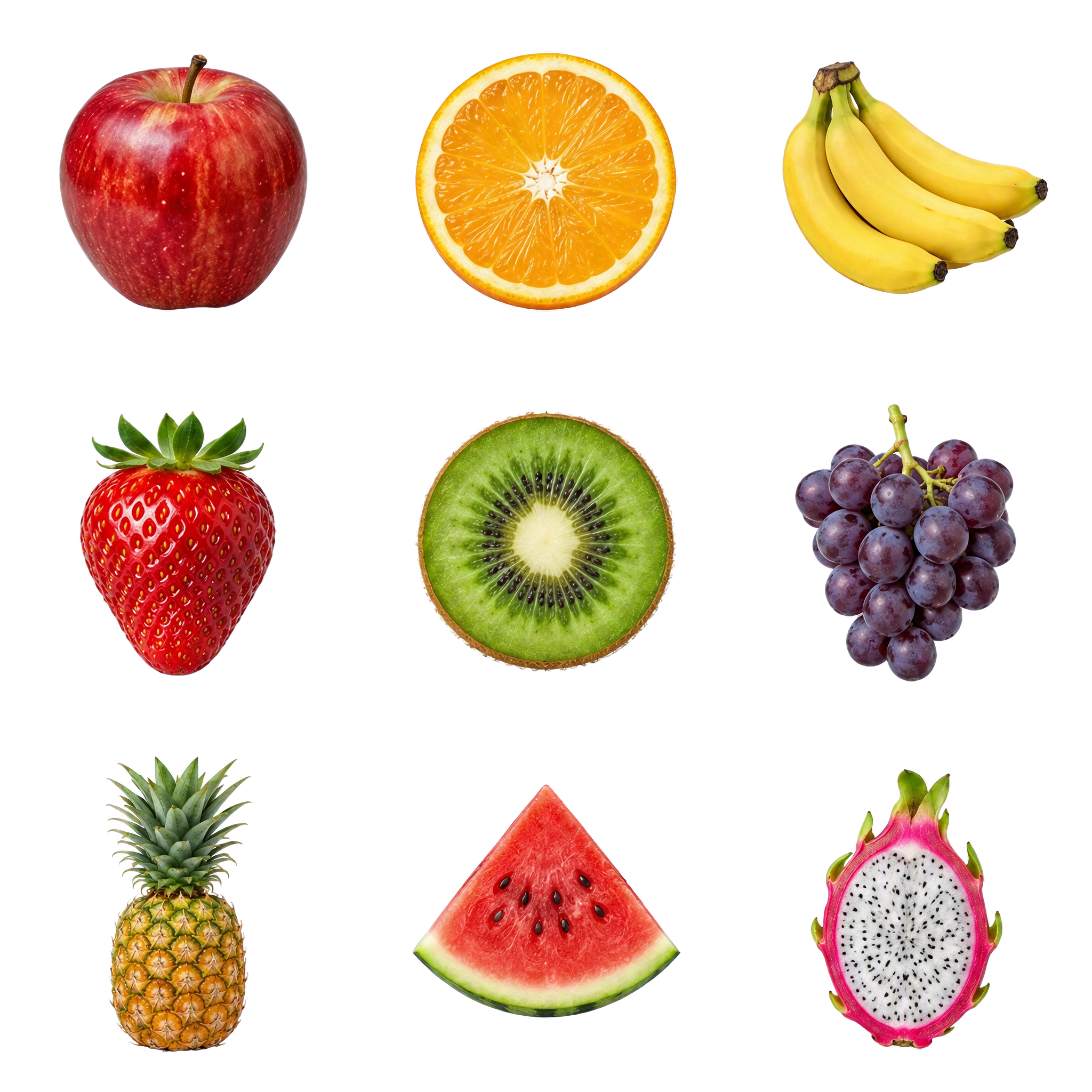
Figure 4 | A transparent nine-grid regenerated using the nine layered individual images as references. This is an additional layout result, not a lossless reconstruction or pixel-level restoration. View rearranged PNG
¶ Which is more accurate? First look at what you want to preserve
If only looking at whether the background is truly transparent, both approaches achieved it in this sample. But having an Alpha channel does not mean the edges are necessarily cleaner. Fruit stems, leaf tips, and gaps between grapes are best viewed against both dark and light backgrounds. This time, no standardized edge scoring was performed, nor was the same original image used for two rounds of cutout, so it is not suitable to declare which has better edges based on this.
If what you need is the object from the original image, layering is more on point. With direct generation, you control the new variety, angle, and layout in the prompt; when extracting from an original image, you can specify an object in the image and adjust it independently afterward. But when occlusion is involved, Seedream may also fill in missing areas, so it cannot be treated as pixel-level extraction. When there are strict requirements for packaging text, logos, or product details, the original asset or a manually checked mask should still be used.
¶ Which is more cost-effective? Look at the deliverables, not just how much one image costs
The API bill from this run was as follows:
| Tested approach | What you get | API cost for this run |
|---|---|---|
| GPT Image 1.5 native transparent generation | One transparent nine-grid | 0.55 Credits |
| Existing original image with a light gray background, Seedream 5.5 layering only | One background image, nine individual transparent images | 3.53 Credits |
| Generate the original image with a light gray background from scratch, then perform layering | One original image, one background image, nine individual transparent images | 3.72 Credits |
| Generate from scratch, layer, then have the model rearrange | The above files, plus one newly arranged transparent nine-grid | 5.48 Credits |
Here, 3.72 is 0.19 for original image generation plus 3.53 for layering; the additional 1.76 afterward is for rearrangement. It does not include manual cropping, inspection, or rework, and it is not a fixed quotation. The deliverables, sizes, and processing steps of the two approaches differ, so the numbers in the table cannot be treated as quotes for the same specifications. Creating a transparent image from scratch is more economical by generating it directly. If the nine subjects do not touch each other, cropping them by grid can meet the requirements, and generating directly before cropping is also worth trying first. If the original image has already been finalized, and you still need to separate multiple objects for repeated use, layering is more worth considering. Its value is not that it is cheaper than generating an image, but that you do not need to redo an already confirmed visual, nor do you need to process an element from scratch every time you use it.
In the end, first ask, “Do I want an image, or the things inside the image?” This question is more useful than choosing a model first.
API Documentation: