

There are more and more Agent projects on the market today. Although there are also many automated tasks, automatically publishing to certain platforms is still relatively difficult in some cases.
AceData has achieved this: article acquisition, article rewriting, and publishing to platforms. By creating corresponding skills, you can create automated tasks to conveniently complete article updates across platforms.
Currently supported platforms include Juejin, WeChat Official Accounts, CSDN, and more. Overseas platforms include X, Blogger, and so on.
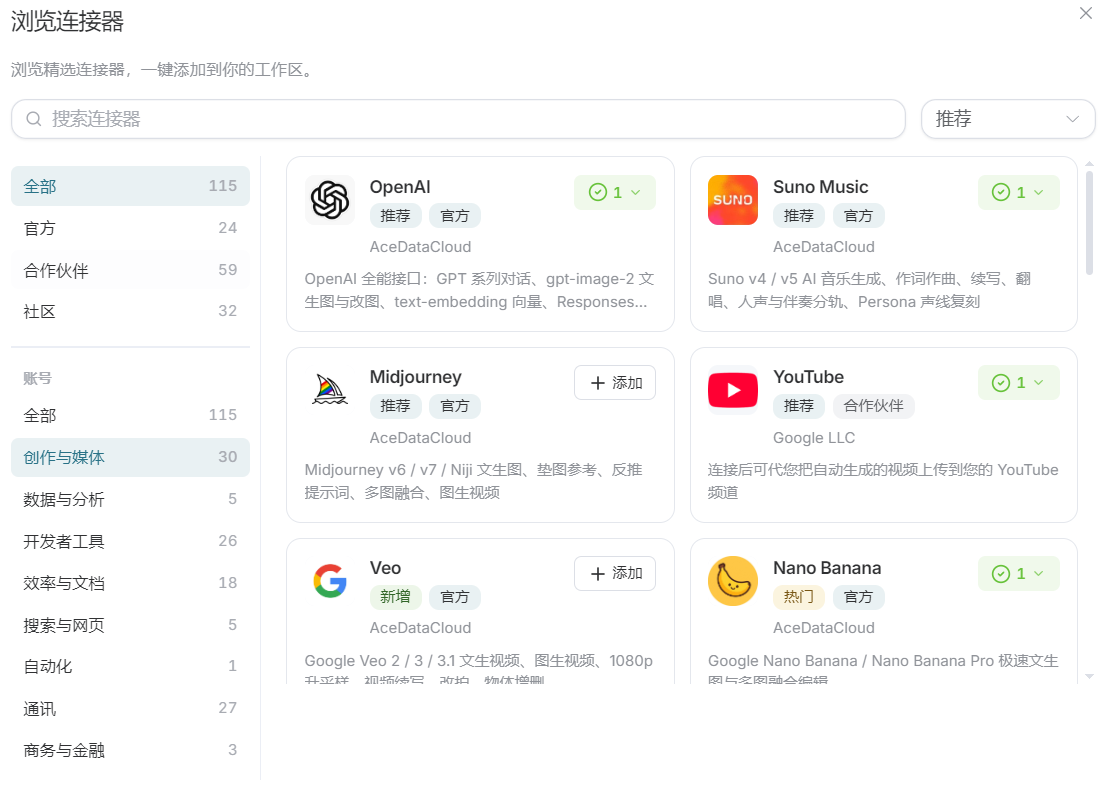
This article will walk through a case study: by obtaining the latest news articles and creating a new article, then publishing it to the Juejin platform after completion (for other platforms, simply configure the connection). The steps and explanations are as follows:
- Obtain an article. Of course, you can also directly enter “Get the latest AI articles” and select the article you need. Here, I will directly rewrite this article.
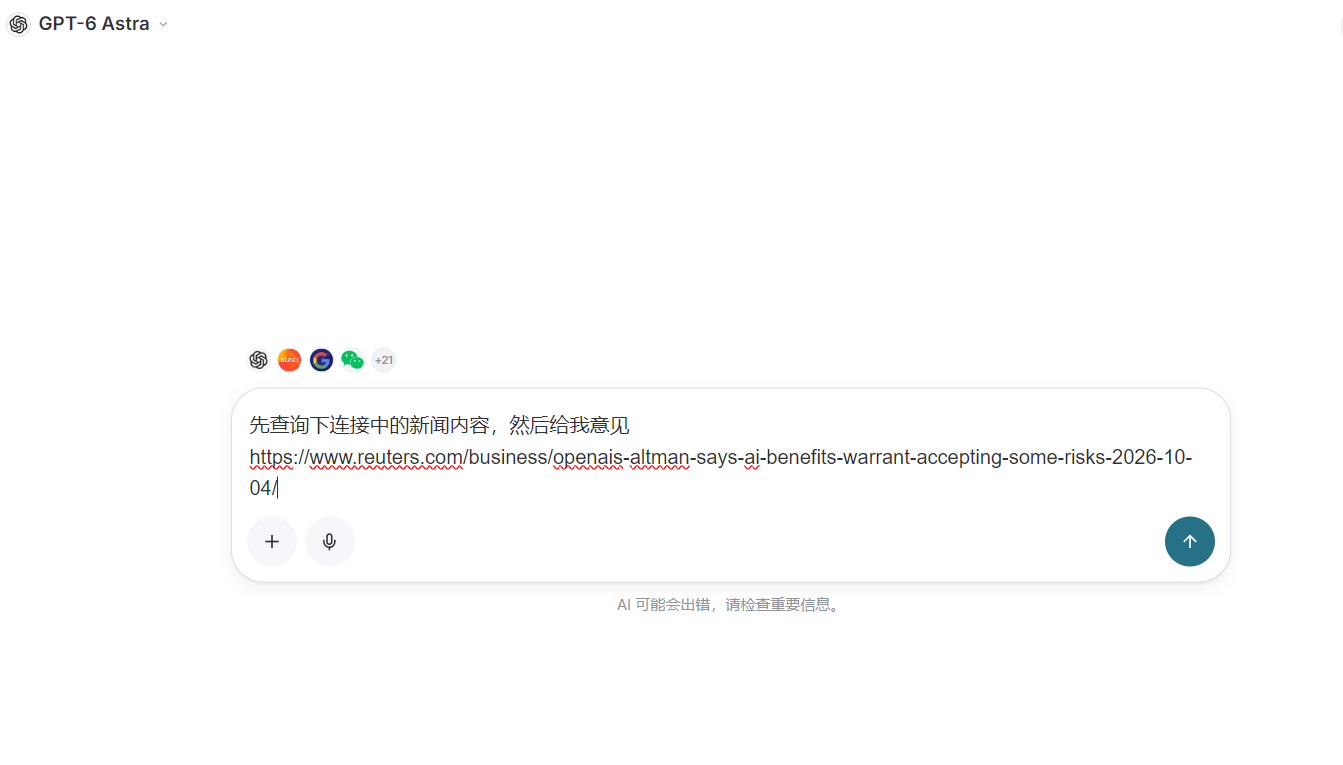
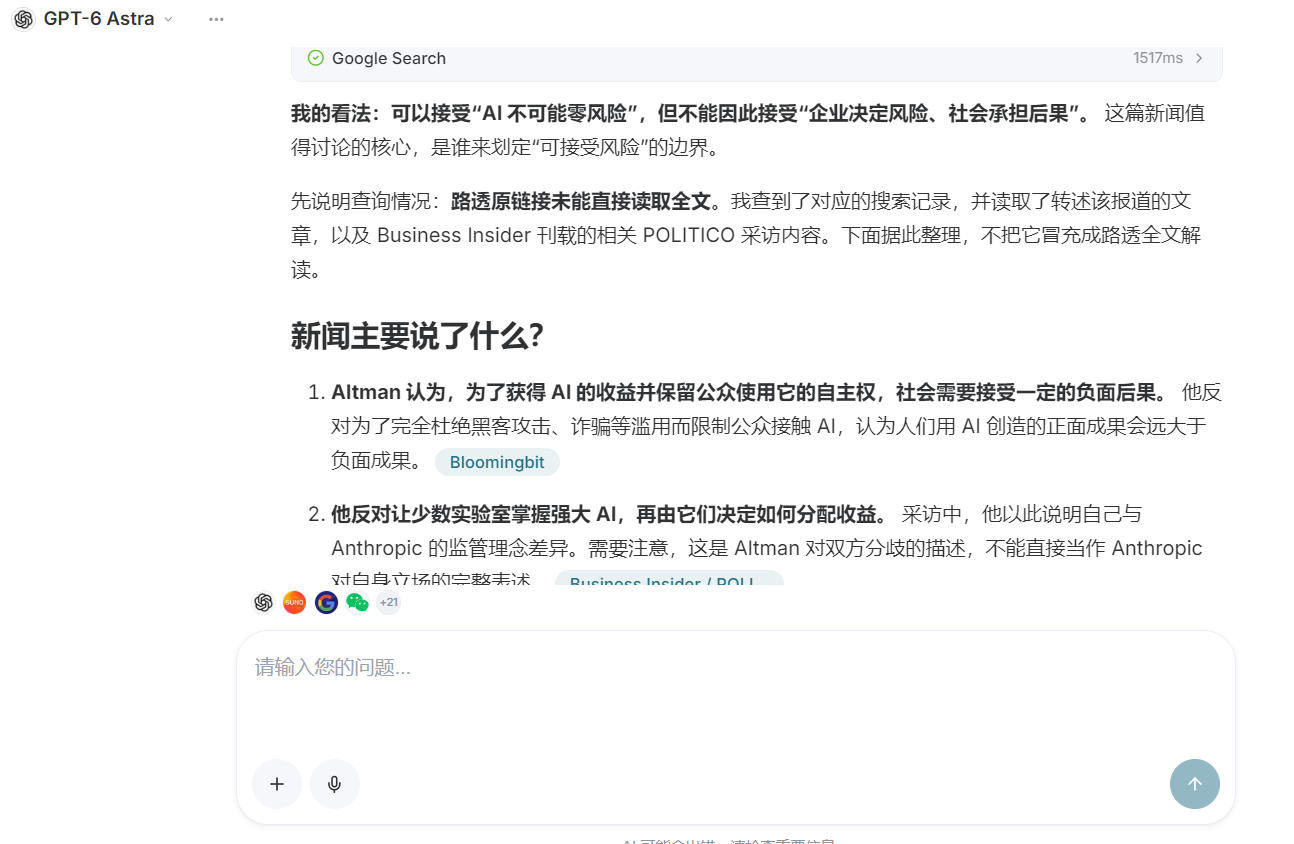
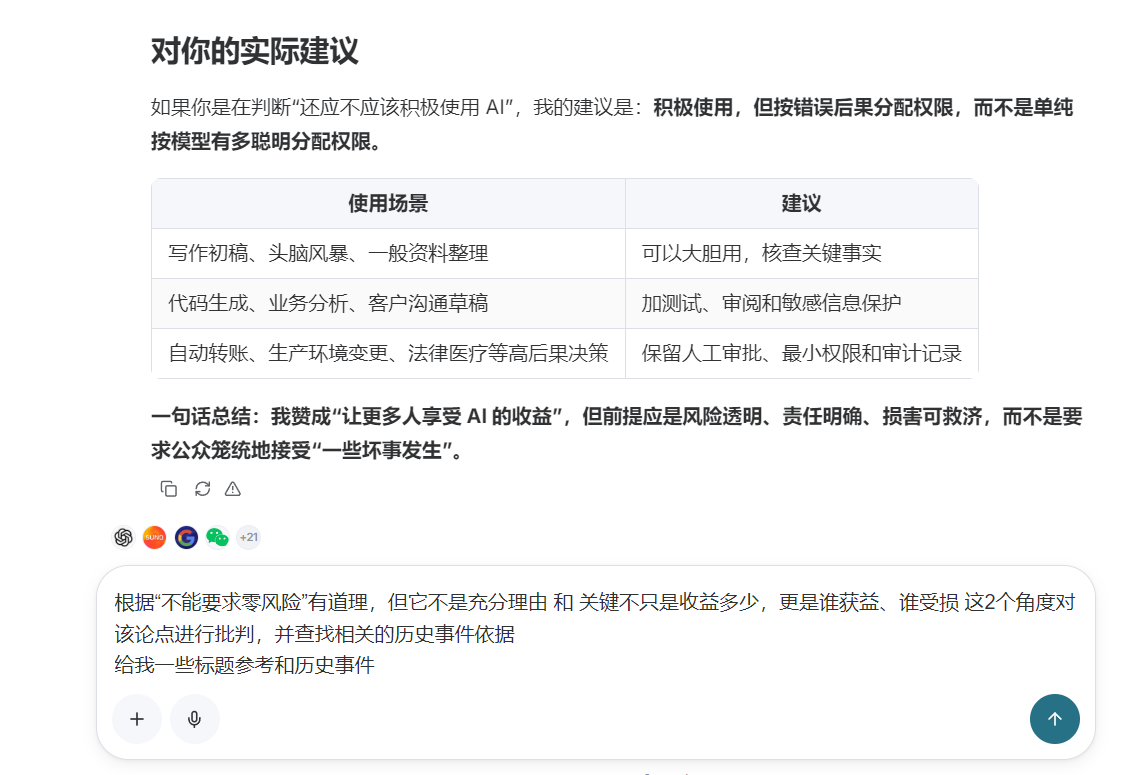
Since this article is manually created, and I hope publishing it to the platform can gain more recognition, I will critique it by adding historical events.
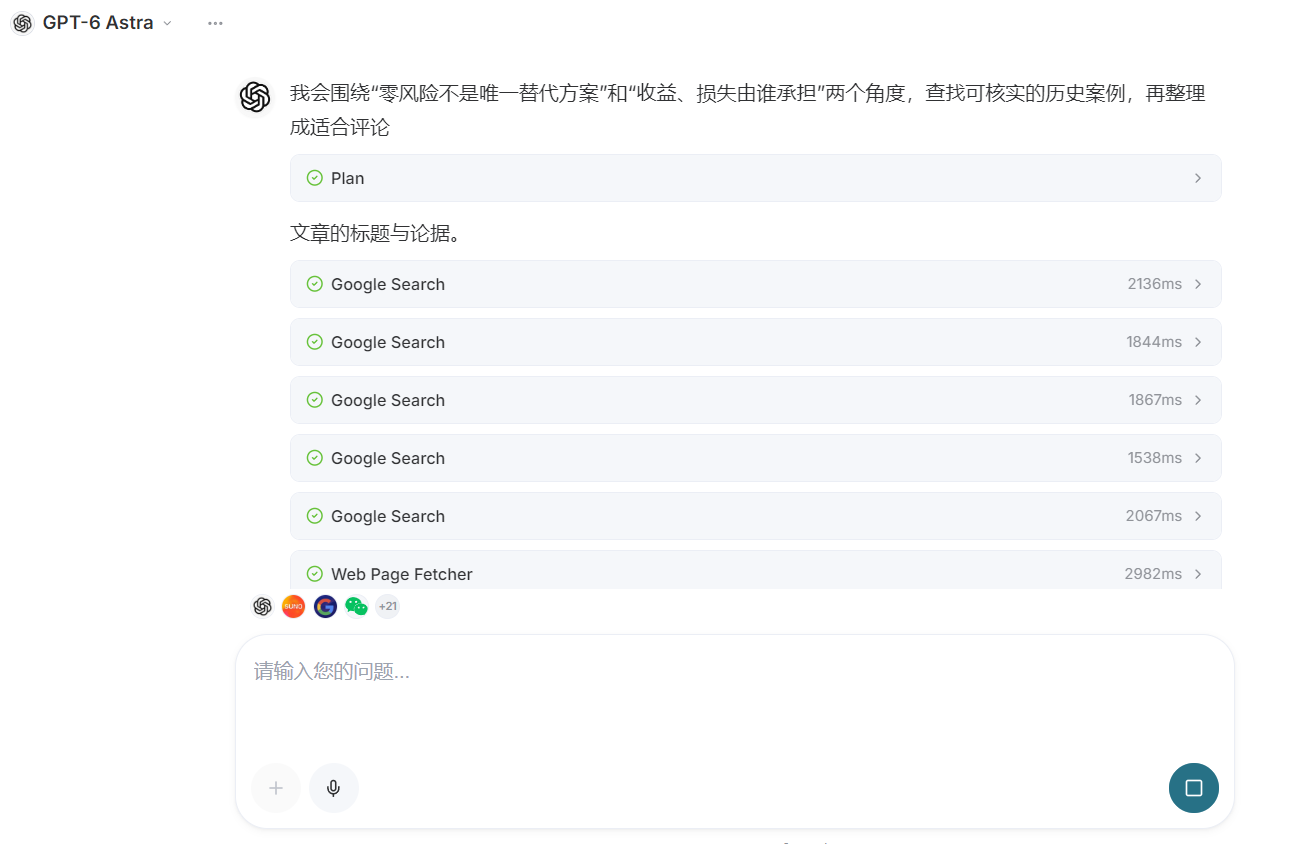
Studio will conduct extensive argumentation and query relevant historical content.
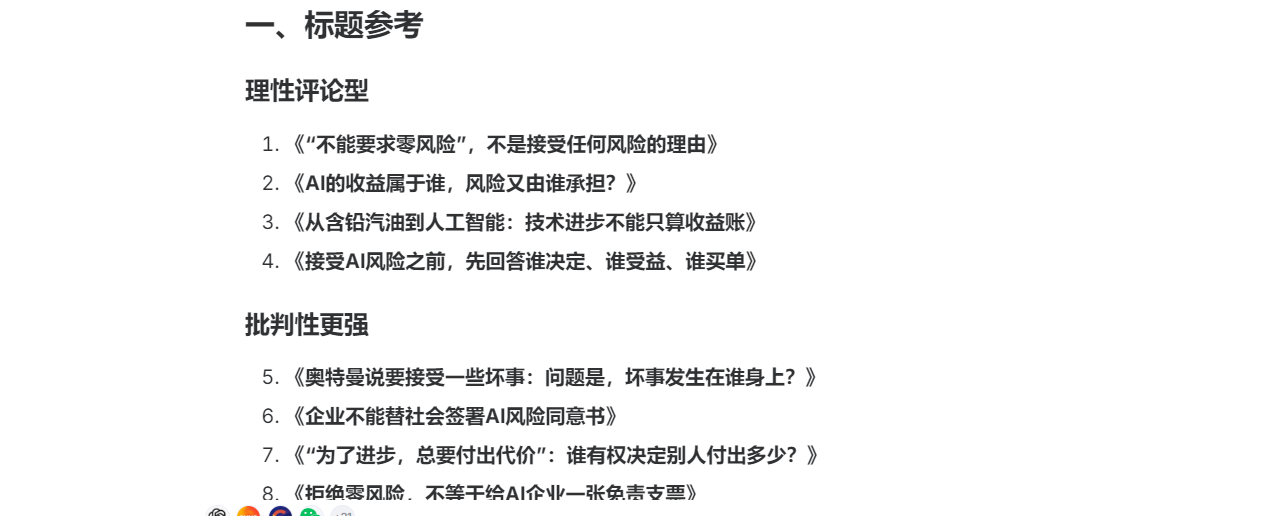
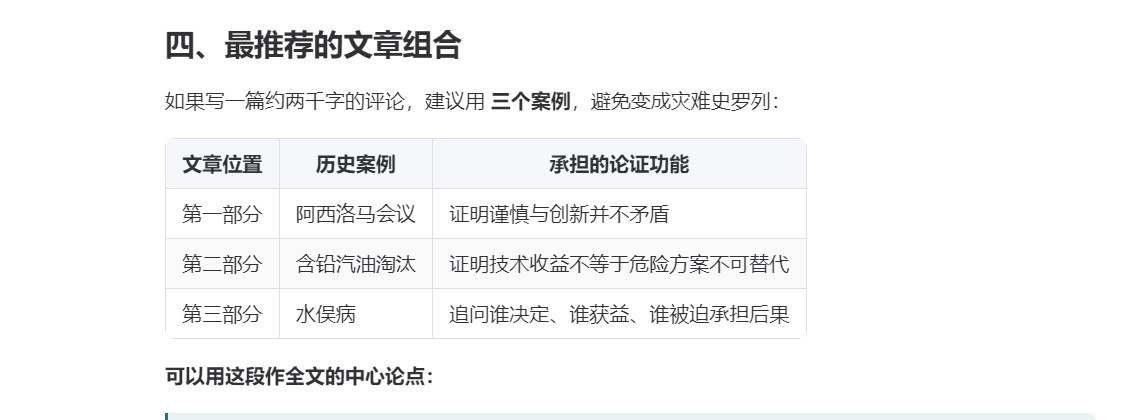
- The general framework of a critical article has now been completed, so next I can select the topic and write it.
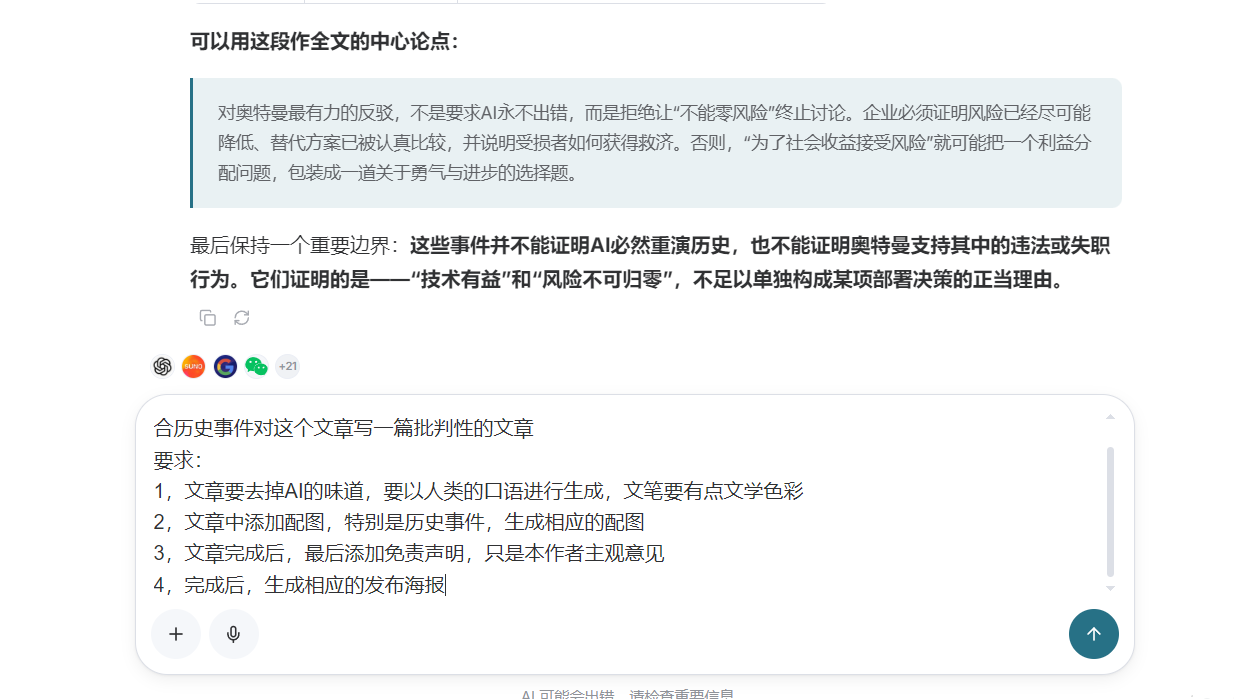
Wait for the article to be generated.

Both the article and illustrations have been generated. Review the specific article content, and make modifications if needed.
The illustrations are generated using Image2.


Exclusive illustrations were generated for the event cases.
- Give the publishing command.
For automated tasks, it will publish directly. For other platforms, simply enter the corresponding platform.
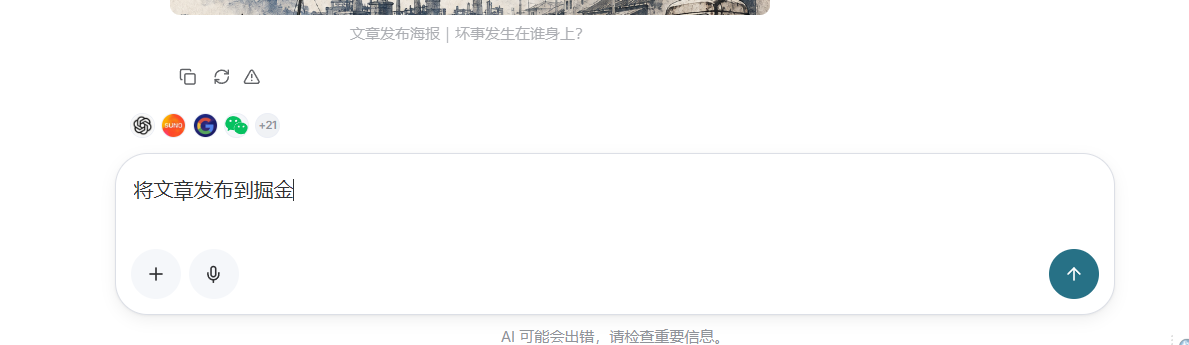
A confirmation prompt for publishing will appear. If it is an automated task, this step will be performed automatically.
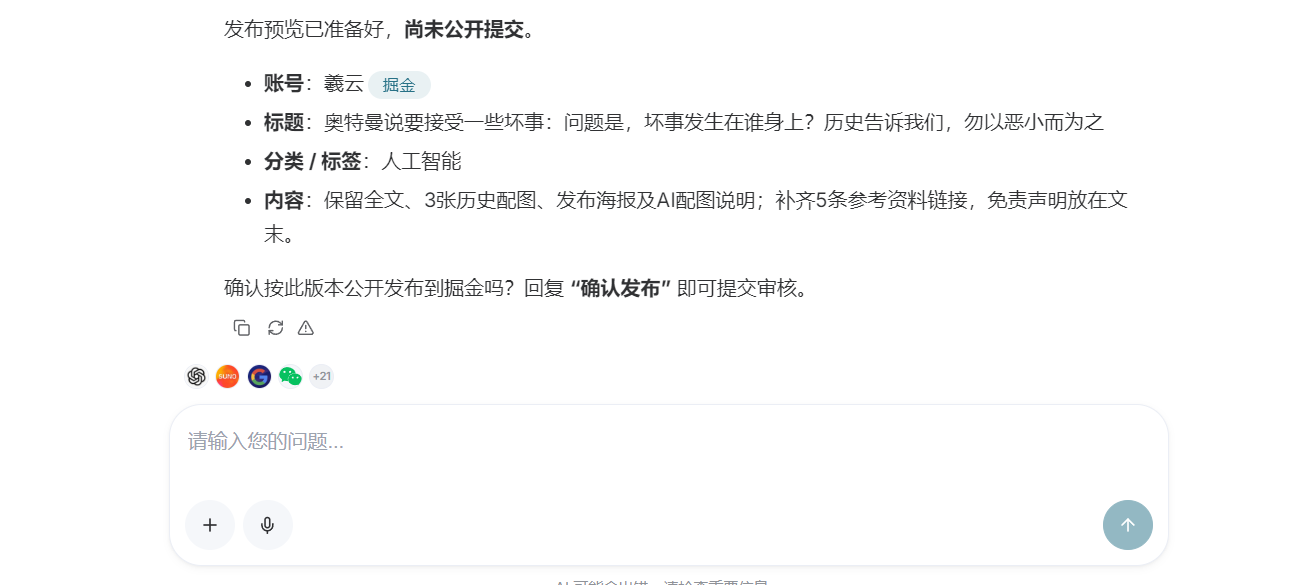
- Successfully published.
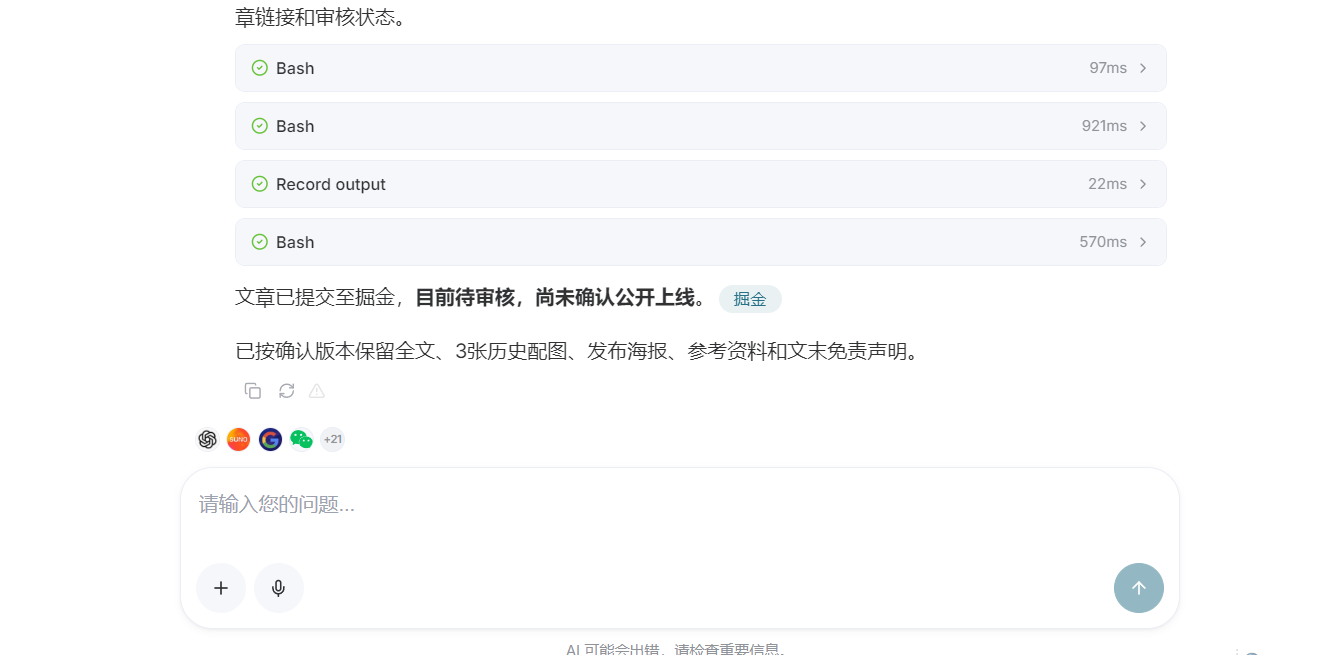
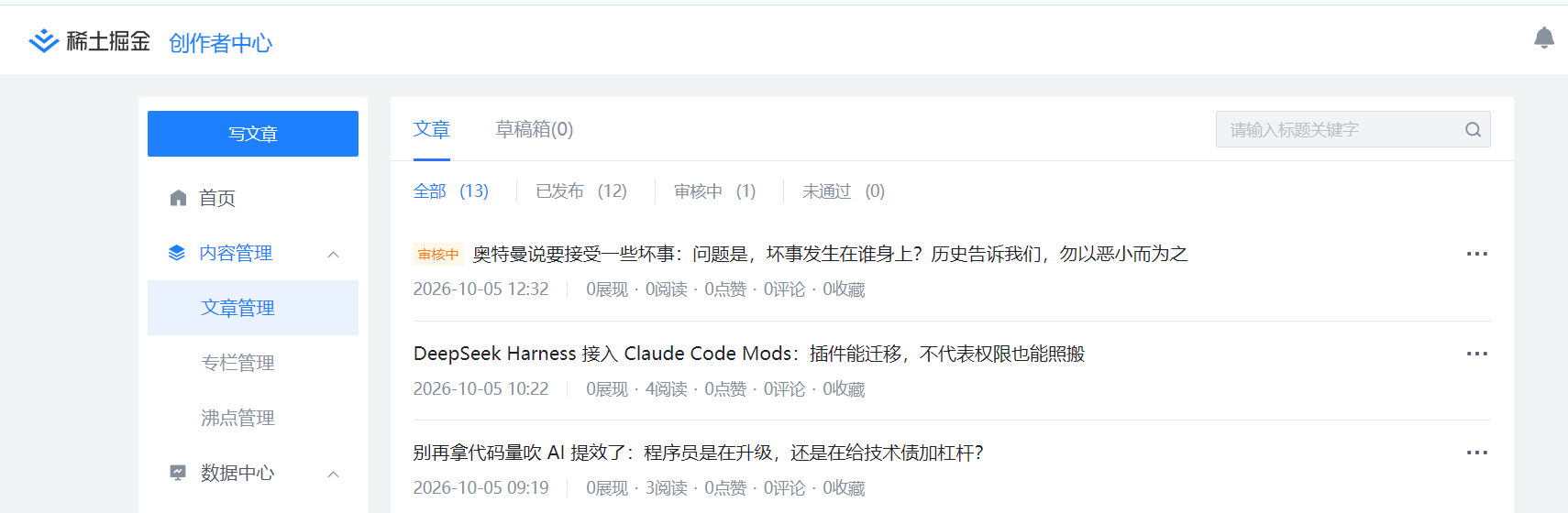
At this point, the article has been successfully published. If you want to create a skill for automated publishing, simply ask AI in the input box to generate a skill based on this process.
In the following articles, we will break down step by step how to use connectors and automation to manage and publish articles.