
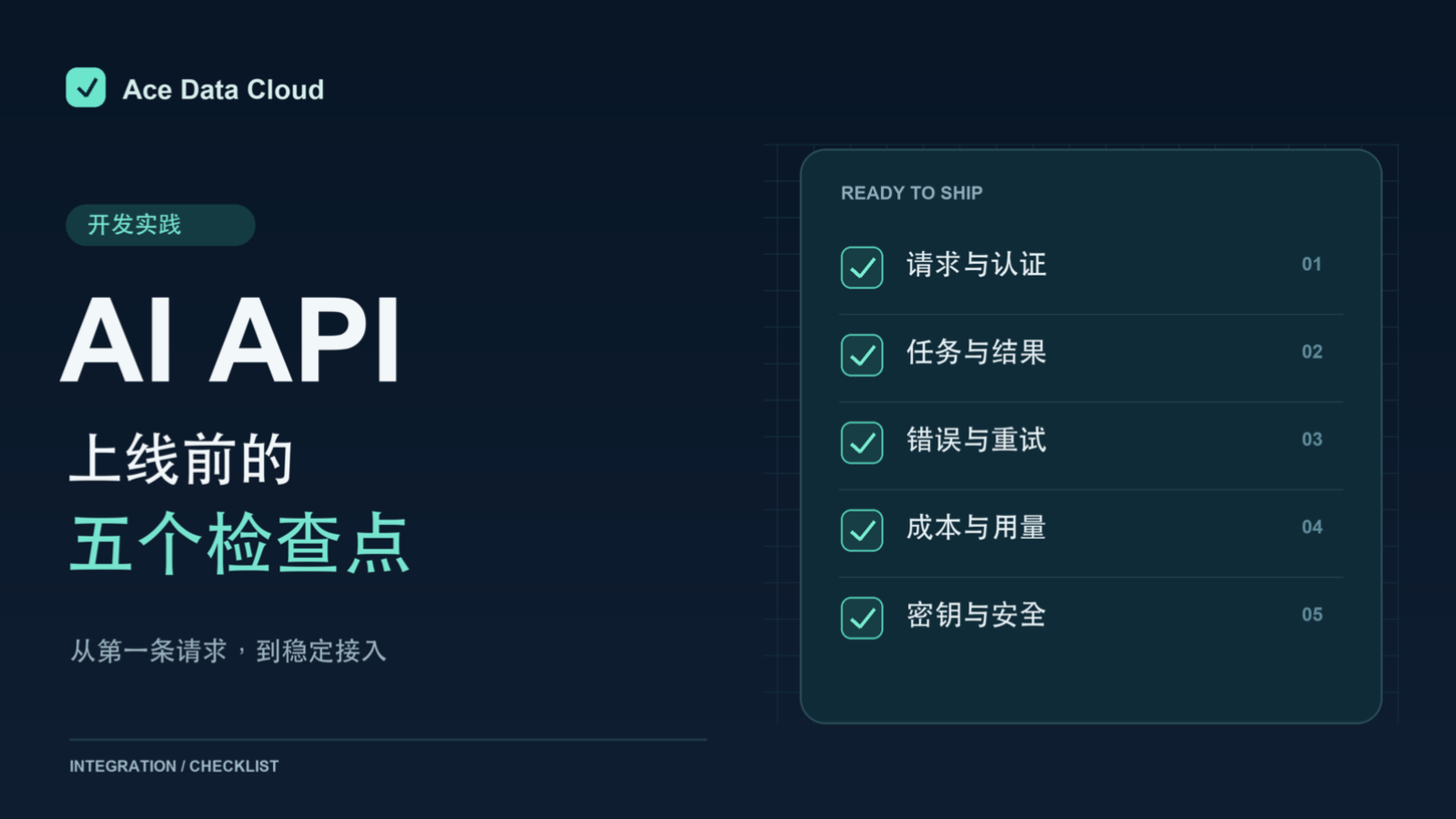
Connecting to an AI API and receiving the first successful response is only the beginning. Before truly going live, you still need to confirm that requests are reproducible, failures can be identified, and usage can be explained. The following five checkpoints are suitable for completing one by one in a development environment.
¶ 1. Copy the minimal request from the current documentation
First, confirm the capability you want to use in Models and Pricing, then go to the Developer Documentation to view the corresponding API. Verify the request method, path, authentication method, and required parameters. For the first call, use the smallest possible parameter set, then add business options one by one after success, to avoid changing multiple variables at the same time.
¶ 2. Confirm the response format and task status
Different APIs may return text, file links, or task identifiers. For tasks that require waiting for results, query the status according to the corresponding documentation, and distinguish between “request accepted” and “result completed.” After receiving a task identifier, it should be saved for subsequent queries and troubleshooting.
¶ 3. Prepare handling paths for failures
For parameter errors, correct the input first; for authentication failures, verify the credentials; when rate limits are encountered, reduce concurrency and retry later. For requests that may incur charges, do not immediately submit them repeatedly because of a single network timeout; first confirm whether the previous request has been accepted. Logs can record the time, API, HTTP status, and request identifier to help locate issues.
¶ 4. Verify usage with real tasks
Before going live, use a small number of representative tasks to check results, duration, and usage records. Model selection should take into account the quality and cost of completing tasks, and cannot rely only on a single quote. Billing standards are subject to the current page and API documentation; when troubleshooting is needed, you can find the corresponding call in the usage history of the console.
¶ 5. Keep keys on the server side
Do not write account tokens into webpage source code, mobile application resources, or public repositories. Have your own server read the keys and initiate requests, and provide external APIs that meet business requirements. Before submitting logs and screenshots, also check whether they contain tokens or other sensitive information.
After completing these five steps, gradually increase concurrency and business traffic. A maintainable integration process should make the input, status, results, and usage of every request traceable.